Find your fit
Who it is for
Ecommerce operations teams can centralize product and stock information across marketplaces, then test per-channel thresholds with a small set of SKUs before syncing the full catalog. Different channels may need different low-stock rules.
Warehouse managers can inspect stock by location and lot, follow movement history and route orders to a facility or connected 3PL. Confirm that every warehouse, external provider and barcode or shipping process in the real operation is supported by the quoted modules.
Purchasing teams can use stock alerts, vendor records and transfers to plan replenishment. Automated purchase-order generation is labeled beta, so a buyer should preserve a manual approval path until its behavior has been tested.
The work it supports
Core capabilities
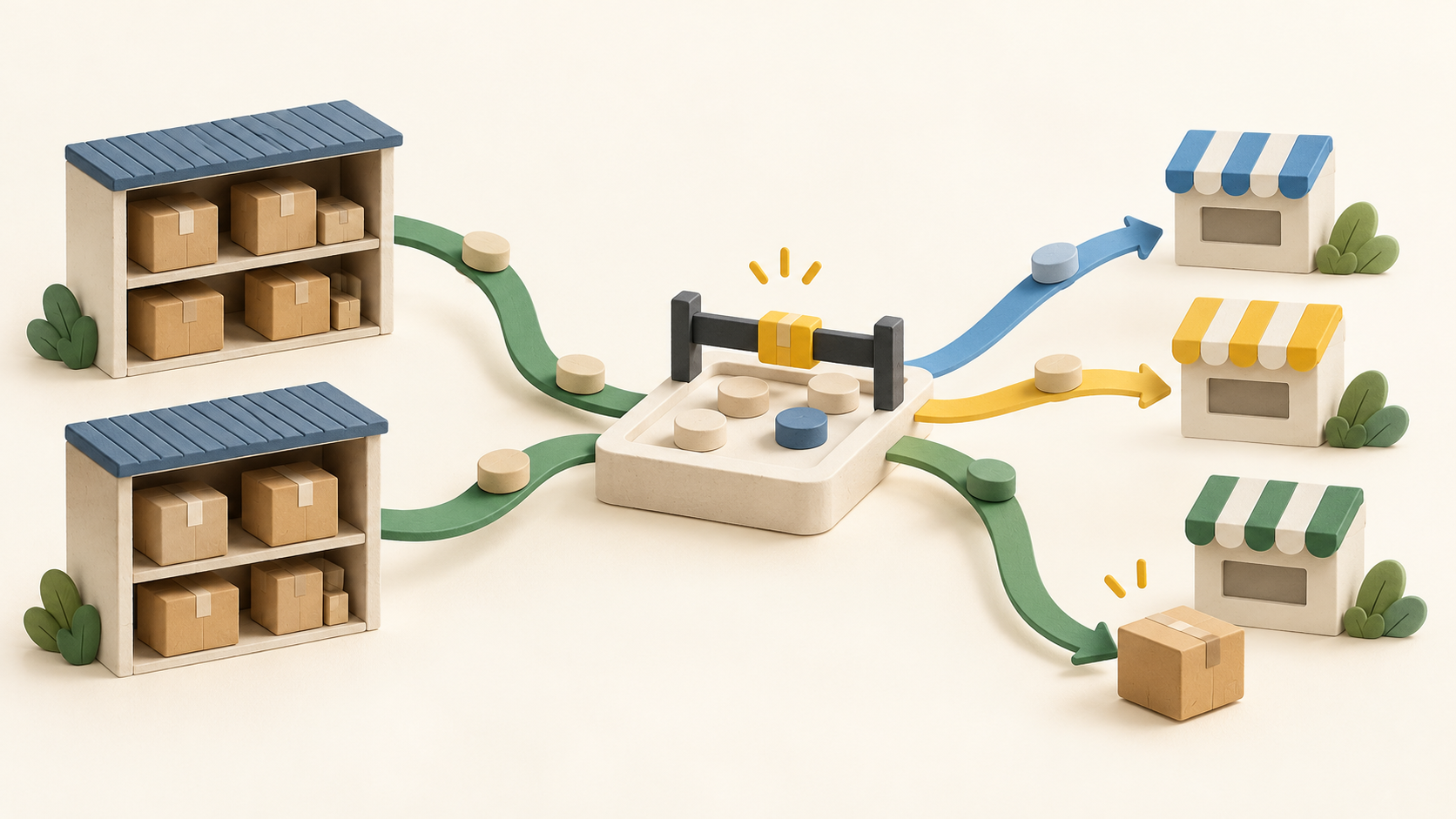
Kentro keeps inventory information in one place and can synchronize listings, pricing, stock and order status with connected sales channels. Build a product/warehouse mapping before switching on broad updates so an incorrect count does not spread across stores.
Per-channel thresholds can mark a product out of stock or hold certain low-stock orders for manual review. Model reserved stock and channel priority with a few test SKUs, then confirm what happens after a return, cancellation or late receipt.
The inventory log records movements, allocations and changes over time. Lot numbers and expiration dates can be carried through to shipping, which is useful only if receiving, picking and transfers consistently capture that information.
A multi-location view can include warehouse and connected external 3PL stock. Kentro describes routing to a warehouse or 3PL by rule as well as manual rerouting; check how exceptions and provider sync delays are handled.
Stock-level changes can drive alerts and order-review thresholds. Choose who acts on each alert and which orders need a human decision rather than assuming every shortage is resolved automatically.
Warehouse pages describe picking, packing, labeling, transfers and lot-level visibility. These workflows may require enabled modules, connectors and compatible shipping hardware, so include them in the implementation check.
Supply-chain functions include vendor records, purchase orders and stock transfers. The specific automated purchase-order issuance feature is marked beta; validate its approval and exception path before relying on it.
Kentro also supports orders from multiple channels and can route them by configured rules. Reconcile the product, stock and order states after one realistic order cycle before expanding channel connections.
Understand the offer
Pricing and getting started
The Kentro OS pricing page asks for last year’s revenue and shows an estimate. With the public estimator left at $0 revenue, it displays $500 per month and says no overage fees until $1M annual revenue. That display is not a confirmed contract price for a specific business.
The page says “Start free,” but the captured public wording does not define a specific free tier or trial. Ask Kentro what can be used without payment, for how long, and what information is required to start.
Kentro’s terms say modules may be enabled by default, activated separately or priced by usage; an order form sets exact entitlements. Request a written list of channels, warehouse features, alerts, integrations, support and usage limits.
Kentro 3PL has its own requirements-based quote for physical logistics. A software link to another 3PL warehouse does not mean Kentro’s receiving, storage or shipping service is part of the OS estimate.
Kentro IQ is marked coming soon. Keep it out of current requirements and compare only confirmed OS features and separately quoted services.
Look a little closer
Before you choose
Start with a limited inventory pilot: map the same SKU across channels, import opening quantities by location, make a controlled stock change, and check listings, movement logs and low-stock alerts before a broad rollout.
Test an order from each important channel through allocation, warehouse routing, pick/pack and any external 3PL handoff. Check how cancellations, transfers, lots and manual review affect available-to-sell quantities.
Budget for the specific revenue band and contracted modules rather than the default calculator state. Obtain separate 3PL terms if physical fulfillment is needed, confirm what “Start free” means, and exclude Kentro IQ and beta purchase-order automation from critical day-one assumptions.
11 distinct sources behind this profile. Research observed Oct 26, 2026. Features and offers can change.
View sources and research →
