Find your fit
Who it is for
A person or small team comfortable managing a sensitive file can keep credentials in a local database and decide whether an external sync service should copy that encrypted file between devices. The project does not supply the surrounding hosted vault, storage account or team administration.
Someone moving from another password manager can use the Import Wizard, but should check the source export format, securely handle any unencrypted intermediate file and compare a sample of imported credentials before relying on the move.
A buyer who needs central provisioning, account recovery by an administrator, audit and policy controls should test those needs separately. KeePassXC centers a user-controlled database, and loss of the master password can lock the user out.
The work it supports
Core capabilities
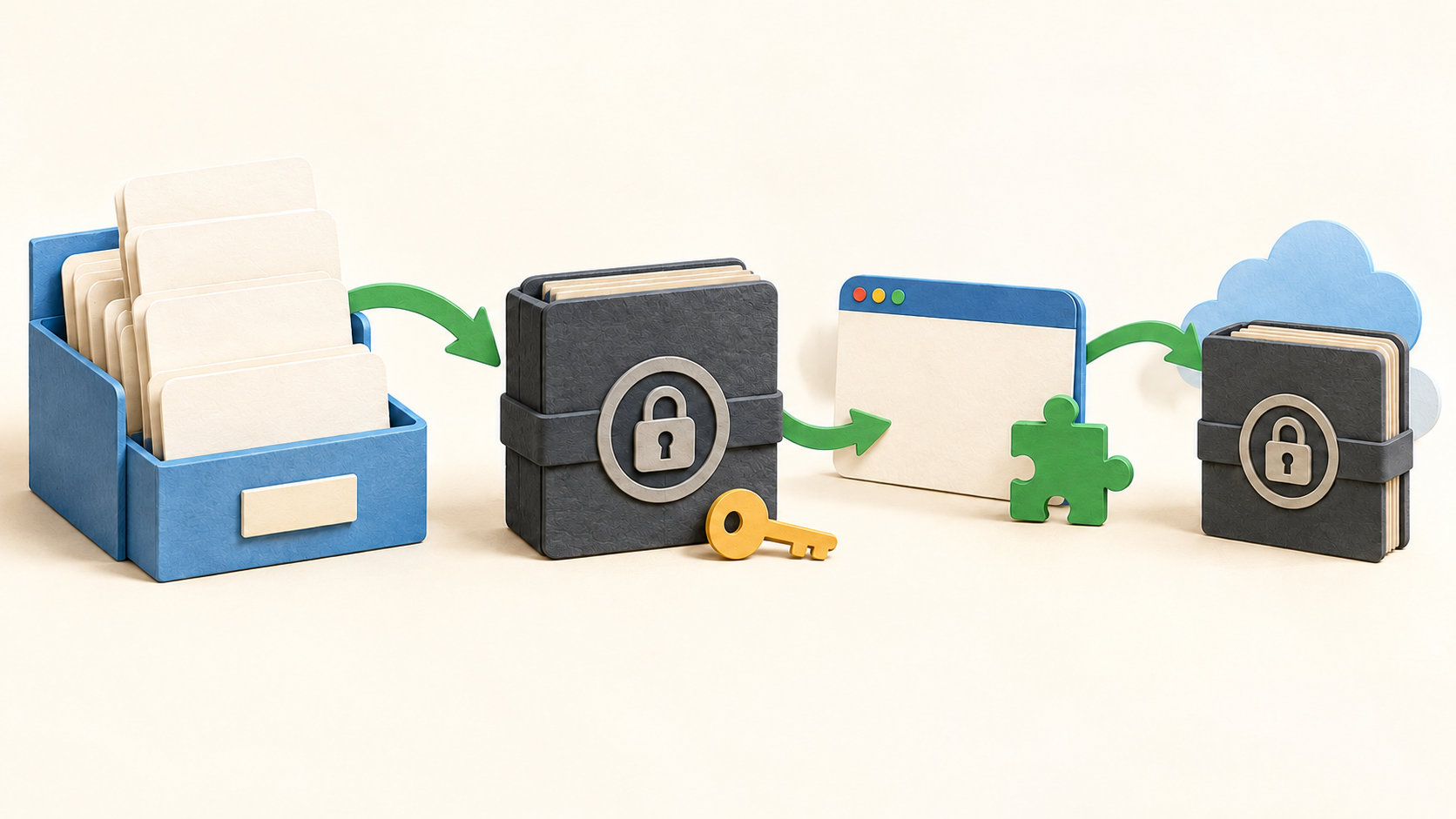
The database is a KDBX file that can hold entries for usernames, passwords, URLs, notes and attachments. Groups and search help organize it; the chosen storage location and all copies need their own protection.
A strong master password protects opening the database. A key file or supported hardware key can be added, but that raises recovery planning: retain the necessary factors and a tested database backup before relying on them.
The password generator can make random passwords or passphrases. KeePassXC-Browser can fill a matching website entry only after the extension is installed, connected and the database is unlocked; desktop Auto-Type is a separate path for applications.
Passkeys require the connected KeePassXC-Browser setup and support from the site. TOTP codes can also be calculated from a stored secret, although the guide warns that keeping the TOTP secret with its password weakens factor separation.
The Import Wizard accepts CSV and several manager-specific formats. Treat an unencrypted export as a sensitive temporary file, inspect a sample after import, then follow the source system’s safe removal procedure.
Database backup can run before saving or on demand. A reliable arrangement should include an independent copy and a restoration check; entry history and a sync service alone do not replace a backup plan.
The encrypted KDBX file can live inside a third-party sync folder chosen by the user. Version 2.8.0 also supports remote synchronization through configured external commands, but the guide cautions that concurrent remote changes can be overwritten.
KeeShare exports and imports a selected subset of entries for sharing through a file location. Its group synchronization and removal behavior need a trial with non-sensitive entries before using it for ongoing team access.
Quick Unlock may use Windows or macOS device facilities after an initial full unlock. Availability depends on hardware and settings, so retain the master credentials and check the target devices.
Understand the offer
Pricing and getting started
KeePassXC describes its desktop application as free and open source with no subscription. Optional third-party storage, sync services or hardware have separate terms and may carry costs.
Look a little closer
Before you choose
Before migrating real credentials, create a disposable database and practice saving, locking, unlocking, backing up and restoring it. Confirm who holds the master password and any key file or hardware key, because the guide warns that losing the database password may permanently block access.
Test the browser extension with a non-sensitive account on each intended browser and device, and compare it with Auto-Type where a desktop application is involved. Passkeys and TOTP need their own site-by-site and factor-separation decisions.
If multiple devices or people will touch the same database, test the selected sync service, conflict handling, backup version history and an offline recovery copy. For KeeShare or command-driven remote sync, trial simultaneous edits and removal behavior before relying on shared access.
6 distinct sources behind this profile. Research observed Oct 27, 2026. Features and offers can change.
View sources and research →
