Find your fit
Who it is for
A small project team can map its real process to board columns, assign work, set due dates and use filters to see what needs attention. The intentionally simple board approach works best when clear task flow matters more than a broad all-in-one suite.
A technically supported organization can run separate team projects, set project roles and use automatic actions to reduce routine handoffs. It should budget time for hosting, database choice, backups and upgrades alongside the free software license.
The work it supports
Core capabilities
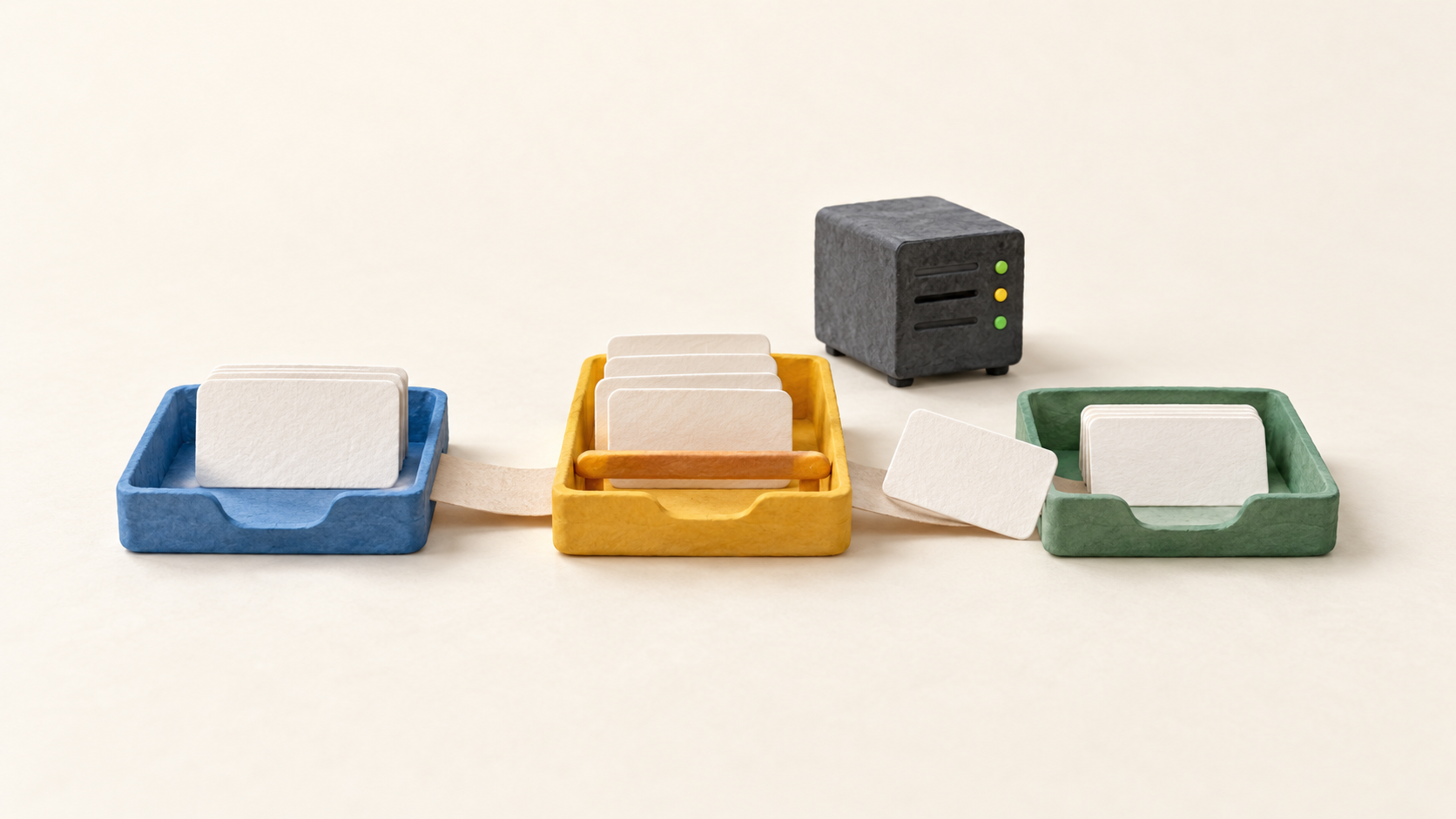
Board flow. Add or rename columns for the stages of work, then drag a task to the next stage. A column changes color when its configured task limit is reached, making overloaded work visible during a team check-in.
Task records. Each card can carry a Markdown description, assignee, category, priority, estimate and due date. Subtasks, attachments and comments can hold the working detail behind a short board card.
Views and focus. Board, Calendar, List and Gantt views show tasks from a project; filters apply to those views. Search by assignee, description, category or due date when a busy board is hard to scan.
Repeatable handoffs. Per-project automatic actions connect an event to a response. For example, moving a task to a review column can assign a reviewer, or moving it to a completed column can close it. Test each rule on sample cards before it affects a live board.
Projects and permissions. Choose team projects with user and group management or personal projects for individual work. Team project access is isolated, with Manager, Member and Viewer roles and optional custom restrictions.
Progress and alerts. Project analytics include task distribution, flow and lead/cycle time reports. Users may opt into web or email notifications, but email needs address and server mail configuration; notification settings are not on by default.
Understand the offer
Pricing and getting started
Kanboard's official site describes free, open-source software under the MIT license and a self-hosted deployment model. The software license does not remove the need for your own server, database, administration and backups. A vendor-run paid subscription has not been established by the reviewed official sources.
Current v1 installation requirements call for PHP 8.1 or newer with a supported database and web server. The docs suggest SQLite for a single user or small team, MySQL or PostgreSQL for larger teams, and recommend PostgreSQL. Check hosting and database support before planning a rollout.
The project advises a functional backup, change-log review and plugin compatibility checks before upgrading. Its requirements warn that the board may be awkward on a phone-sized screen, so test the devices the team will actually use.
Look a little closer
Before you choose
Pilot one genuine workflow with several columns and a realistic work-in-progress limit. Watch whether tasks block at the intended stage and whether the team can find the right card through filters and the alternate views.
Set up a team project with a sample Manager, Member and Viewer, then check who can see and move work. If notifications are important, verify each person's opt-in settings and the server's email delivery configuration.
Before using Kanboard for operational work, choose the database for expected concurrency, document who applies updates, and restore one backup in a test environment. Check phone usability if work happens away from a desktop.
9 distinct sources behind this profile. Research observed Oct 18, 2026. Features and offers can change.
View sources and research →
