Find your fit
Who it is for
A small team with a repeatable task process can set up board columns for its actual stages, then use a limit on active work to make bottlenecks visible. The tool is suited to work that can be represented as cards moving through stages.
Teams can divide tasks into subtasks and split a board horizontally by team, product or business area. Filters by person, label, color or due date help each participant find the relevant subset of work.
For recurring work, KanbanFlow can create another copy when a repeating task is completed. The separate timers and time-spent report may help teams understand effort on tasks, but confirm feature access for the chosen plan and board.
The work it supports
Core capabilities
Configurable Kanban board. Customize columns to the actual workflow and move cards between stages as work progresses.
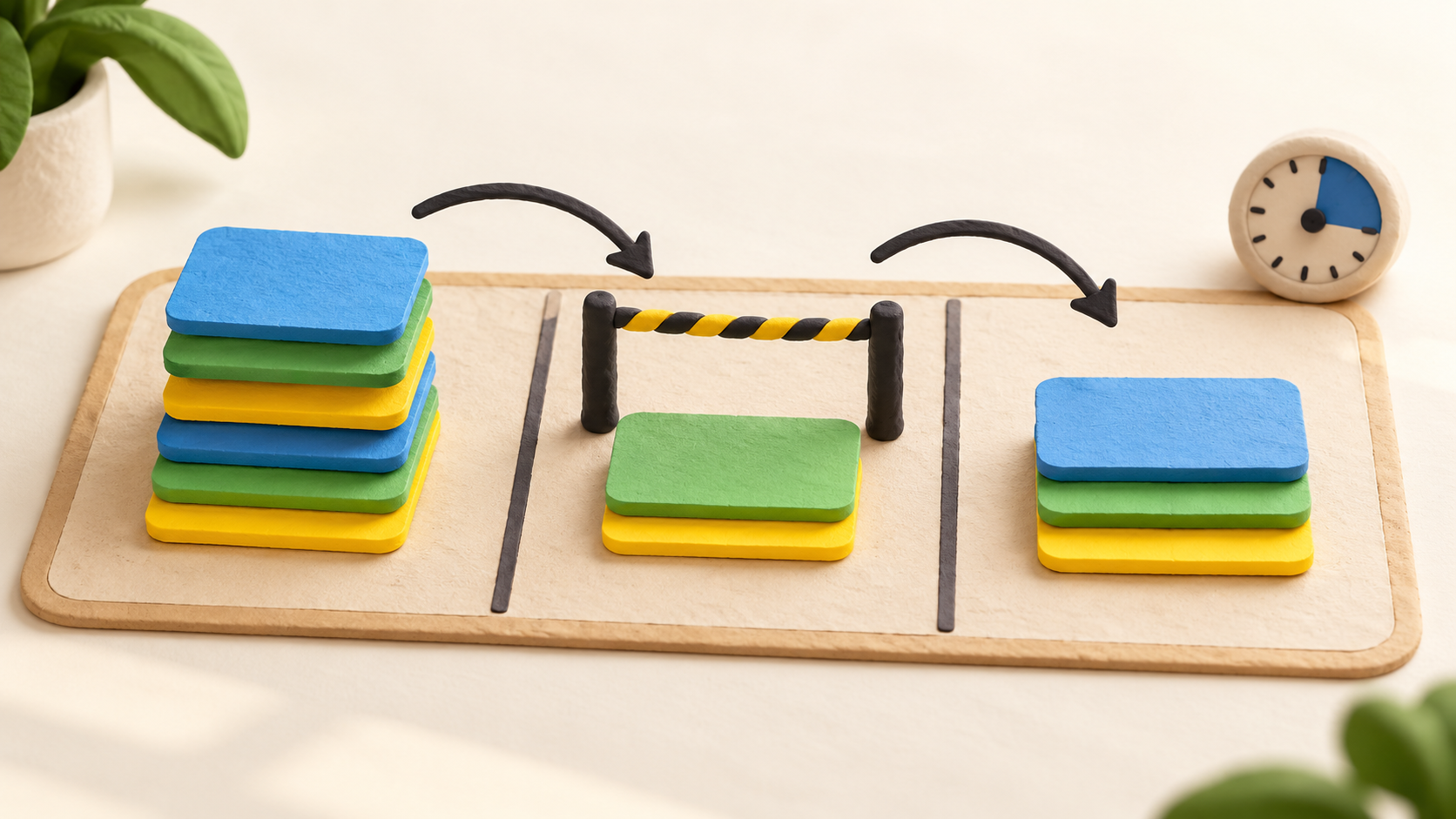
Work-in-progress limits. Set a task limit on a column so the team can see when too much work is being started at once.
Task breakdown and swimlanes. Split tasks into subtasks, then separate board rows by team, product or business area if needed.
Task time tracking. KanbanFlow describes both Pomodoro and stopwatch timers plus manual time entry; choose the mode that fits the team’s process.
Understand the offer
Pricing and getting started
The current main-site pricing page shows a Free plan at $0 with no time limit. Premium is displayed at $5 per user per month, with a 10% discount when paying per year. The captured page does not visibly specify currency; confirm billing currency, tax and the final payable amount.
A 14-day Premium trial is advertised. The pricing FAQ says Premium can be enabled on selected boards, while other boards can be shared without a license. Check which boards and people need paid features before estimating seats.
The pricing FAQ says customers can cancel Premium at any time with no new charges afterward. Before choosing a plan, confirm whether each needed feature is available on Free or Premium.
Look a little closer
Before you choose
Start by choosing columns that match the actual handoff process, then set reasonable WIP limits and decide whether swimlanes or subtasks help more than they complicate the board. These are configuration choices rather than guaranteed productivity outcomes.
KanbanFlow also publishes cumulative-flow and cycle/lead-time views. Those can help a team inspect task movement after enough work has been recorded; confirm the relevant reporting entitlement and data needs for the chosen plan.
This profile is based on current official public pages. No account, board, timer session, integration, trial signup or purchase was tested, and plan-specific feature entitlement should be confirmed from the live comparison or vendor before adoption.
5 distinct sources behind this profile. Research observed Oct 18, 2026. Features and offers can change.
View sources and research →
