Find your fit
Who it is for
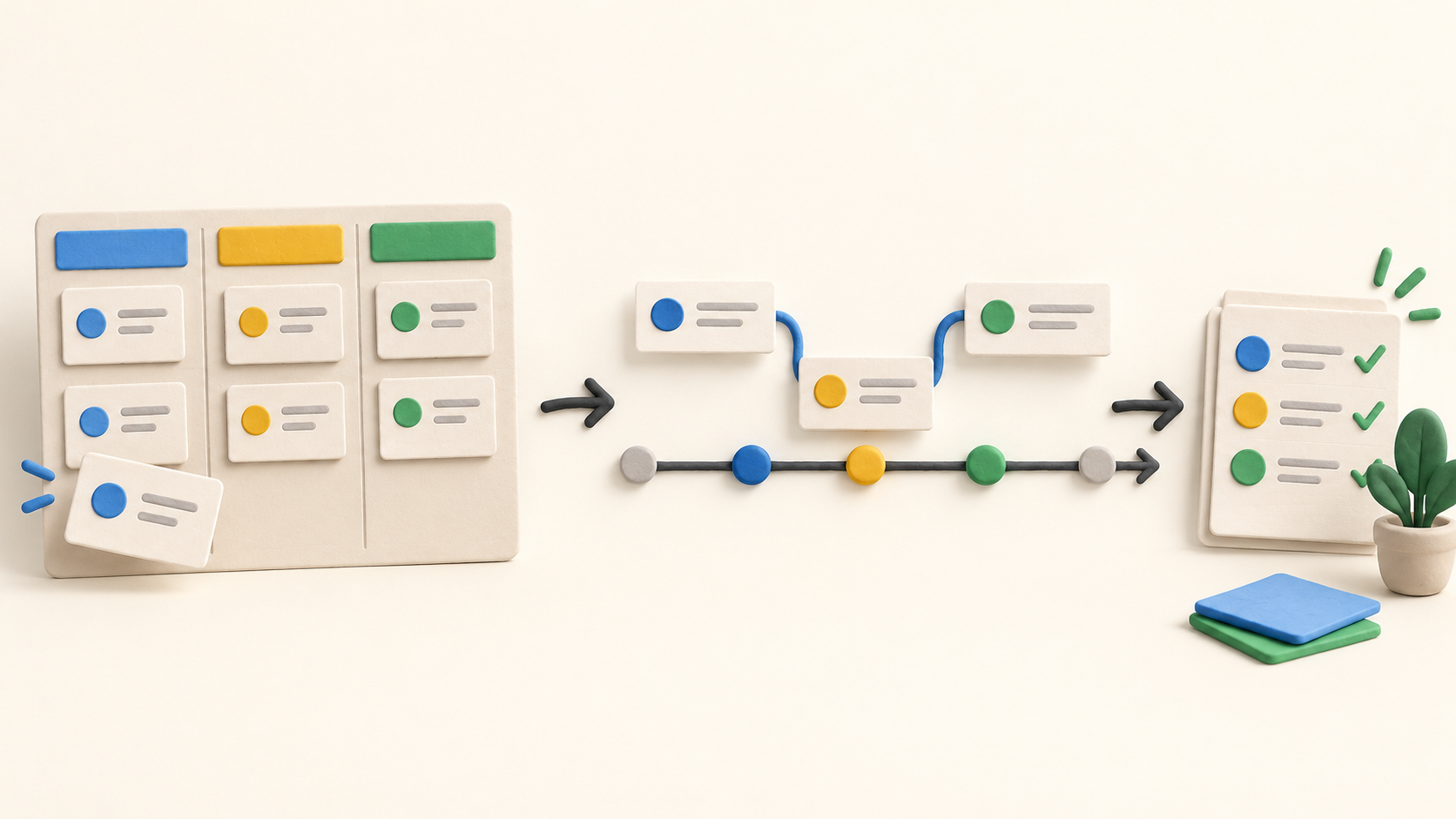
A small team can use a Kanban board to see what is waiting, underway or finished. Each card can carry an owner, dates, notes, checklist, comments and files, while subcards break a larger task into separately owned work.
Project leads with a dated schedule can view the same cards on a Gantt chart, set dependencies and mark milestones. Professional or Enterprise is the relevant paid comparison when these planning tools matter.
Teams already using Google Workspace may value boards stored as Drive files and Gmail or Calendar connections. Microsoft 365 users should examine the separate OneDrive and Outlook workflow rather than assuming every Google integration applies to them.
The work it supports
Core capabilities
Task management. Organize and move task cards through project board stages.
Project planning. Schedule dated cards on a Gantt chart and set task dependencies.
Project reporting. Review project progress through reports, including the Team performance chart and Google Sheets-based reporting.
Understand the offer
Pricing and getting started
New users receive a seven-day trial, then can remain on a limited free plan. The free plan limits each board to 36 cards; boards above the limit become read-only until the count or plan changes. The vendor says trial data remains available after the trial, but a board created beyond the free limit may be read-only.
Kanbanchi says paid plans start at $5.99 per user per month. Its pricing page also displays $3.97 for Essential without a billing-period label in the static page capture, so confirm the chosen term and checkout total. Higher-tier prices vary with the number of seats.
Essential covers Kanban boards; Premium adds views, subcards and other collaboration controls. Gantt, dependencies, Time Tracker and Team Workload sit in Professional or Enterprise in the current comparison. The Reports help also says reports require Professional. Do not assume the limited free plan or lower paid tiers supply the full workflow.
Enterprise adds admin and Google organization features. The pricing page says custom features or integrations may cost extra, and team subscriptions can reallocate seats with mid-cycle proration.
Look a little closer
Before you choose
Start with a board for one project and lists that mirror the actual stages of work. Add owners and due dates to real cards, then move a card through the process. This is the simplest way to see whether the team will keep the board current.
The Gantt chart uses the same cards, but needs start and due dates to show useful bars. Kanbanchi describes four dependency types and marks a broken dependency; try a representative schedule with an actual handoff before relying on the view.
Team Workload groups assignments and unassigned work on one board. Kanbanchi explicitly calls it a board-level view, so a buyer needing capacity across every project should test that requirement separately.
The Reports help describes Team performance, burn down, cumulative flow and burn up charts. Team performance can distinguish work completed on time, late or still overdue. Reports are identified as Professional-plan features; verify the specific chart and permissions your team needs.
A Google Workspace board is stored as a Drive file and can follow Drive sharing, while card text and activity are also held by Kanbanchi. The Microsoft page points to OneDrive and Outlook. Verify the selected sign-in, storage location and sharing behavior with your organization.
No signup, task, dependency, report, trial conversion or checkout was exercised for this profile. The description reflects official public pages checked in October 2026; plan behavior and checkout totals should be confirmed for a real team.
11 distinct sources behind this profile. Research observed Oct 15, 2026. Features and offers can change.
View sources and research →
