

Find your fit
Who it is for
It is most relevant to teams that visit customers at a property, whether work happens once or repeats. A buyer should model a typical week of assignments, changes and billing in a trial before moving an active schedule.
The work it supports
Core capabilities
A quote can list work and prices, be sent for customer review, and be converted to a job when approved. Buyers should test approval and change requests with a sample customer before using the workflow for live estimates.
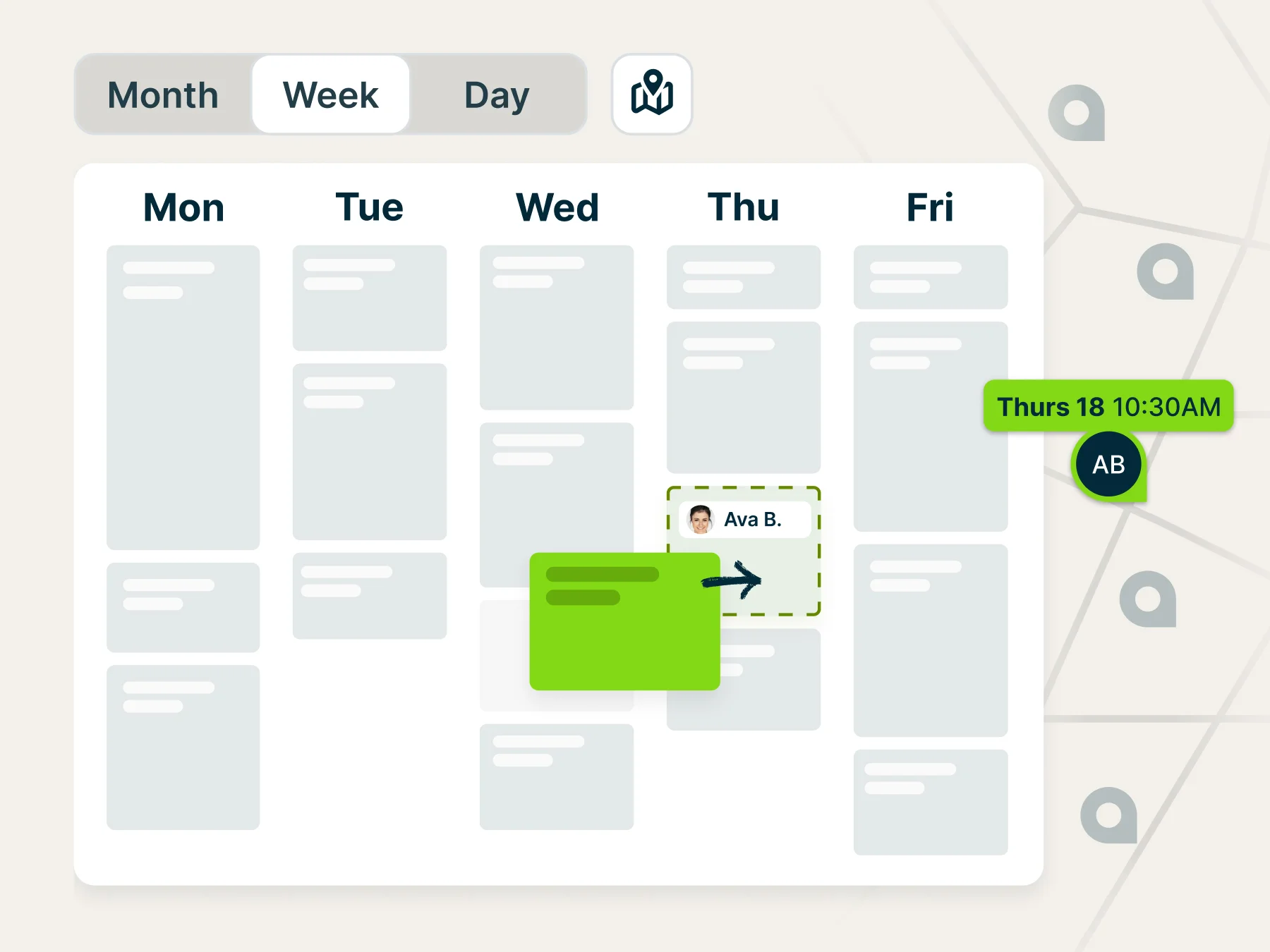
The schedule brings jobs, visits, tasks and appointments together. Dispatchers can assign work, inspect calendar views and adjust visits as the day changes; field workers can see assigned details in the app. Jobber's New Schedule guide says that version is still available as an opt-in before its wider rollout, so test the views and controls in the account actually being evaluated.
Jobber can create invoices from jobs and prompt the office when recurring work needs invoicing. Check the invoice schedule, status tracking and correction path in a sample job before sending a live bill.
Job costing on Grow and Plus compares job revenue with line-item, time and expense costs. For recurring jobs its calculation uses a recent period, and incomplete or duplicated cost entries can distort the reported margin.
Understand the offer
Pricing and getting started
Current plan names are Core, Connect, Grow and Plus. The pricing page places basic scheduling, quotes and invoices in Core; Connect adds automation and expense tracking; Grow adds job costing; Plus adds larger-team controls. Confirm the exact seat count and feature scope for the chosen team size.
The pricing page offers a 14-day Grow trial without a credit card. It shows monthly no-commitment, monthly one-year-commitment and annual-billing choices. Those choices carry different prices and obligations; review the selected checkout terms, renewal and cancellation rules rather than treating the displayed monthly figure as the whole cost.
Jobber's public price display identifies USD and changes by team size and billing choice. Taxes, payment processing and optional tools can change the actual cost. Request the current regional quote and processor terms for the business's location.
Look a little closer
Before you choose
Jobs can be one-off or recurring. Recurring jobs support repeated visits and an invoice schedule, which can be per visit or a fixed amount for a billing period. Verify how exceptions, skipped visits and seasonal work affect the schedule and invoice reminders.
Client hub is a mobile-friendly self-service area where customers can review quotes, appointment details and invoices, request work and, with a suitable payment setup, pay online. The business controls which quote and invoice navigation options customers see.
Automatic charging for recurring jobs requires Jobber Payments, a saved customer payment method and a qualifying plan. Confirm customer authorization, billing frequency and the first charge in a controlled test before turning it on for live work.
Jobber's costing guide warns that the same cost recorded in more than one input can understate reported profit. It gives examples for labor entered through both line items and timesheets and for material entered through a line item and an expense. Agree on one entry path for each cost and reconcile a sample job before relying on profit alerts.
Pilot one quote-to-payment cycle and one recurring route with realistic roles: customer approval, assignment, rescheduling, visit completion, invoice creation, payment and correction. Check what the customer sees in client hub and how the office handles exceptions.
Treat route, automation, payment and profitability features as operational settings that need owner review. Confirm who may edit schedules, send customer messages, charge saved methods and change financial records before rolling the system out to the wider team.
Before moving a recurring Jobber visit, rehearse one harmless reschedule and inspect the client notice. Jobber prompts the scheduler to send an email or text notice or skip it; the prompt covers only the visit moved, not the rest of the series. It cancels reminders tied to the old time, while bulk reassignments do not offer this rescheduling notice. Check whether a new reminder is scheduled and what the customer actually receives before moving multiple live visits.
11 distinct sources behind this profile. Research observed Oct 18, 2026. Features and offers can change.
View sources and research →
