Find your fit
Who it is for
A sole proprietor or small team that needs presentable invoices without building a document from scratch can use the template and saved-detail workflow. Test the layout with a sample business name, tax line and due date before adopting it for real customers.
A buyer who sends quotes before billing can make an estimate first, then switch the saved document to an invoice. Review the converted number, terms and tax before delivery rather than assuming every estimate field should carry over.
The work it supports
Core capabilities
Choose among the advertised 100-plus templates and add a business logo. Basic and advanced forms support different levels of invoice detail, including multiple taxes and, on the advanced form, purchase-order and quantity fields.
After account setup, saved business information and line items can be reused. Copying a prior invoice speeds up repeated work, while automatic numbering starts from the initial invoice number the business chooses.
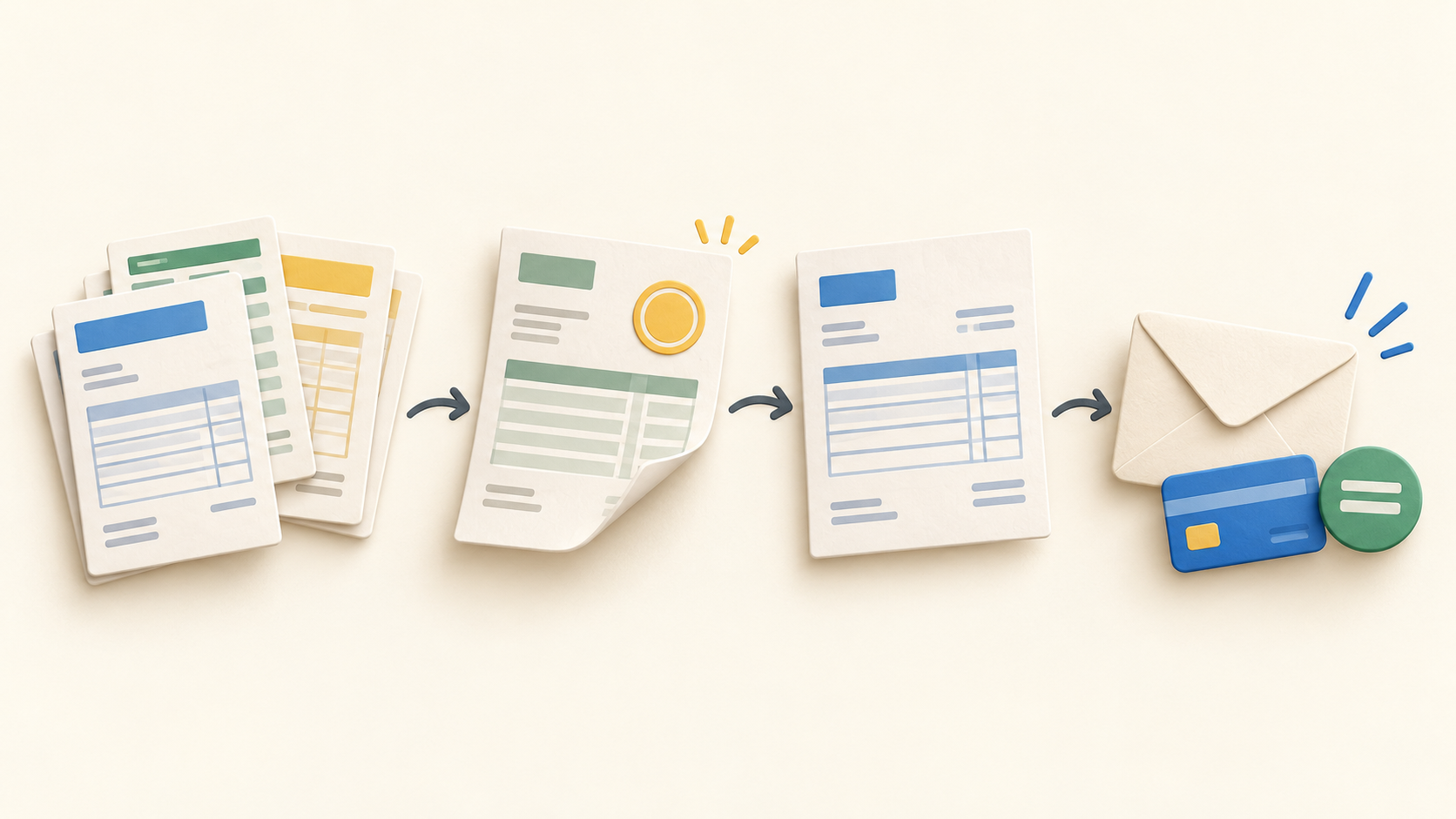
Create an estimate when the amount is still a quote, then switch its format to an invoice once the work is approved. Inspect the converted document before sending so the final billing terms match the agreement.
Send an invoice through Invoice Home email, or download a PDF for separate email or printing. A one-click invoice archive is advertised for accountant handoff; test that export with fictional data to see whether its contents fit your recordkeeping process.
For online collection, connect a supported payment gateway and include a payment request when emailing an invoice. The site describes card payments through Stripe and a PayPal route; PayPal payment-link setup is specifically directed to the browser.
An integrated online payment marks the invoice paid automatically. For cash, check or another offline method, the FAQ describes a manual paid-status control. Compare both paths with a sample document before relying on the status for bookkeeping.
The FAQ handles a discount or advance payment as a negative line item. The invoice form also allows multiple tax lines, so a buyer should check how a sample discount changes totals before sending.
Invoice Home advertises currency symbols and symbol-versus-ISO formatting for documents. Confirm that your chosen display, taxes and payment gateway support the customer currency; the formatting claim alone does not establish conversion or settlement behavior.
Understand the offer
Pricing and getting started
The viewed signup page shows a Free Plan at $0 per month and says invoices may total up to $1,000 over the past 30 days. That is a rolling invoiced-value limit, not an invoice-count allowance. The page does not explain how mixed currencies or threshold enforcement are handled; verify those if relevant.
The same signup page displays Unlimited Invoicing at $9 per month, with unlimited emails, customers and documents. It says the subscription can be canceled anytime without a contract. Confirm the checkout currency, taxes and current billing terms before subscribing.
Look a little closer
Before you choose
Online payments require a connected Stripe or PayPal route. The captured Invoice Home pages do not state processor transaction fees or settlement eligibility, so check those directly for the gateway and country you would use.
Run a fictional end-to-end check: create an estimate, convert it, confirm numbering and taxes, export the PDF, and inspect the emailed version. This tests the document workflow before a real customer receives it.
If you will collect payments online, verify the selected gateway, region, currency and fee terms, then check how an online payment and an offline payment appear in invoice status. Do not treat currency display as evidence of settlement support.
Businesses close to the Free plan threshold should monitor invoice value across the rolling 30-day window and check the current plan details before issuing more invoices. The public signup copy does not spell out how the limit behaves for mixed currencies.
6 distinct sources behind this profile. Research observed Oct 27, 2026. Features and offers can change.
View sources and research →
