Find your fit
Who it is for
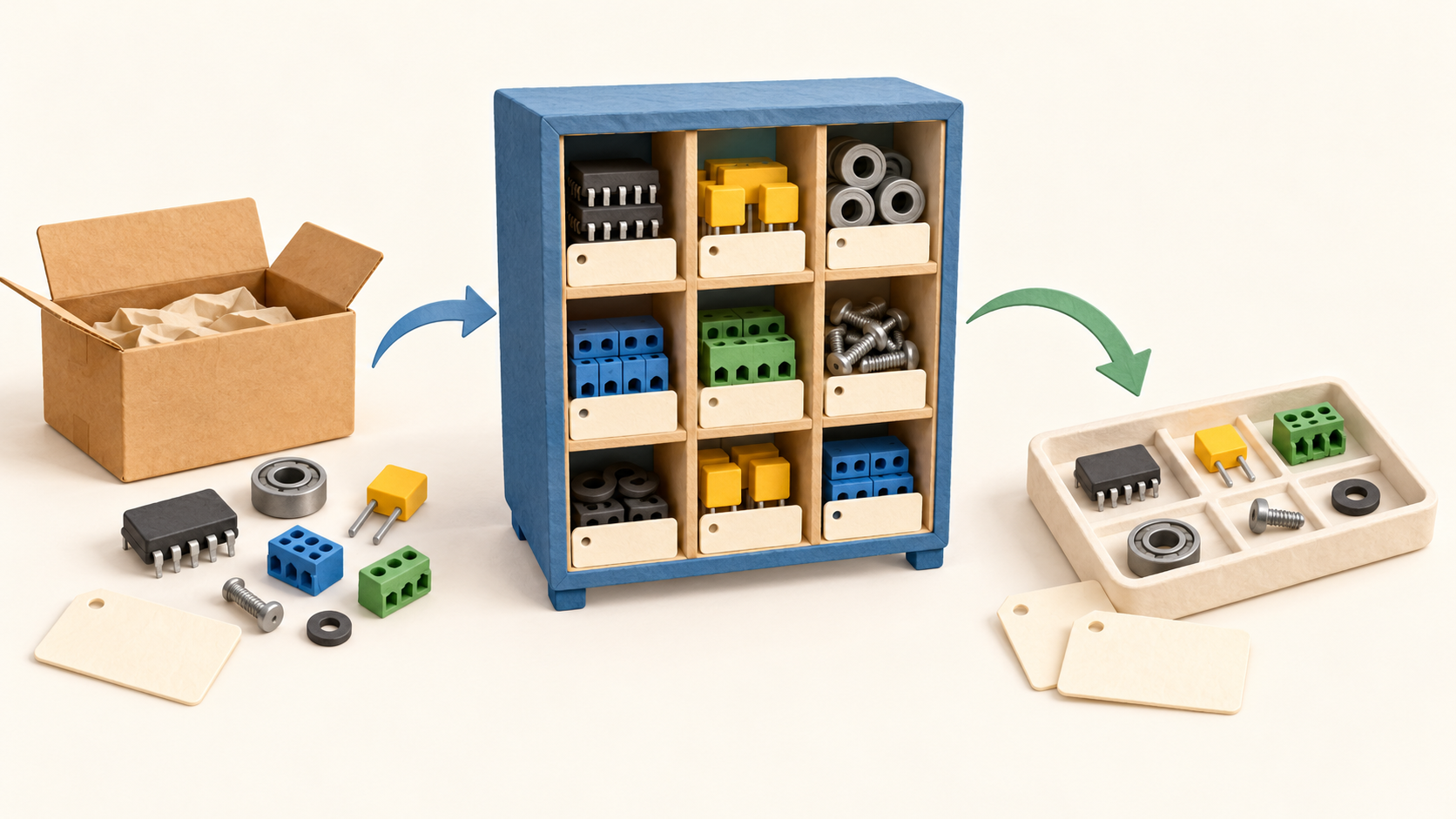
It is especially relevant when inventory is made of many component parts and a team needs to know where each item sits and what is committed to an order or build. Part categories, nested stock locations and bills of materials give that work a concrete structure.
A buyer needs someone to run and maintain the deployment. InvenTree offers documented Docker and other installation routes, while project governance says the software is provided as-is without a support obligation. Budget for the chosen hosting and operating help separately.
The work it supports
Core capabilities
Start by arranging parts in categories and linking the supplier items used to buy them. In the purchasing model, a supplier part is a vendor-supplied item tied to an InvenTree part, so the purchase record can connect back to the internal catalog.
Create a purchase order for supplier parts and mark the delivered line items received. InvenTree converts received items into stock items. A receiving location is required; an order destination can provide a default, while a line-item location takes precedence.
For trackable parts, serial numbers can be entered when items arrive, creating a separate serialized stock item per unit. If serial numbers are left blank, the received quantity becomes one nonserialized stock item, so choose the receipt method to match the traceability needed.
Stock items sit in nested locations and sublocations. The software can show stock for a particular part and location, and its tracking history records who adjusted an item, when, and by how much, including receipt, allocation and build-consumption events.
Read the quantity labels carefully: In Stock describes physical units, including those already allocated. Available subtracts allocated units. Allocating stock therefore reduces what is available for a new commitment before the physical In Stock count changes.
A bill of materials lists the components required to make an assembly. A build order can allocate those components from stock, manually or automatically, then subtract the consumed quantities as the build is completed.
Understand the offer
Pricing and getting started
InvenTree is MIT-licensed open-source software. The project provides an official Docker image and guide, plus installer, AppJail and manual installation paths; deployment and ongoing infrastructure are decisions for the adopter.
A team member also offers a DigitalOcean marketplace app. That deployment option does not establish a first-party managed SaaS plan or a bundled support agreement. Compare infrastructure and administration costs for the route you choose.
Project governance says InvenTree is provided as-is and its contributors have no legal support or maintenance obligation. The project is managed by volunteers, so organizations with strict response or uptime requirements should arrange their own operational support.
The project documents a stable branch and a Docker stable tag. Its /en/stable/ documentation can change as releases move, so confirm the exact deployed version and its guidance before relying on a documented behavior in production.
Look a little closer
Before you choose
Pilot one representative path with sample data: categorize a component, link its supplier item, issue a purchase order, receive a partial delivery into the intended location, and confirm the resulting stock item. The purchase-order guide allows individual or whole-order receipt and gives line-level locations priority.
If traceability matters, test the serial-number decision at receipt and inspect the resulting stock history. An unnumbered receipt of a trackable part creates one nonserialized stock item for the quantity, which may be different from the unit-by-unit record you need.
For assembly work, make a small BOM and build order, allocate components, then compare In Stock with Available before and after completion. The two quantities intentionally differ while items are reserved.
Decide who will own upgrades, backups, access and incident response for the selected deployment. The project publishes installation methods and a stable channel but does not promise support or maintenance under its open-source governance.
11 distinct sources behind this profile. Research observed Oct 18, 2026. Features and offers can change.
View sources and research →
