Find your fit
Who it is for
Hygger is a plausible fit for product or project teams that need to compare candidate work and run visible Kanban or sprint flows. Teams with a simple personal to-do list may not need the extra scoring, release and WIP controls; teams with a formal PMO should check whether timeline and reporting fields match their governance needs.
A practical setup gives someone ownership of the backlog criteria and board states, while task owners keep status and work logs current. The live activity stream can help reviewers find changes across boards, but it does not replace a decision about who approves a priority or a release.
The work it supports
Core capabilities
Task lists organize work with custom fields; a timeline helps place tasks in time. Build one representative project with the dates and fields your team already uses, then check whether moving a task changes the view the way you expect.
Kanban boards let teams define visible workflow stages. Swimlanes can mark important work and WIP limits can constrain how many tasks enter a stage. Test a real blocked item and an overloaded column to see whether the workflow makes decisions clearer.
Sprint boards support iteration work. Hygger also lists release and version management for grouping tasks around a planned release. Distinguish work still being considered from work committed to a sprint, and check how a postponed item is carried forward.
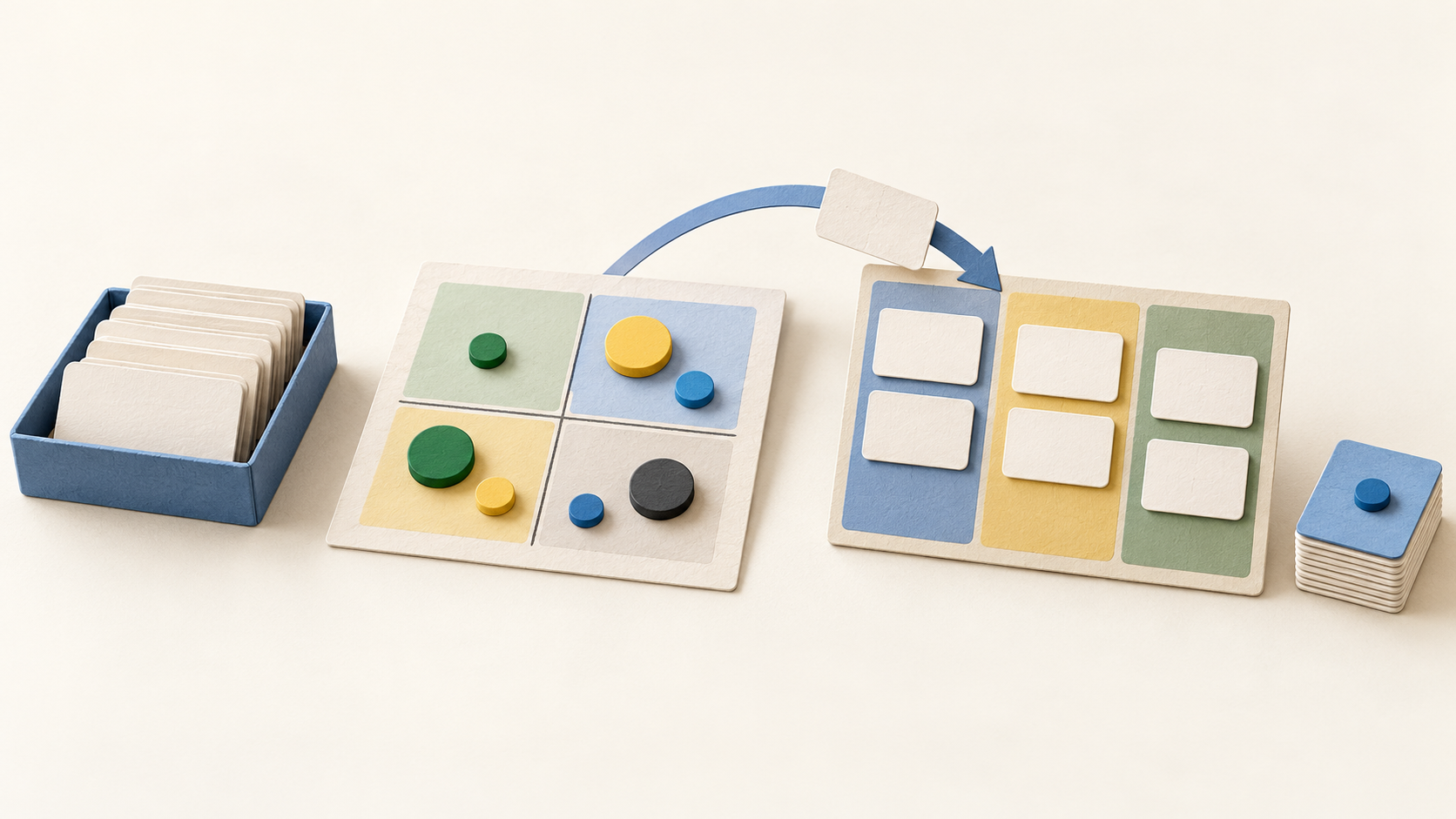
The Value/Effort matrix and weighted or RICE/ICE scoring give teams structured ways to compare candidates. Agree on what each score means and review borderline items together; a high score is a prioritization input, not evidence that a feature will succeed.
A live activity stream shows task movement and work logs across boards. Two-level comments keep discussions attached to the work, while time-tracking reports add a view of recorded effort. Check reporting fields and export needs before using those totals for billing or performance judgments.
Understand the offer
Pricing and getting started
The current pricing page presents Free, Standard and Enterprise. Free is limited to the first 50 tasks and shows 100 MB storage; buyers should confirm what happens at that limit. Enterprise lists SSO and additional administration rights beyond Standard, so compare the plan table with the features needed in the actual workspace.
The FAQ lists Standard at $7 per active user on an annual subscription or $9 monthly, and Enterprise at $14 annual or $18 monthly; the legal page identifies US dollars. New confirmed users are charged proportionally for the remainder of a billing period. Confirm the selected term and user count in the order before paying.
The pricing FAQ says cancellation is handled by contacting Hygger and does not provide refunds for cancellation or downgrade. Before choosing an annual term, confirm the renewal date and how to retrieve any projects the team needs to retain.
Look a little closer
Before you choose
For a pilot, create a small backlog, rank items with one scoring method, move a few into Kanban and a sprint, and review the timeline, activity feed and time report with the people responsible for the work. Record where plan limits, status labels or reporting fields fail to match your process.
Check the free-task allowance, selected paid tier, active-seat definition and cancellation date in writing. Avoid importing sensitive work until access, export and retention expectations are clear for the team.
4 distinct sources behind this profile. Research observed Oct 20, 2026. Features and offers can change.
View sources and research →
