Find your fit
Who it is for
A household cataloging valuables, tools, electronics or stored boxes can map rooms, shelves and containers, then attach photographs or manuals to individual records. Start with one location and a few representative items before entering the whole home.
Families or roommates can use separate collections and shared access when several people need the inventory. Try access settings with harmless sample entries before recording sensitive household details.
A technically comfortable person who can run Docker or a platform binary is the best fit for the self-hosted model. The software supplies the inventory application; its host, data storage and continuity require administration.
The work it supports
Core capabilities
Create an item with quantity, description, location, custom details, photos and attached files. Advanced fields can record purchase and warranty details so the record remains useful when an item needs service or replacement.
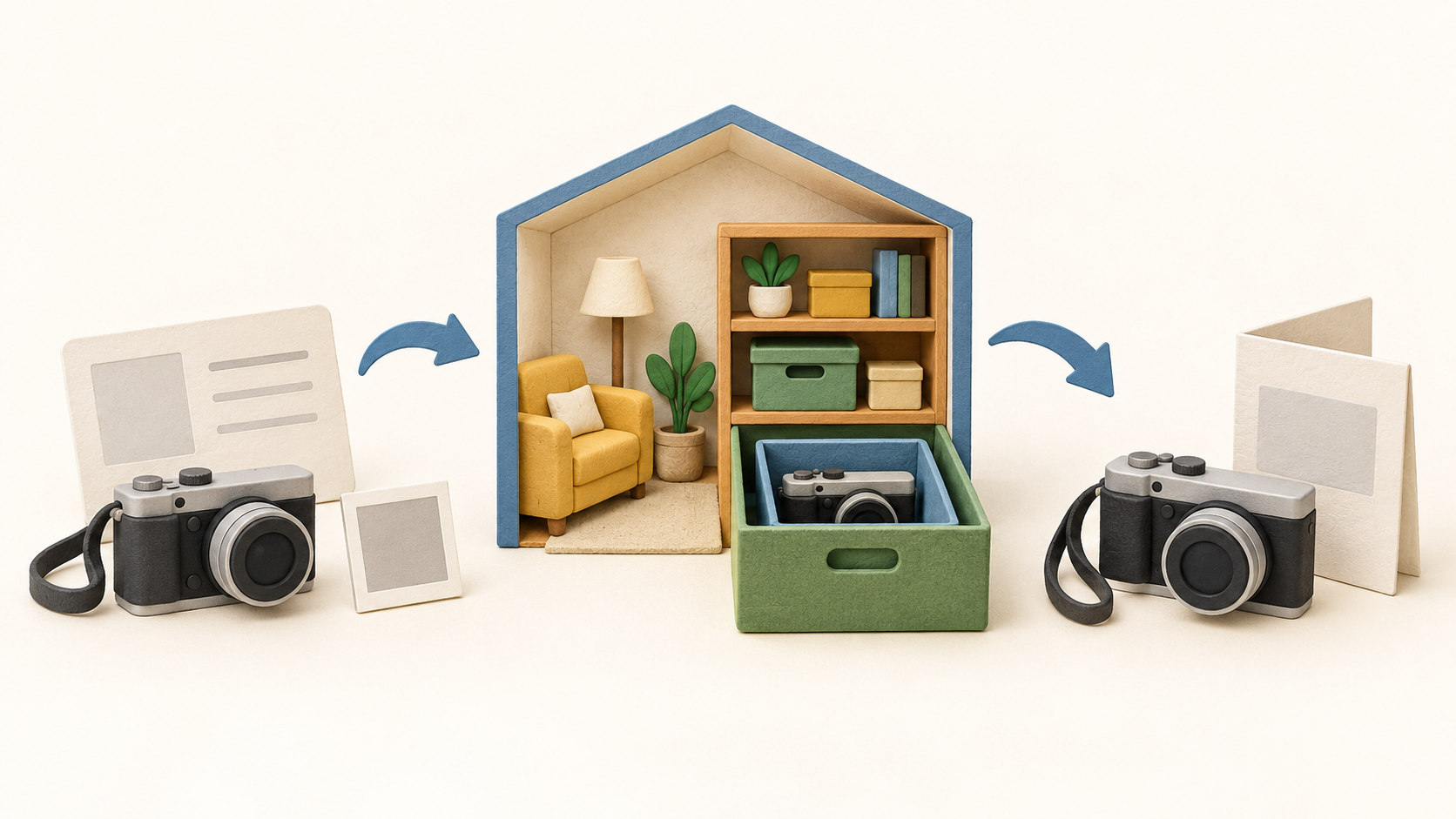
Nest locations such as a room, shelf and box, then place each item in its current container. Locations can carry their own photos, notes, tags and documents, making them useful for identifying a storage space.
Create custom item or container types and give a type a default template to prefill repeated entries. This helps make records consistent when a household tracks many similar things.
Search and filter the inventory, including by asset ID. One-off QR codes and printable labels can make a tagged item quicker to look up, but test a sample label and scan before relying on a larger labeling scheme.
Import a larger inventory by CSV or TSV when manual entry is too slow. Plan import references for repeat updates, and upload attachments afterward: CSV import/export does not carry files and CSV exports omit full nested location paths.
Choose a Docker deployment or a platform binary, configure persistent file storage, and use the default SQLite database or PostgreSQL for a larger setup. The vendor recommends Docker for production.
Understand the offer
Pricing and getting started
Homebox is presented as free, open-source, self-hosted software. There is no vendor cloud sync in the documented model; budget separately for any hosting, object storage, backups and time needed to operate it.
Look a little closer
Before you choose
Before filling the catalog, add a sample item with a photo and document, place it in a nested location, find it again and export a sample. CSV exports do not include attachments or the complete location hierarchy.
Plan a recoverable copy of both the database and file storage, then test that copy with harmless records. Homebox documents these as separate configurable parts of a self-hosted installation.
Be deliberate when reorganizing or deleting locations: deleting a location deletes its contained items. Check what is inside and move wanted records before removing it.
Check the hosting and access arrangement before sharing collections. The project describes multi-user access and no vendor cloud sync, so the operator must decide how household members reach the instance.
9 distinct sources behind this profile. Research observed Oct 27, 2026. Features and offers can change.
View sources and research →
