Find your fit
Who it is for
A solo consultant can quote work, let a client accept the estimate online, turn it into an invoice and record billable hours or reimbursable expenses. The five-client Free cap may suit a very small book of business, while higher client limits require a paid plan.
A small agency with repeat work can schedule invoice drafts for review or automate delivery and, where supported, charging. Team access starts at Pro in the displayed grid; compare client volume, approval needs and gateway availability before selecting a tier.
The work it supports
Core capabilities
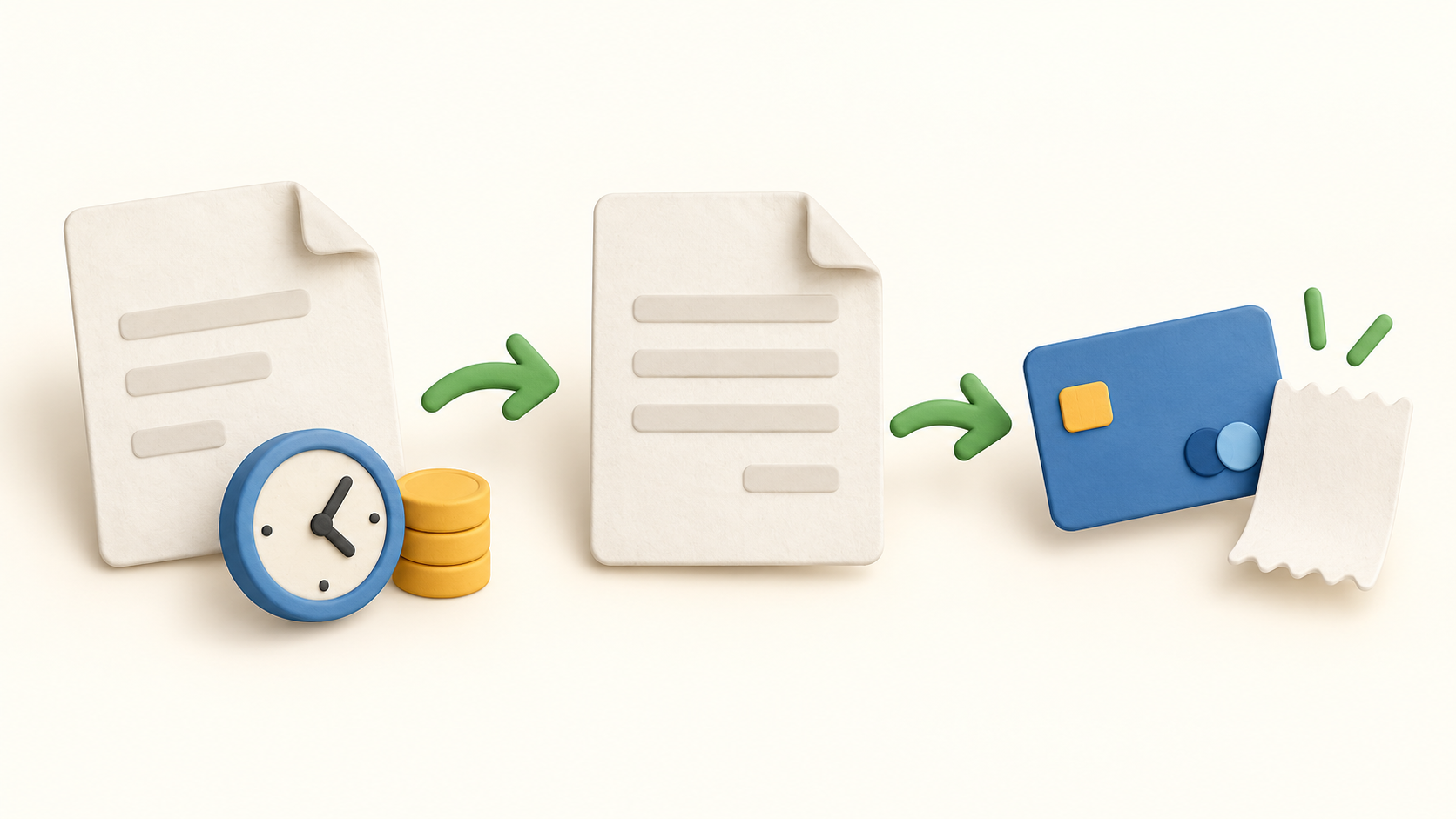
Send an estimate with an expiry date and online acceptance, then convert an approved quote into an invoice. Test the estimate-to-invoice handoff on a sample job to see which terms and line items carry over.
Build an invoice from saved items, time, expenses or mileage. Set a due date and add taxes, discounts, shipping or payment methods where applicable. Review a sample invoice before sending because calculation and tax treatment depend on your settings.
Offer online payment through connected gateways. The built-in Hiveage Payments option is for US-based businesses. Check your processor eligibility, settlement and fee schedule before enabling a live payment method.
Create recurring profiles at a preset frequency or a custom interval, with a finite number of occurrences or an open-ended schedule. Choose drafts for approval, automatic invoice emails, or auto-billing through selected gateways. Automatic email mode does not leave a pre-send edit step.
Track a task with the timer, categorize an expense and convert either entry into an estimate, invoice or bill. Mark entries billed after conversion to avoid inadvertently billing the same work twice.
Send a manual reminder on an invoice in Sent, Viewed or Partial state, or configure automatic reminders for invoices and estimates. Review timing and wording on a harmless sample before applying reminders broadly.
Export common records such as connections, invoices, payments, tracked entries and recurring profiles as CSV in a ZIP. The generated ZIP stays available in Hiveage for seven days. Keep your own copy and test the destination if changing systems.
Understand the offer
Pricing and getting started
The Free tier lists five clients, unlimited invoices and estimates, time and expense tracking, and payment gateways. Basic raises the client ceiling to fifty and lists recurring billing and financial reports. The pricing page has conflicting Free recurring-billing rows, so check that specific entitlement before depending on it.
Pro lists 250 clients and five team members plus custom-domain email and automatic reminder features. Plus lists 1,000 clients and ten team members, API access and personalized migration support. These are displayed plan limits rather than a promise of unlimited staff or client records.
The October 20, 2026 pricing page renders two paid price sets beneath yearly and monthly selectors: Basic $16/$19, Pro $25/$29 and Plus $42/$49 per month, with Free at $0. Confirm which billing term, currency, tax and total appear at checkout before subscribing.
The fourteen-day trial gives Pro features without requiring a credit card and allows a later paid or Free choice. If downgrading, the vendor’s older help page says the Free client cap must be met; export representative data and verify current downgrade steps before removing client records.
Hiveage Payments advertises 2.9% per transaction with no setup or monthly fee, and currently supports US-based businesses only. Other connected gateways have their own eligibility and processor charges; do not assume this rate applies to them.
Look a little closer
Before you choose
Try a harmless estimate and invoice workflow: confirm online acceptance, transferred lines, due date, tax settings and the client view. Avoid sending a real invoice until the terms and payment option are right.
For repeat billing, decide whether each invoice needs review before delivery. Draft mode permits edits, automatic email mode does not, and auto-billing depends on a supported gateway and client agreement.
Before moving a large customer list, compare its size with the plan cap and make a CSV export. The vendor keeps the generated ZIP for seven days; test a receiving system rather than assuming a seamless migration.
12 distinct sources behind this profile. Research observed Oct 20, 2026. Features and offers can change.
View sources and research →
