Find your fit
Who it is for
A marketing, creative or operations team coordinating many handoffs can keep action cards, comments and attachments with the project, then choose list, status, team, calendar or Gantt views for different meetings. Gantt access depends on the plan.
A lead managing several campaigns can use project status updates and Portfolio View to compare work across projects. Teams is the relevant paid tier for portfolio work and larger workspaces; advanced calculations, resourcing and proofing require checking add-on or Enterprise terms.
The work it supports
Core capabilities
Task management. Assign tasks to one or more people or teams.
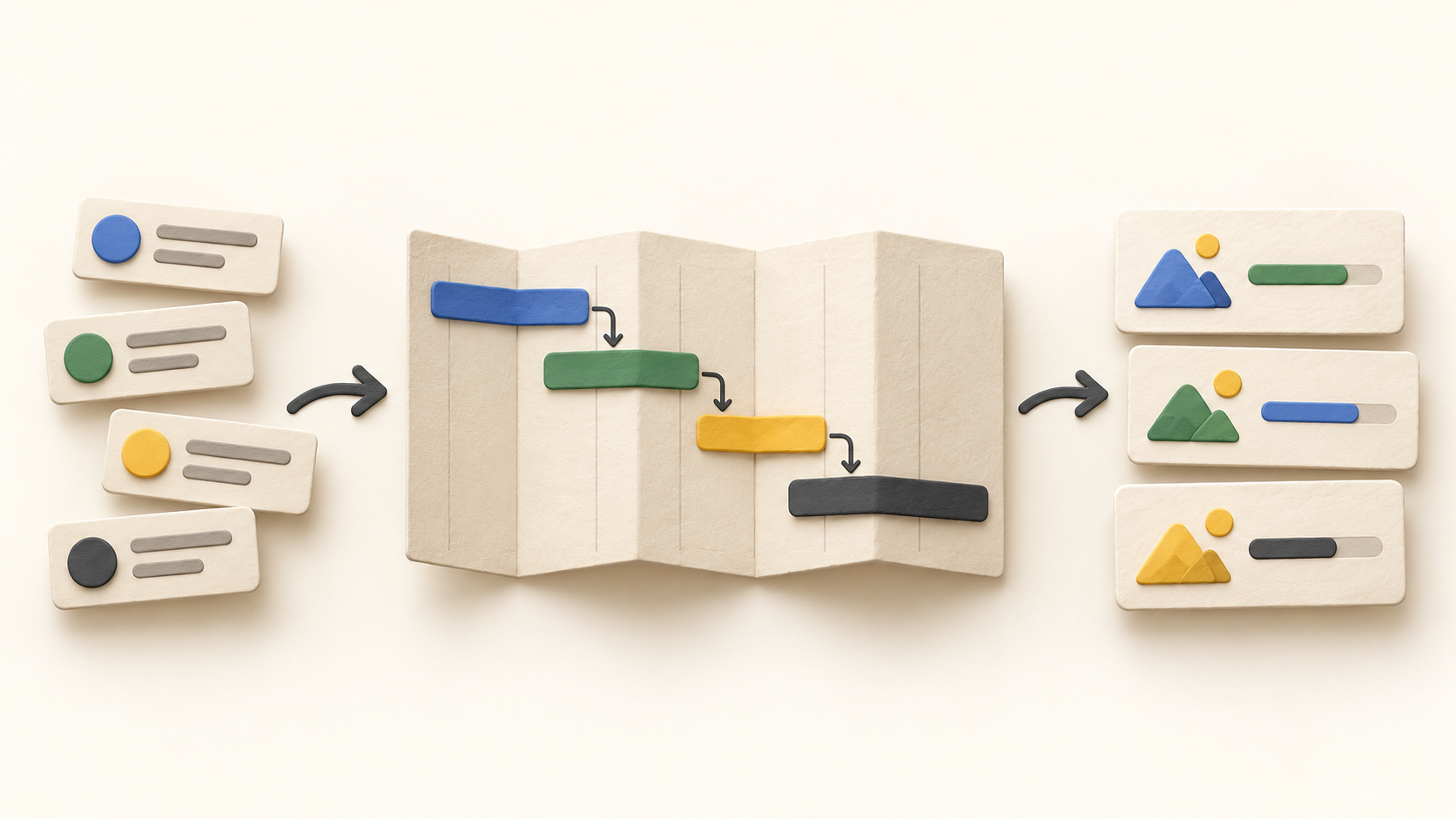
Project planning. Set dependencies between project milestones and actions.
Project reporting. Create dashboards for important work metrics.
Understand the offer
Pricing and getting started
Hive offers an ongoing Free plan for light work, with up to ten workspace members and unlimited tasks. New workspaces get two weeks of full-suite access without a credit card; evaluate the continuing plan separately from temporary trial access.
Starter adds Gantt view and up to ten projects, retaining a ten-member cap. Teams adds unlimited members, portfolios, time tracking and custom fields. Enterprise adds stronger security/permissions and included flexible add-ons. Compare the actual user count, projects and feature mix before choosing.
Proofing and approvals, timesheets, team resourcing and Advanced Dashboards appear as optional paid add-ons for Teams. Public price cards vary with monthly versus yearly selection and the per-user add-ons affect totals, so confirm a checkout or written quote rather than treating one displayed amount as universal.
Look a little closer
Before you choose
Hive calls tasks “actions.” Their cards hold an assignee, dates, description, comments and attachments; subactions help split work. Start a representative project and inspect which fields, views and statuses your team would actually maintain.
Dependencies can be added from an action card or Gantt. With auto-scheduling off, those links remain visual and do not shift dates. If automatic date changes matter, test the project-level setting, four dependency relationships and lag behavior using a real schedule.
Project overview shows status updates and completion counts. Portfolio View can combine selected projects, fields, action states and milestones. Check whether those views answer the status questions your team asks before paying for richer reporting.
Dashboards are available on every plan, while Advanced Dashboards add Pivot Tables and calculations. A dashboard can be shared through a public link, so inspect data scope and access before sending one outside the workspace.
Free and Starter have member or project caps; paid extras can change the effective cost. The trial exposes features beyond the eventual plan, so validate the exact workflow on the tier you intend to keep.
No signup, assignment, dependency rescheduling, portfolio configuration, public link, proofing, time entry, billing transition or checkout was exercised. The claims above are descriptions of current official pages rather than hands-on results.
11 distinct sources behind this profile. Research observed Oct 15, 2026. Features and offers can change.
View sources and research →
