Find your fit
Who it is for
An operations or training team can document recurring procedures and give staff a reusable visual reference. A support or product team can turn a software walkthrough into customer help. The creator should choose whether viewers need the video, the written steps or both.
A small team can begin with Free if its library will stay within 25 guides and browser capture is enough. Pro suits more guides and downloadable files; Business is the first listed route for desktop capture and stronger privacy controls. Enterprise is a sales-led choice for further governance.
The work it supports
Core capabilities
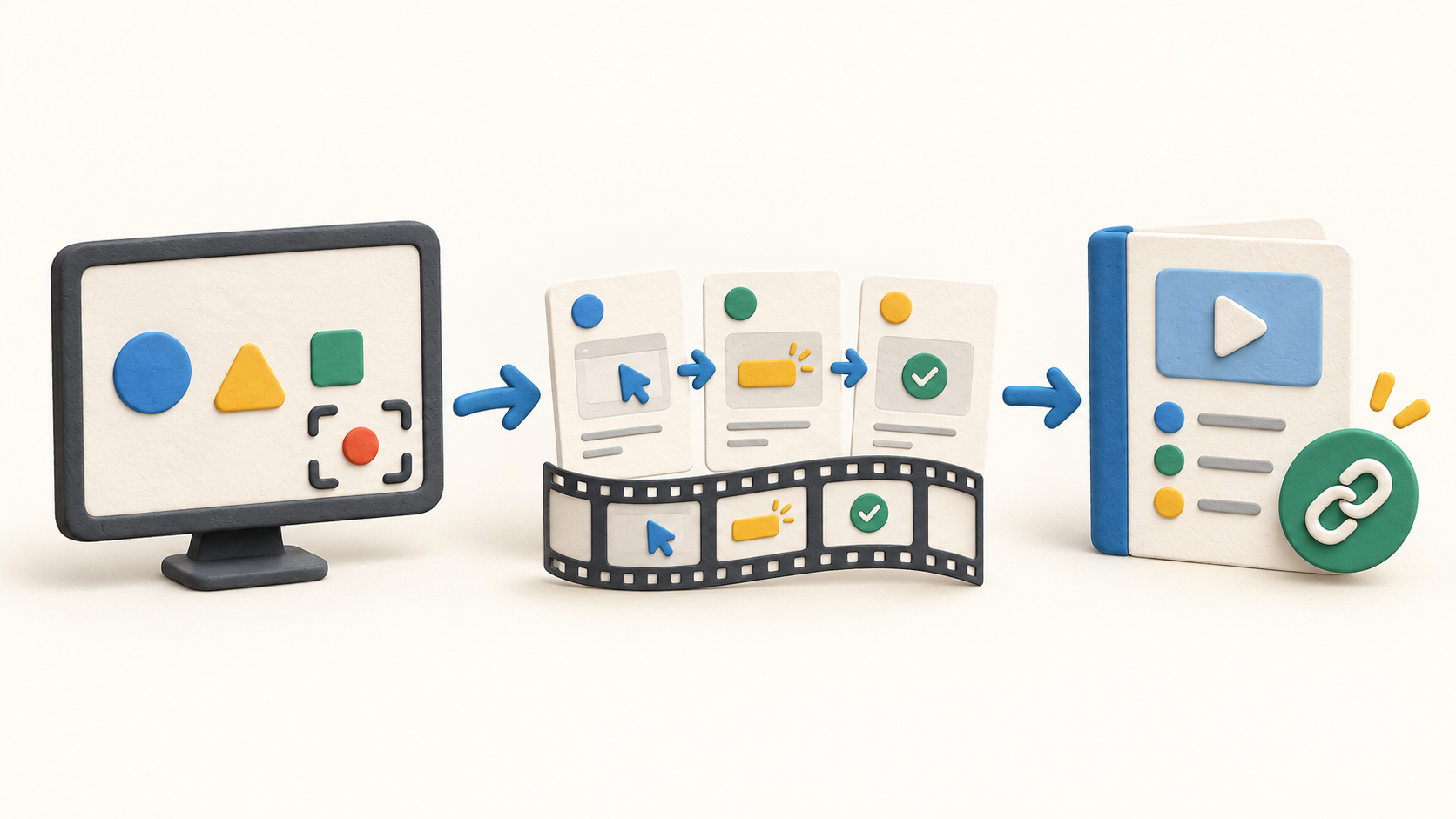
Guidde Create captures the clicks in a process and drafts a narrated step-by-step video. Its browser extension supports Chrome and Edge. After capture, the creator can revise the generated step text and voiceover before sharing it.
A capture also has a written step document. Video changes can flow into the synchronized document; edits made independently in the document can detach that connection. A team maintaining both formats should test an update so the two explanations do not drift.
Screen recording is available on every plan, but Help caps each Free, Pro and Business recording at 10 minutes and Enterprise at 30 minutes. Free is capped at 25 guides while the paid plans list unlimited guides. The separate Mac and Windows desktop app is a Business or Enterprise feature, also included in the Business trial.
The sharing dialog can send a guide or playlist by email or link and select the video, written document or both. Visibility can be set for link holders or the workspace, with advanced sharing controls on Business and Enterprise. Check a sample link from outside the workspace before using it for internal procedures.
For captured sensitive information, Pro and above can apply a manual blur after recording. Business and Enterprise add manual blur during browser capture; Enterprise adds automatic Magic Blur in that browser flow. A fixed blur on a video step does not track moving content, so inspect the finished guide frame by frame before sharing.
Copy-based export is available on all plans. Downloading output begins on Pro, and SCORM export is listed for Enterprise. The free Business trial has a separate restriction on downloadable MP4, PDF and PPTX files despite access to many Business creation features.
Understand the offer
Pricing and getting started
The current Free card shows $0 per creator per month. The pricing page repeats a conflicting Free summary, but its feature matrix and current trial Help agree on a 25-guide cap. Free includes browser recording and link sharing, while downloaded export and some privacy tools require a paid plan.
The Pro card displays $29 and $19 per creator per month and adds unlimited guides, downloadable output and post-capture blur. The Business card displays $59 and $39 and adds desktop capture, AI voice and stronger privacy features. The page advertises annual savings, but the static capture does not identify the active selector; confirm which figure matches the chosen billing term and currency.
Enterprise is priced through sales and lists additional governance such as SSO/SCIM and content review. Check recording duration, user seats and the exact export, redaction and sharing rights in the written offer rather than applying Enterprise features to lower plans.
A new workspace may start with a seven-day Business trial. Help says it moves to Free unless upgraded. Download export requires a paid subscription during that trial, and after expiry only the 25 most recent existing guides remain editable on Free.
Look a little closer
Before you choose
Before recording a real customer or employee workflow, use a harmless example and inspect what the capture exposes. Anyone with a link may view a link-access guide, and post-capture blur stays fixed on video steps. Match visibility and redaction controls to the material before sharing.
Compare plans on the actual output needed: browser or desktop capture, video duration, guide count, link sharing, downloadable files and manual or automatic blur. Confirm the pricing selector, billed currency and trial export rights before committing to a workspace rollout.
11 distinct sources behind this profile. Research observed Oct 26, 2026. Features and offers can change.
View sources and research →
