Find your fit
Who it is for
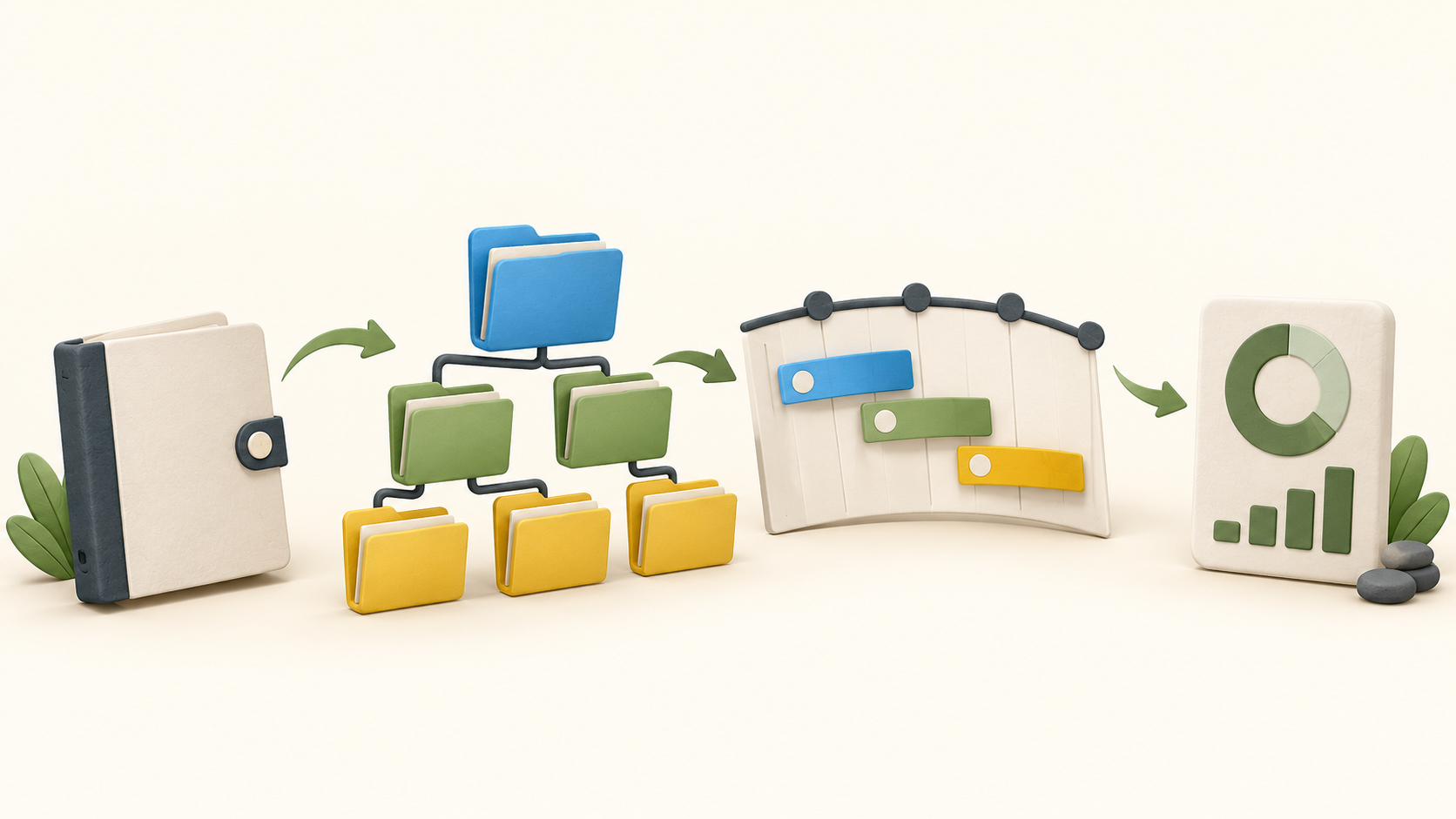
Teams managing several projects can build a folder hierarchy and start from shared project templates. Task List, Table and Board views expose the same work in different ways, while My Tasks gives each person assigned and action-required work from across projects.
Project managers can schedule work in Gantt with task links, use Workload to see planned work by person, and inspect Active Projects for status and progress. Workload’s hourly allocation and other advanced resource features should be checked against the selected paid plan.
Managers who need periodic updates can enable project reports covering completed tasks, time, activity and upcoming plans. A dashboard gives a lighter progress snapshot; those are distinct views with different setup and plan gates.
The work it supports
Core capabilities
Task management. Create and manage tasks, assign completion and next-action responsibility, and use views for recurring or detailed work.
Project planning. Build a dated project schedule and link tasks in Gantt; use Workload for planning assignments.
Project reporting. Monitor project status and progress through views, dashboard tiles and enabled project reports.
Understand the offer
Pricing and getting started
GoodDay presents a continuing Free plan with unlimited projects and tasks. The Free card lists one gigabyte of storage, dashboards and basic analytics. The same page conflicts on its Free seat count: it says both 1–10 users and up to 15 members, so confirm the limit before inviting a team.
The Professional card lists Gantt, time tracking, custom fields and advanced reports. Business adds workload/resource management and other broader modules. The pricing page changes amounts with billing selection and shows a separate small-team offer, so confirm the exact term, seats, currency and total in checkout.
Choose the plan around actual workflows: a Free dashboard can show a high-level project snapshot, while scheduled project reports and Gantt are listed with Professional, and resource planning with Business. Check the plan matrix and access needs for each teammate.
Look a little closer
Before you choose
Model one representative project hierarchy before inviting the wider team. Folder nesting and project types are flexible, but the structure determines where people find tasks and what higher-level views aggregate.
Test both Assigned to and Action Required on a real task. GoodDay treats completion ownership and the next person who must act as separate fields; this matters for handoffs and personal task views.
For schedule changes, inspect all four Gantt dependency types and GoodDay’s refresh step after changing dates. Verify how your actual linked tasks move before relying on schedule propagation.
If staffing is central, test Workload with your team’s planned tasks and hourly allocations. Confirm the Business plan and relevant permissions rather than assuming Gantt alone provides resource planning.
Enable a sample project report and compare it with dashboard tiles and Active Projects. Report generation is configured per project, and the views expose different levels of status, completed work, time and future plans.
No account, project, task, Gantt change, report, invite or checkout was exercised. This profile reflects current public official pages checked in October 2026; confirm plan limits and your critical workflow in the product.
12 distinct sources behind this profile. Research observed Oct 15, 2026. Features and offers can change.
View sources and research →
