Find your fit
Who it is for
It fits someone who wants visible control over which files move between a computer, external drive or other folder location. Set up one fictional source/target pair and inspect the proposed actions before using real work files.
An organization can use the same comparison workflow, but the vendor FAQ requires Business Edition for commercial use and legal entities. Include the licensed device count and unattended-job duties when evaluating a business rollout.
The work it supports
Core capabilities
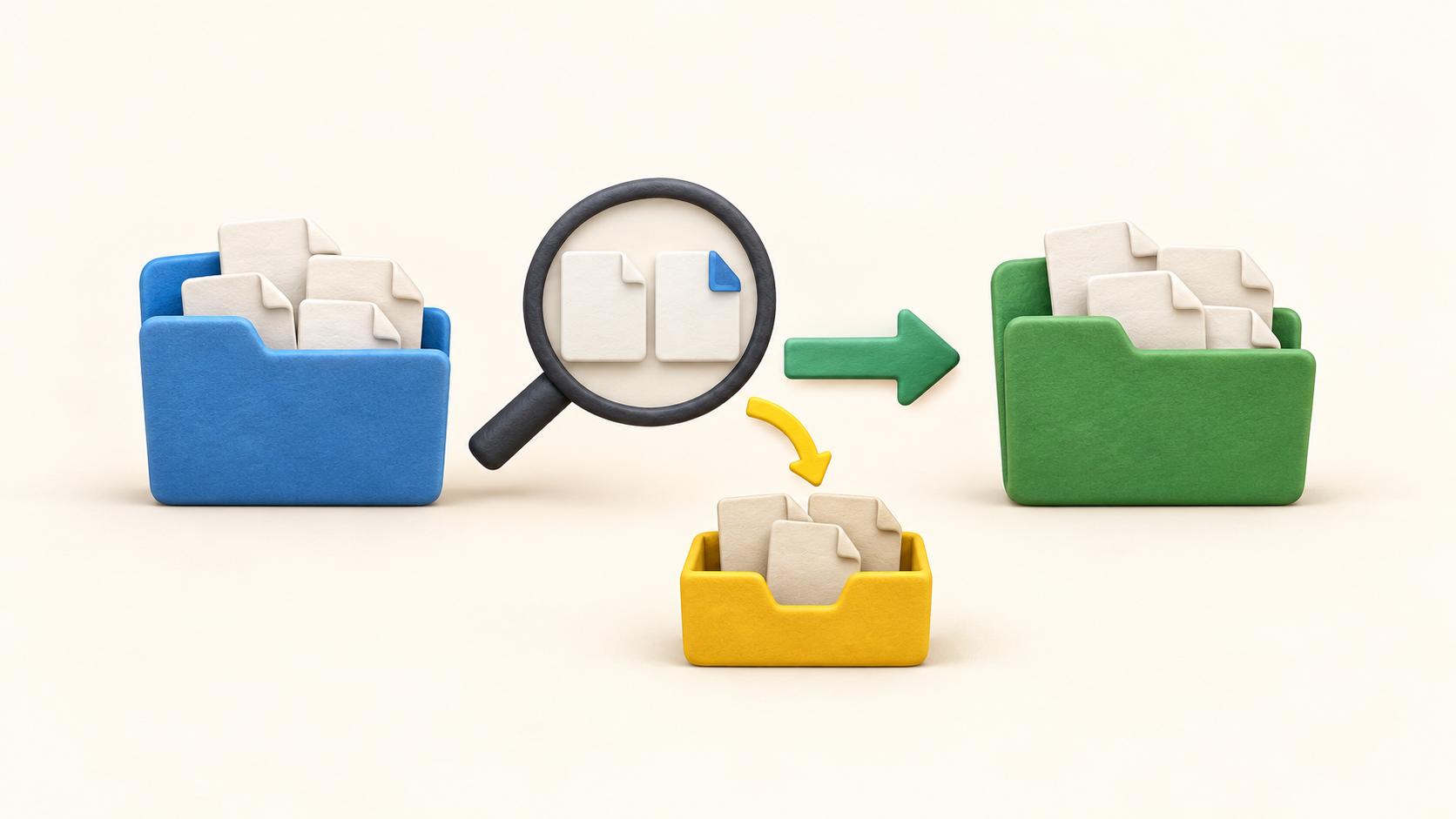
Choose left and right folders, compare them, select synchronization rules, then inspect the preview and statistics before starting. This review is especially useful when a drive letter, folder path or filter may have changed.
File time and size comparison is intended for routine backup-location synchronization. Content comparison tests whether files are byte-identical but runs more slowly; use it where timestamps are unreliable or for a focused consistency check.
Two way mode sends creations, updates and deletions in both directions. It is for two active working folders; an accidental deletion on either side can be part of the next synchronization unless separately protected.
Mirror makes the right target match the left source. If a file disappears from the source, the target can also lose it. Verify direction, preview and deletion handling on a small fictional folder before calling the result a backup.
Update adds or updates files at the target while preserving target files deleted from the source. It avoids that particular Mirror deletion behavior, but retained old files and later edits still need an intentional cleanup and recovery policy.
Include/exclude filters narrow which relative paths take part. Test an excluded sample folder and a newly added file; a clean result may simply mean the item was filtered out.
Versioning can move overwritten or deleted files to a separate folder using replace or time-stamped naming. Configure its destination and retention intentionally, then check a fictional restore; the simpler recycle-bin option is only for local drives.
A saved batch job can run directly or through the operating system scheduler. For unattended operation, choose whether an error halts or is ignored, ensure the summary closes and review run results rather than assuming a schedule guarantees success.
Understand the offer
Pricing and getting started
The current FAQ says Standard and Donation editions are for private personal use. A person using the tool commercially, or any organization, needs Business Edition; avoid treating the open-source label as a universal free business license.
The current FAQ displays Business Edition at €20 per installed device, with unlimited use and one year of updates. Confirm the current amount, taxes, purchased device count and what happens to updates and email notifications after that period.
Donation and Business editions add auto-update, parallel copying and email notifications in the FAQ. Portable ZIP is listed for Donation and silent installation for Business, so check the exact edition against the intended deployment and support process.
Look a little closer
Before you choose
Pick a mode based on the desired recovery behavior. Mirror may propagate source deletions, Two way propagates changes in both directions, and Update preserves source-deleted target files; none is a substitute for a separately tested recoverable copy.
Test a fictional deleted and overwritten file with the planned Versioning destination. Confirm the older version is actually present and can be moved back; a successful sync summary alone does not show that recovery works.
For scheduled jobs, verify the account, target availability, filter and error policy at the planned run time. A batch job waiting on a dialog or ignoring an error can leave the target stale despite a calendar entry.
Check license fit before rolling out to staff or client devices. The personal editions and Business Edition have different permitted uses and features, and the displayed per-device Business price should be confirmed for the actual deployment.
7 distinct sources behind this profile. Research observed Oct 27, 2026. Features and offers can change.
View sources and research →
