Find your fit
Who it is for
The product is most relevant to a restaurant or food-service operator that needs staff to take orders and coordinate front-of-house and kitchen work. A full-service restaurant can assess table tracking and split checks; a counter or takeout business can focus on quick order entry and kitchen routing.
It also suits a team willing to install and maintain local software. The vendor lists Windows, Mac, Linux and Raspberry Pi use, but an operator should test its own terminals, printers and payment arrangement before moving live service onto it.
The work it supports
Core capabilities
Staff can work from one order screen for dine-in, takeout and delivery. Menu groups, item images, modifiers, combos and special instructions help represent what the guest actually requested; build a small menu pilot to see whether complex items fit the intended workflow.
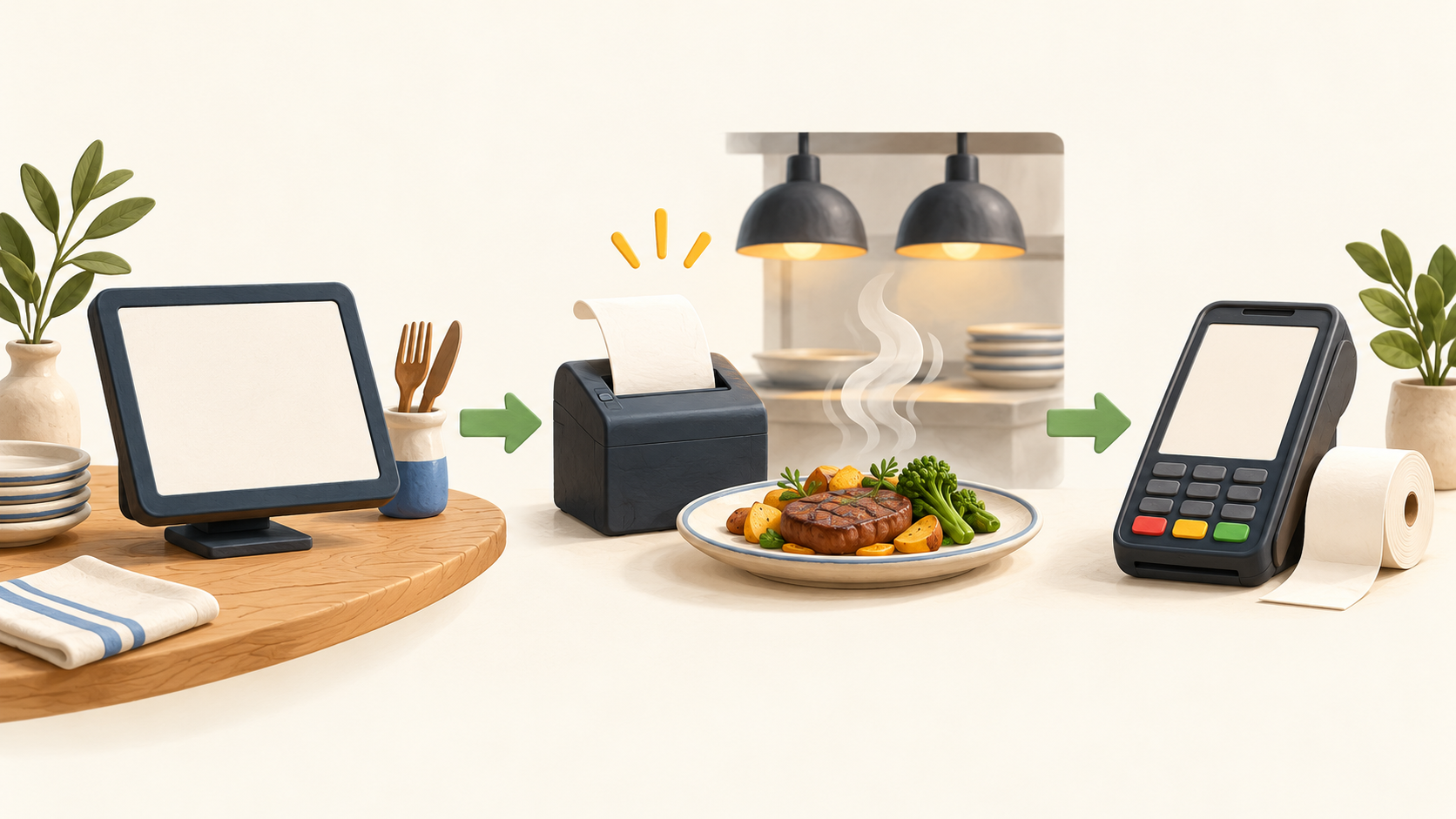
Once an order is placed, the site says it can be routed to a kitchen printer or display. Printer groups can send items to the right station, and the vendor describes a fallback to a receipt printer if a kitchen printer fails. Confirm the exact kitchen-display functions in the chosen edition because the same page also lists some KDS controls under ORO POS PRO.
For table service, the site describes seating, table tracking, split checks and printed guest checks. Test a full meal with a table transfer, added item and split bill so the staff can see how those changes appear at checkout and in the kitchen.
Checkout is described as supporting cash, card and split payments. The public features page does not establish which card processor or terminal integrations will work at a particular venue, so verify the payment path and reconciliation with the selected provider before launch.
Back-office reports include sales summaries, guest counts, average check size and payment breakdowns. Run sample service periods and compare the reports with cash counts and card settlement to decide which figures the operator can rely on operationally.
Tax settings include tax-included prices, per-item tax and VAT support. Configure these with local accounting advice and test mixed-tax sample tickets; the software feature description alone does not establish compliance with a particular jurisdiction.
Understand the offer
Pricing and getting started
The vendor describes Floreant POS as a free, open-source download under MRPL 1.2 with no monthly fee for the locally run base software. Budget separately for hardware, setup, maintenance and any external payment service; the site does not put a price on those venue-specific costs.
The site says it is distributed as a ZIP with an embedded database and can run on Windows, Mac or Linux, including Raspberry Pi. Check the current download and system requirements for the target hardware, and make a restore test part of deployment planning.
The features page separately advertises ORO POS PRO for advanced capabilities, including a list that overlaps with some base-feature descriptions. Confirm the exact edition needed for bar tabs, KDS controls, gift cards or other advanced work; the page does not give a PRO price.
Floreant POS 2.0.1 was announced as a beta release in May 2026. A production buyer should confirm which version is stable, what changed, and whether its database and device setup are supported before upgrading.
Look a little closer
Before you choose
Pilot the whole service path: enter an order with a modifier, route it to the kitchen, add or split items, take a payment and close out the reporting period. This tests the handoffs that matter more than any one screen in isolation.
Clarify the free product versus ORO POS PRO before treating an advanced feature as included. Also verify printer and payment hardware, the actual card processor path, and backup/restore steps on the intended operating system.
Because the software can run locally without an internet connection, the operator needs a practical plan for updates, support and recovering data after a device failure. The official pages describe offline operation but do not prove a venue's backup, security or uptime.
3 distinct sources behind this profile. Research observed Oct 20, 2026. Features and offers can change.
View sources and research →
