Find your fit
Who it is for
Fleet suits a team responsible for mixed computer and mobile fleets that wants endpoint inventory and policy control in one place. The vendor names macOS, Windows, Linux, iOS, iPadOS, Android and ChromeOS; the exact enrollment, update and security actions vary by operating system and plan.
Security and IT staff can use device reports and software inventory to find an exposed group, decide what should be allowed, and check the result after an update. A rollout should start with nonproduction devices and a clearly approved remediation policy.
The work it supports
Core capabilities
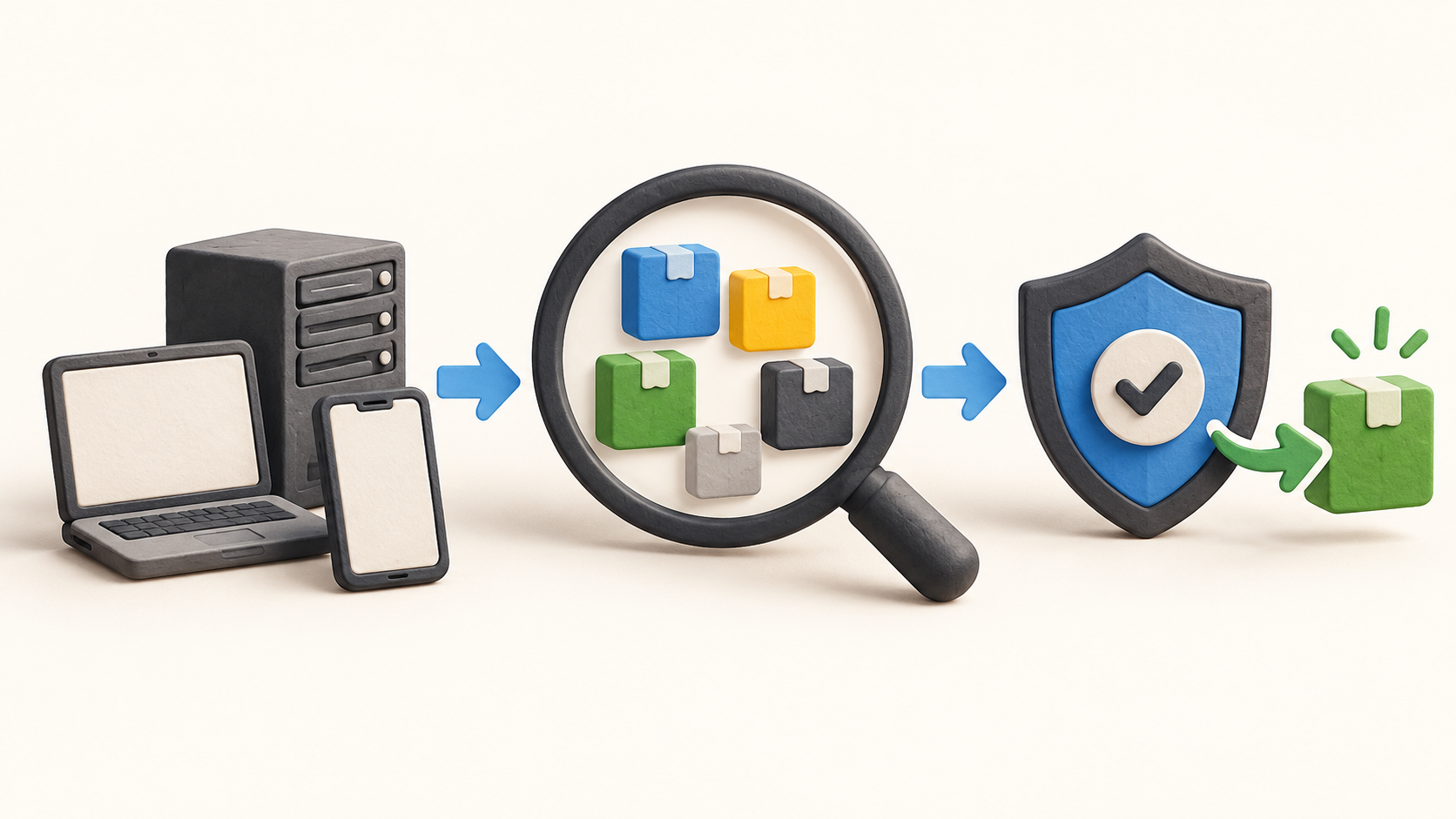
Fleet inventories managed devices and reports installed applications, extensions, plugins and packages. Its device reports and audit logs can help a team verify what changed across a mixed fleet. Confirm which data sources actually report on each operating system before treating one view as a complete inventory.
A team can define which software is allowed and decide whether Fleet removes an unauthorized item or notifies the user. Pilot the rule with a small group and verify false positives, exceptions and who approves changes before enabling automatic removal.
Fleet compares installed software and OS versions with known vulnerability data, including CISA Known Exploited Vulnerabilities. It also uses EPSS in prioritization. Use the results alongside asset importance and exposure rather than treating the score as a complete local risk decision.
After selecting a vulnerable application, Fleet advertises automatic installation of a corrected version or another fix, then reporting on which devices remain exposed. Test installation, reboot timing, exclusions and verification on a small representative device set.
For software delivery, Fleet provides a maintained-app catalog and accepts buyer-supplied packages. It advertises minimum OS versions and deadlines for macOS, Windows, iOS and iPadOS; approved self-service application install is named for macOS, Windows and Linux. Those platform distinctions matter in a mixed-fleet rollout.
Fleet also advertises FileVault, BitLocker and LUKS2 enforcement for macOS, Windows and Linux. Set a recovery and escrow process before enabling disk-encryption requirements or remote device changes.
The vendor describes review before device changes and version-controlled history. A pilot should show who proposed and approved a change and how a failed policy is reverted, with no assumption that every advertised review step is automatic in every plan.
Understand the offer
Pricing and getting started
The captured pricing page displays Free at $0 per host per month, described as basic features without support. It displays Premium at $7.00 per host per month and a sales-led Custom option. The capture does not establish an ISO currency, billing commitment, minimums or taxes; verify the current order terms.
The pricing grid lists many capabilities, but its static text does not preserve the Free/Premium checkmarks and flags some rows as coming soon. Confirm exact feature entitlement and current availability with Fleet before selecting a plan or assuming a displayed capability is included.
Managed cloud means Fleet operates the instance and applies platform updates. Its current FAQ limits fully managed hosting to Fleet Premium deployments larger than 700 hosts; the pricing-page tooltip says 700+, so check eligibility at exactly 700. Smaller teams can evaluate self-hosting, where they operate infrastructure and control network and data location. Fleet describes deployment features as equivalent, while plan entitlements and support remain separate checks.
Look a little closer
Before you choose
Run a small synthetic pilot: enroll representative supported devices, compare inventory completeness, create a permitted-software policy, detect one known outdated test package, stage an update and verify the result. Record OS and plan differences instead of extrapolating from one device.
Decide who owns agent rollout, policy approval, emergency rollback, update windows, backups and support. For self-hosted Fleet, assign infrastructure and recovery ownership. For managed cloud, first verify the current Premium and host-count eligibility, then confirm service and data-location commitments.
Before buying, validate the interactive Free/Premium feature matrix and any coming-soon labels, the displayed per-host billing terms, support coverage, and the specific OS functions the team needs.
6 distinct sources behind this profile. Research observed Oct 20, 2026. Features and offers can change.
View sources and research →
