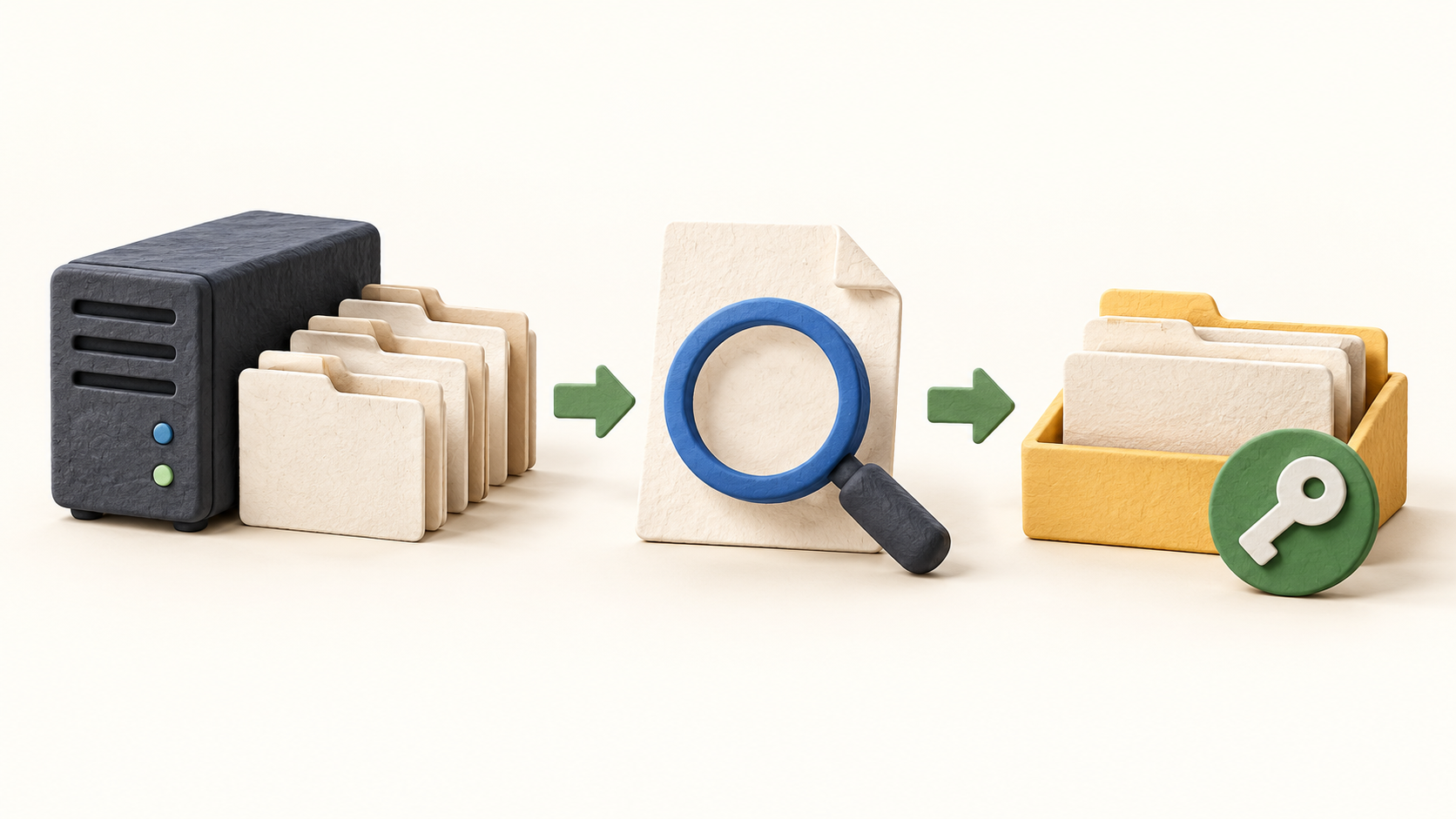
Find your fit
Who it is for
A team already using shared server folders can add browser access, version recovery, metadata and controlled sharing without converting every file to a proprietary format. Test one copy of the existing folder structure before granting broad access.
An IT-led organization that needs files on its own infrastructure can combine web access with desktop sync, WebDAV and mobile clients. It should be ready to operate the web server, database, storage, certificates and backups.
A team that needs scanned-paper search can enable OCR and full-text services, but should budget for Apache Tika, Elasticsearch and indexing resources. A team needing approval routing or compliance retention should choose an additional system.
The work it supports
Core capabilities
FileRun works on ordinary folders and keeps file contents out of its application database. A user sees only the areas allowed by account and folder permissions, while application settings, metadata and comments still require the database.
Overwriting a document can retain the prior version, and a file can be locked while someone edits it. The activity log records actions such as upload, download, rename and comment; the operator configures how long to keep that history.
Custom metadata fields, tags, ratings and comments give a second way to organize files beyond folder names. The Documents library can surface PDFs and office documents across folders by upload date or tag.
Full-text search can index text inside PDFs and office files with Apache Tika and Elasticsearch. OCR can read scanned documents when enabled; neither advanced search path should be assumed from a basic installation without its supporting services.
Sharing can assign one of seven roles to a person or group. External email sharing can create a limited guest account; public links can add password, expiry and download controls. Check the guest role and link policy before exposing confidential files.
Desktop sync, mobile clients, WebDAV and the API offer other paths to files under the same permission model. Mobile and desktop sync require trusted HTTPS, so network and certificate setup are part of rollout.
Office co-editing can use a separately deployed editor such as ONLYOFFICE or Collabora. Plan that component and test one authorized document; FileRun’s file access alone is not proof that collaborative editing is ready.
The server needs supported PHP, a database and storage for user files plus previews, trash and versions. A recovery plan must also back up the application and database separately from the user files.
Understand the offer
Pricing and getting started
Current business pricing is an annual per-user subscription. Small, medium and large business tiers differ mainly by account quantity and support; the public page displays €9.9 per user per year, subject to a current quote and applicable tax.
The Home license is a one-time personal-use offer and explicitly excludes work, freelancing and business use. An organization should budget a business tier even when the number of users is small.
The browser demo is public and read-only, while a trial license can be requested for the buyer’s own server. Use the demo to inspect navigation, then test the real folder, security and search setup in an authorized environment.
The subscription covers FileRun, not the server, storage, backup service or optional indexing/editor stack. Price a complete deployment and support responsibility, especially where full-text search and OCR are central.
Look a little closer
Before you choose
Map a small, non-sensitive copy of the existing folders and test account roles, guest access and public-link settings before a broad rollout. Confirm a recipient cannot reach sibling folders through any client path.
Try representative PDFs, scanned pages and office files. Check which items appear in ordinary and full-text search, whether OCR is actually on, and the indexing resources required for the full archive.
Design backups for all three pieces: user files, FileRun application files and its database. Test restoration and version recovery; file versioning and trash do not replace independent backups.
Confirm licensed user count, annual support tier, domain registration and trial terms. If work depends on signed documents, mandatory retention or routed approvals, document the separate tool or process because FileRun states those functions are outside its scope.
9 distinct sources behind this profile. Research observed Oct 27, 2026. Features and offers can change.
View sources and research →
