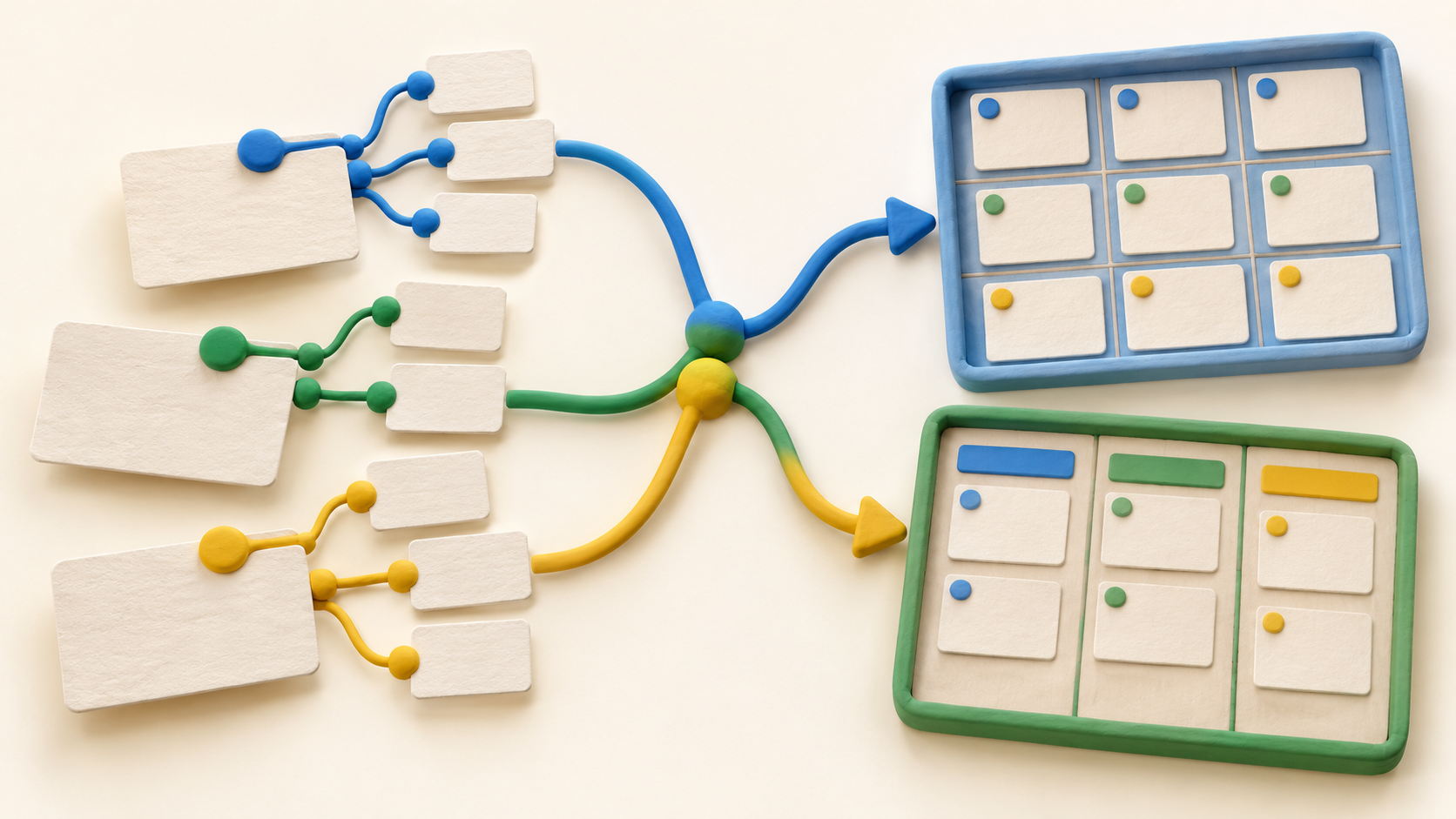
Find your fit
Who it is for
A product team that needs a line from customer feedback to planned work can capture requests, link them to features or tasks, and manage a development backlog. Start with one product area and a few relationships so the model remains understandable.
A digital agency can connect a client record to projects, break those projects into tasks and use different views for overall progress and assigned work. Decide who owns the customer, project and task data before expanding the workspace.
A software team can customize stories, bugs, sprint and release planning, states and progress reports. Confirm that its own process can be represented cleanly without an elaborate setup that only one administrator understands.
The work it supports
Core capabilities
Custom databases and relations. Create record types for the work your team handles, add fields, and link records across types. For a project pilot, keep the project-to-task link explicit and test whether a new teammate can follow it.
Project and client context. Fibery's agency example links projects, meetings and invoices to a customer, then breaks multiple projects into tasks. Check which connected information each contributor actually needs to see.
Product feedback to delivery. Bring feedback into a dedicated view and link it to product areas, insights or tasks. This can keep the reason for a feature close to its delivery work if the team agrees on its hierarchy.
Backlogs and sprints. Software teams can prioritize stories and bugs, assign work to a sprint and plan releases. Define states and a regular review habit before adding automation.
Multiple views. Board, Timeline, Gantt, Table, List, Calendar, Gallery, Feed and Map views present underlying records differently. Use a small set of views for decisions the team actually makes, such as what is late, blocked or assigned.
Documents near work. Collaborate on project or technical documents, discuss them and create tasks from text. Link decisions to the corresponding work records so a later reviewer can trace why a task exists.
Progress reports. The software-development example lists velocity, burn-up/down, cycle-time and CFD reporting. Check the report definitions against the way your team estimates and closes work before sharing them as performance measures.
Understand the offer
Pricing and getting started
The current Free plan is listed for up to ten users and ten databases, with unlimited entities and core collaboration features. Treat the database cap as a design constraint when mapping several departments, and confirm today's plan limits before rollout.
Standard adds unlimited databases, charts, whiteboards and human support; Pro adds custom apps, advanced permissions, JavaScript automations and unlimited version history. Compare the needed capabilities against the live grid because the flexible platform does not mean every tool is on every plan.
Paid seats are for admins and members using Fibery as their primary work platform. The pricing page lists read-only observers who can comment and scoped external guests as free; verify each person's role before inviting a large client or stakeholder group.
Each workspace gets a 14-day Pro trial and can choose a paid plan or Free afterward. The pricing FAQ says added paid users are charged for the remaining cycle and unused time from deactivated users is credited toward the next bill. Confirm currency, billing period and current terms at checkout.
Look a little closer
Before you choose
Build a sample project, a few related tasks and one view for project leads and one for contributors. Ask a new teammate to find the owner, current state and customer context without administrator help; revise the data model if that is difficult.
List the exact databases, permissions and automations needed before selecting a plan. Free has a ten-database cap, while the pricing grid places advanced permissions and JavaScript automations in Pro.
During the Pro trial, verify the real member, observer and guest roles using sample records. Then test what happens to a needed view or workflow when the workspace moves to the intended paid plan or Free.
6 distinct sources behind this profile. Research observed Oct 18, 2026. Features and offers can change.
View sources and research →
