Find your fit
Who it is for
It suits a seller that needs to connect customer orders to stock and replenishment, especially when products sit in several warehouses, stores or vehicles. It is more involved than a simple item count: the buyer should decide who creates sales documents, who confirms shipments and who records supplier deliveries.
A useful fit check is one normal order and one shortage. Build a few real product types with SKUs or variants, trace which quantities become reserved, and see whether Erplain’s location and purchase workflow matches the way the business actually fulfills orders.
The work it supports
Core capabilities
Set up a product catalog with variants and practical identifiers such as SKUs, barcodes and supplier references. The stock report then distinguishes On-Hand, Available, Reserved and Incoming quantities and can be filtered by product, supplier or location. This makes the report a starting point for explaining why an item is physically present but unavailable for another order.
A customer sale can start as an estimate, sales order or invoice. On a sales order, the seller selects the customer and products, then can produce related shipping orders and invoices. Customer defaults such as price level, location and currency can populate the new order, so a sample order is worth checking for the intended settings.
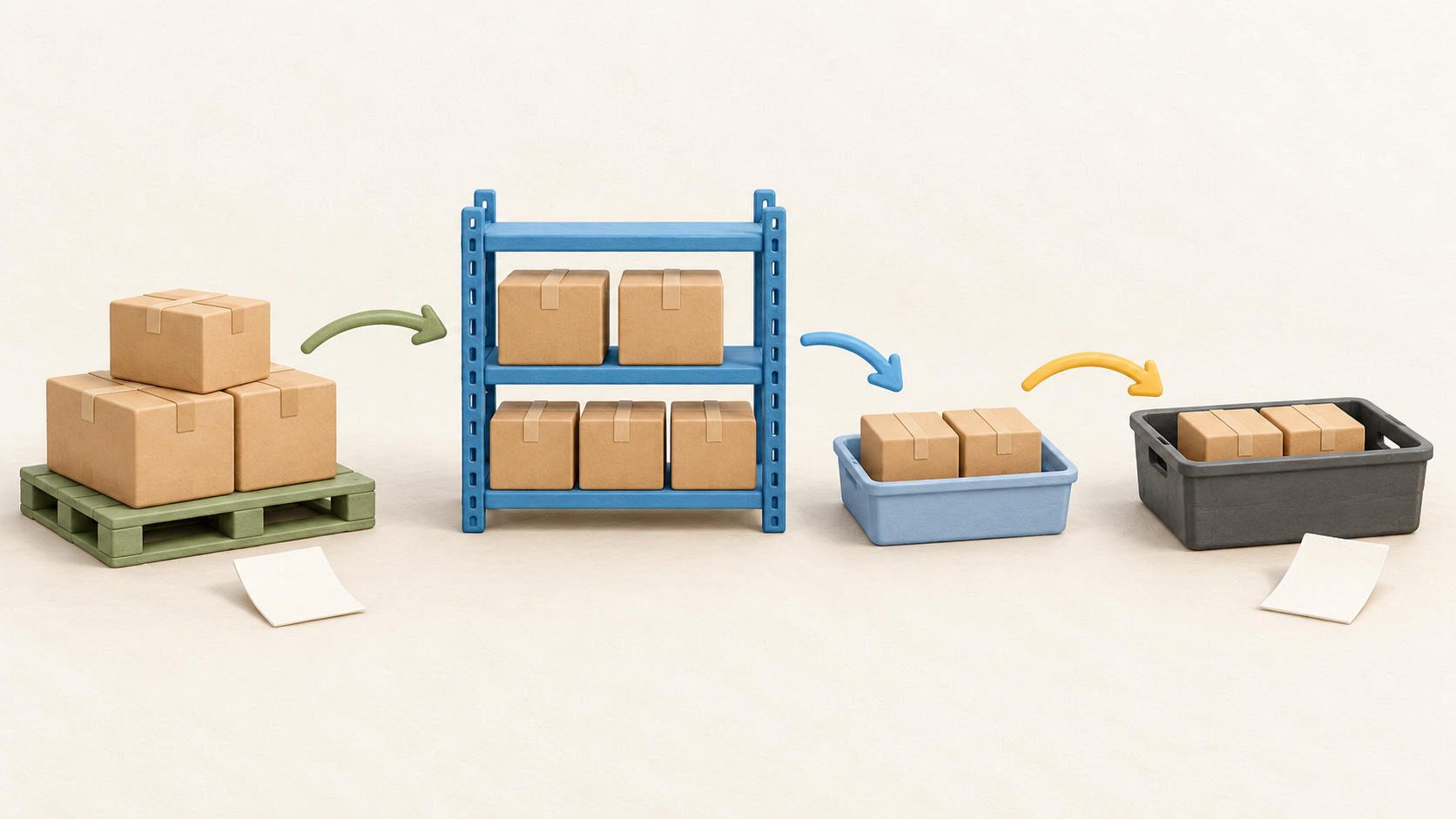
Creating a sales order reduces Available stock and marks the unshipped quantity Reserved; the physical On-Hand count is unchanged at that stage. Creating a shipping order removes its included products from On-Hand regardless of that shipping order’s status. Compare both figures before and after a fictional shipment so staff do not treat reservation as dispatch.
When Available plus Incoming stock will not cover a sale, the purchase section can create a supplier order for the missing quantities or for the sales-order quantities. It can also direct a stock adjustment when stock sits at another location. Link the purchase back to its sales order so the replenishment decision remains traceable.
A purchase order records the supplier and products but does not immediately increase physical stock. Its quantity appears as Incoming; receiving the products creates a Purchase Delivery and makes the goods available. A partially delivered order stays distinct from a completed one, and manually completing it removes outstanding incoming quantities without pretending the goods arrived.
Erplain can keep location-specific counts and can ship one sale through multiple shipping orders from different locations. The vendor also describes transfers and reorder points by storage location. A buyer with more than one warehouse should test a split shipment and a transfer, checking each location’s remaining On-Hand and Available quantities.
The QuickBooks connection is for QuickBooks Online, with purchase orders and invoices sent to it and customers and suppliers synchronized according to the vendor’s integration FAQ. It does not support QuickBooks Desktop. Map which system owns each record and test a sample transaction before relying on the connection for accounting reconciliation.
Understand the offer
Pricing and getting started
Current pricing is presented as essentials plus selected modules, including sales and inventory functions. The page offers monthly and annual selectors and advertises two months free with annual payment. A configured quote matters more than a headline tier because selected features and add-ons can change the amount.
The pricing FAQ says 1,000 orders are included per month, with an extra charge in months above that limit. It defines an order as a customer or supplier transaction: a single sale still counts once when it has a quote, sales order and invoice. Additional users cost extra under the selected billing cycle, so forecast both order volume and staff access.
The official pricing page offers a 14-day trial without a credit card and says paid plans need card details after it expires. It also lists email support, learning materials and a one-hour onboarding session. Use the trial to test the actual stock transitions and order count rather than judging the service from a blank account.
Confirm the currency, tax, included modules and cancellation period on the actual quote. In the captured page, dollar figures coexist with a note that displayed prices are in EUR; a 12-month commitment note also sits beside “no commitment” language. Those inconsistencies are left as explicit checkout questions instead of a fixed price or cancellation promise.
Look a little closer
Before you choose
Pilot the stock sequence with fictional items: create a sale and confirm Available falls while On-Hand stays put; make a shipping order and check On-Hand; create a shortage purchase and confirm Incoming; then receive part of the order and check what became available. This catches mistaken assumptions about when a document changes stock.
For multi-location use, test where the product is reserved and where each partial shipment deducts stock. If QuickBooks Online is also in use, verify which invoices and purchase orders transfer and how customers and suppliers synchronize. Price the selected modules, users and realistic monthly order volume before subscribing.
9 distinct sources behind this profile. Research observed Oct 21, 2026. Features and offers can change.
View sources and research →
