Find your fit
Who it is for
A reseller can see stock by warehouse, identify an order it cannot yet fulfill, raise a supplier purchase order and receive the goods into the chosen location. The same stock record can serve a small manufacturer whose work orders consume materials and produce finished items.
ERPAG is broader than a standalone inventory tool. Buyers should map the whole process from sales order through purchasing or production, and check which connected functions they actually need before choosing a plan.
The work it supports
Core capabilities
The inventory/stock list shows product quantities across entered warehouses. A team can switch to an as-of-date stock view or compare warehouse quantities side by side, which helps trace where stock was held when a past order was handled.
Define warehouses for branches, stores or other locations. A transfer moves items from the source location to the destination, giving teams a documented path to rebalance stock rather than treating every shortage as a new purchase.
Create a supplier purchase order by choosing items and adjusting the requested quantities and purchase prices. ERPAG also documents creating purchase orders from a fulfillment list when demand already exists in sales orders.
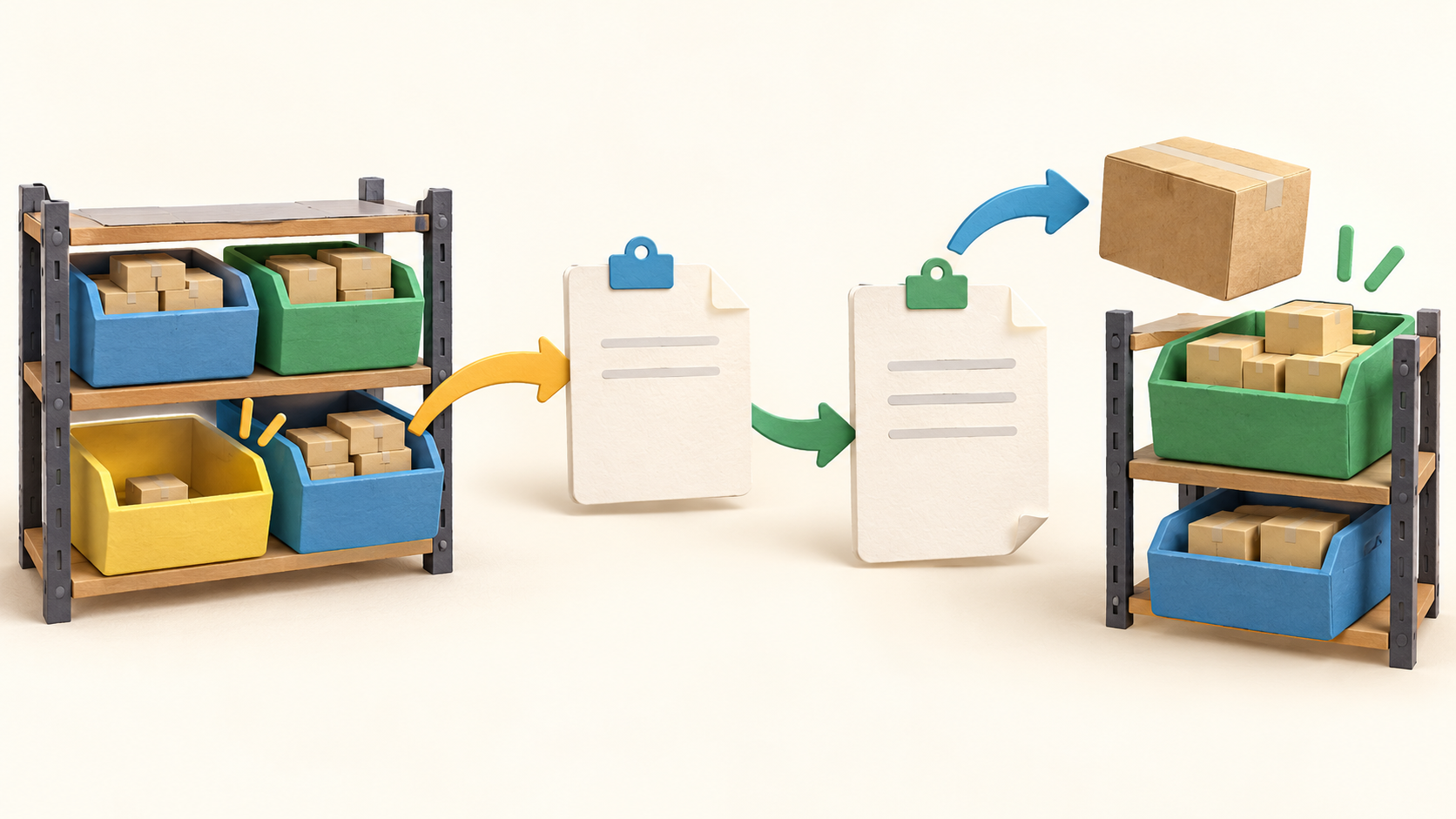
When a sales order has no or only partial quantity available, its missing items appear in the fulfillment flow. The team can select shortages and generate purchase orders in bulk, then return to the original sales order when receipts restore sufficient stock.
Receiving a purchase order creates a goods received note. Staff enter the quantities actually delivered and post that note to add goods to stock. If the delivery is partial, the remaining amount can be received later, keeping the order open for follow-up.
A stocktaking compares a physical count with the system quantity and shows deficits or surpluses. The count alone is a record: a separate stock adjustment is needed to change the stock balance. That separation gives a team a useful check before correcting discrepancies.
For traceable goods, a product can use serial numbers, lot numbers or both. The manual ties that tracking to receipt, sale and production; a pilot should test the exact labels and entry steps for the goods a business handles.
Manufacturing work orders connect raw materials, labor and machines to finished products. This matters when a shortage should trigger production rather than supplier purchasing, although the full production workflow should be tested separately from basic stock control.
An official manual describes a Shopify connection that exchanges product, quantity and sales-order data and matches items by SKU. Its setup directions reference older Shopify app mechanics, so confirm the currently supported connection and test duplicate SKUs before relying on live sync.
Understand the offer
Pricing and getting started
ERPAG's manual documents an online account workflow. Current subscription prices and feature entitlements are not established by the captured manual, so confirm the live pricing page and selected plan before budgeting or enabling integrations.
Look a little closer
Before you choose
Pilot one harmless item across two test warehouses. Check the quantity view, transfer it, create a sales order with insufficient stock, generate the supplier purchase order and receive a partial delivery. The final balance should match the documents at each step.
Run a physical count with test data and confirm who is allowed to post an adjustment. If the business tracks serialized or perishable batches, follow one item through receipt and sale so the serial or lot record is useful when needed.
If Shopify is part of the process, check today's supported authorization method with ERPAG and run a small SKU-matched test before bulk synchronization. The captured integration guide is older, and current platform requirements may differ.
12 distinct sources behind this profile. Research observed Oct 19, 2026. Features and offers can change.
View sources and research →
