Find your fit
Who it is for
Ellie suits someone whose task list is longer than the time available in a day. Brain Dump keeps new commitments out of the day plan until the person deliberately chooses what fits, while timeboxing can make that selection concrete.
People who plan around meetings can overlay Google, Apple or Outlook calendars. Those who prefer a separate planning space can use Ellie’s timebox without linking an external calendar at all.
The work it supports
Core capabilities
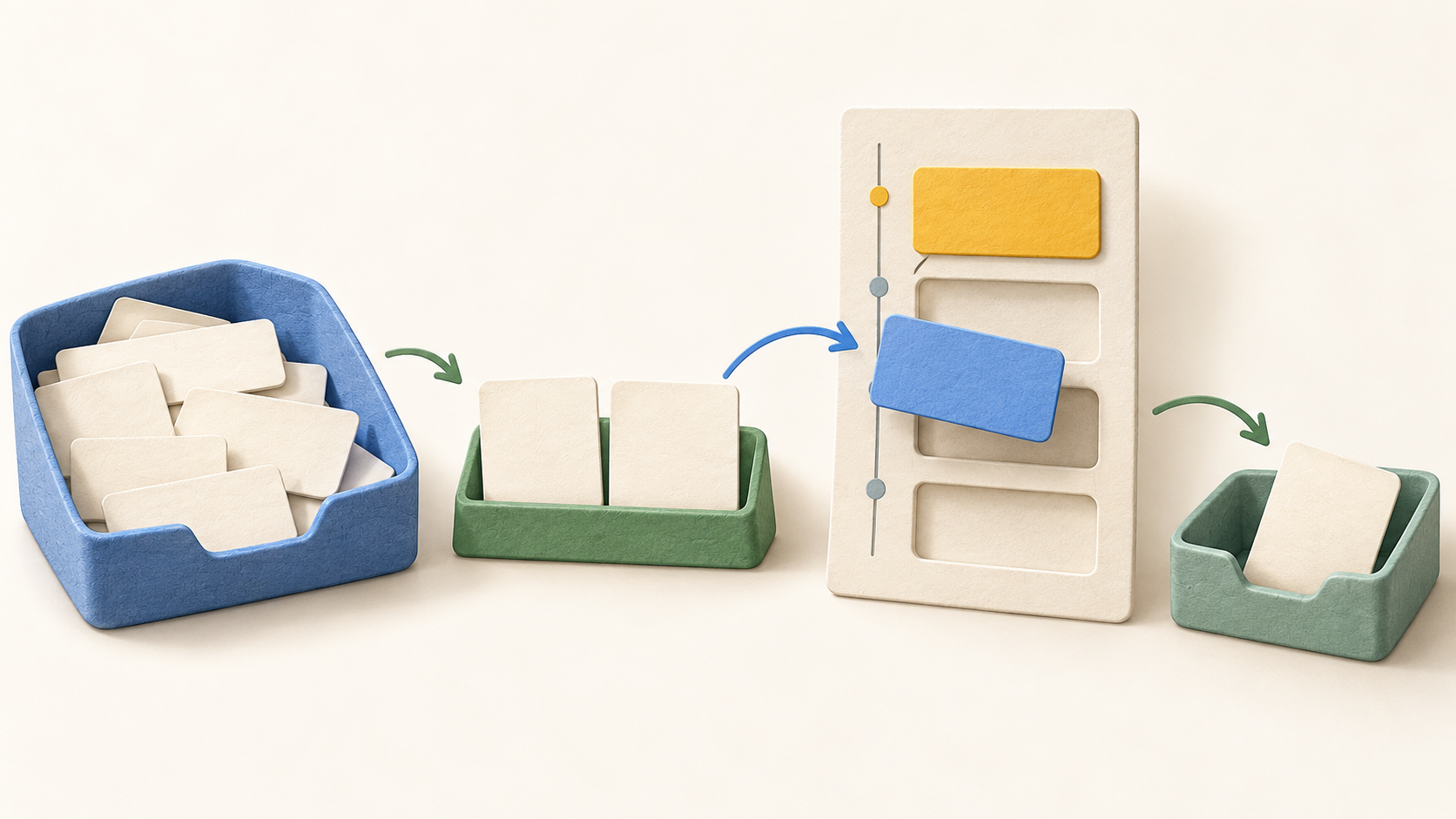
Capture an idea in Brain Dump without assigning a date. Later, pull selected tasks into today’s plan; leave the rest for another day. Ellie tasks can carry more detail than a simple checkbox when the work needs context.
Drag a chosen task onto the Timebox to reserve a slot. If the day changes, move the task to another time or tomorrow; unfinished tasks can roll forward. The basic timebox does not require calendar permission.
A Google Calendar connection defaults to overlaying existing events. An optional switch adds Ellie tasks as synced Google Calendar events. Check that setting before linking a work calendar, because an overlay and task-to-calendar publishing are different workflows.
Apple Calendar can overlay events, but setup differs: iPhone and iPad read device calendars, while web and desktop use an iCloud app-specific password. The guide says Ellie tasks do not currently two-way sync into Apple Calendar, so confirm the required behavior before choosing that connection.
Outlook Calendar offers event overlay or an optional setting that adds Ellie tasks as synced Outlook events. Test the intended calendar and privacy setting with a harmless sample task before relying on it for shared availability.
Optional Daily Planning and Daily Shutdown rituals guide a morning selection and end-of-day review. They require a desktop-sized web, Mac or Windows window; they are not currently in the iPhone or iPad app.
The iPhone and iPad app supports lists, search, notes, timers and timeboxing, with a week view on iPad. Ellie also has web, Mac and Windows access, but the current pricing FAQ says there is no Android app.
Understand the offer
Pricing and getting started
The current official pricing FAQ describes a seven-day Pro trial on monthly and yearly plans. It says the buyer is charged after the trial unless they cancel first and that Ellie does not have an ongoing Free plan. Check the trial end date before starting it.
The captured Monthly selection displays $9.99 per month for Pro. The page also offers a Yearly selection with a two-month-free message; verify the exact annual total, currency, tax and checkout terms rather than converting the monthly display into an assumed yearly bill.
Pro’s published list includes unlimited tasks and Brain Dump, timeboxing, Google and Apple Calendar, recurring tasks, labels and subtasks, due dates and reminders, and an AI assistant. Compare those rights with the specific integration and platform you need.
The page lists Lifetime at a one-time $299.99 for the same current Pro features, with no recurring subscription. It also advertises a 50% path for eligible students, teachers and non-profits on monthly or yearly plans. Confirm eligibility and current checkout totals before buying.
Look a little closer
Before you choose
During the trial, capture a real week of low-stakes tasks, choose each day’s work and move an unfinished task forward. Decide whether Ellie’s Brain Dump and Timebox fit your planning habit before the paid renewal begins.
If calendar connection matters, first decide whether you need only an event overlay or want Ellie tasks published to Google or Outlook. Apple Calendar has a different setup and lacks the documented two-way Ellie-task sync. Try a fictional task and check visibility in both places.
Match your devices and chosen plan to the workflow: Android is not listed, and Daily Planning/Shutdown rituals are desktop-only. Check the exact monthly, annual or Lifetime checkout and trial conversion in your region before committing.
10 distinct sources behind this profile. Research observed Oct 27, 2026. Features and offers can change.
View sources and research →
