

Find your fit
Who it is for
Ecwid suits a seller adding ecommerce to an existing site or starting a new store. Compare the catalog size, staff access, sales channels and fulfillment rules against the selected plan before moving a live catalog.
The work it supports
Core capabilities
Build a new ecommerce website or add the Ecwid storefront to an existing site. Check how the product pages, navigation and domain fit the current customer journey.
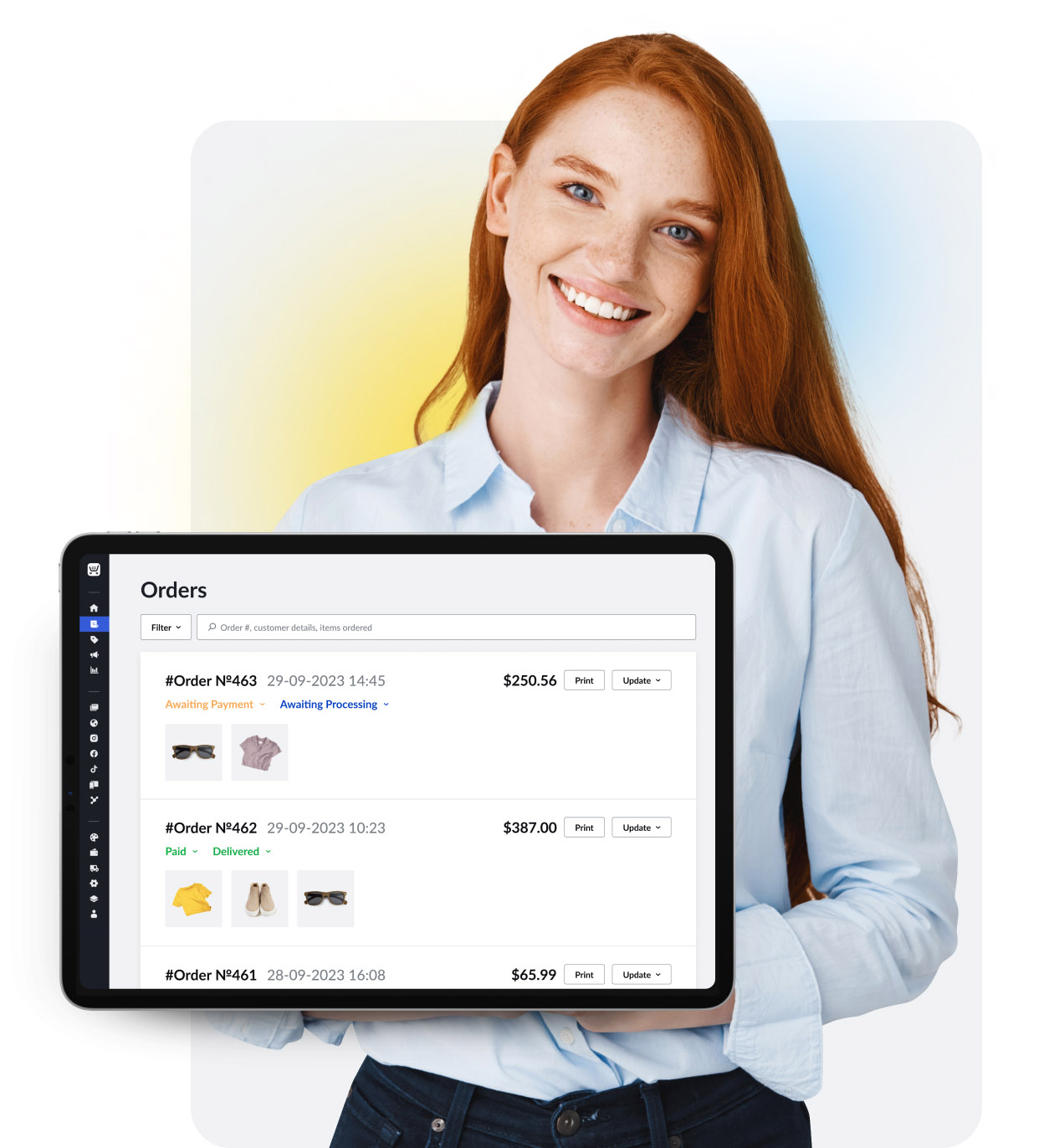
The order dashboard brings orders from sales channels together and filters by payment and fulfillment status. Confirm the team’s status and notification workflow with sample orders.
Set stock quantities for products and variations; purchases update those levels. Review low-stock reminders, out-of-stock behavior and plan entitlements for the actual catalog.
Understand the offer
Pricing and getting started
Starter, Venture, Business and Unlimited have different catalog and staff limits. The current pricing page shows up to 10, 100, 2,500 and unlimited products respectively; Business lists two staff accounts and Unlimited lists unlimited staff. Check the local price and needed feature entitlements at purchase.
Ecwid says its plans have no setup or transaction fee. Payment processors set their own rates; check App Market extension costs separately before comparing the full cost of the selected plan.
Paid subscriptions can bill monthly or yearly and recur until cancellation. Confirm the billing country, currency, tax, renewal amount and cancellation path in the account before upgrading.
Look a little closer
Before you choose
Ecwid’s one-page checkout collects delivery and payment details, with order comments available. Before launch, walk through cart, address, delivery choice, payment and confirmation on a mobile device as a customer would.
For a physical catalog, check each product’s shipping or pickup flag: Ecwid says a customer cannot select a delivery method when that flag is off. Test a mixed cart if the store also sells digital products or services.
Enter accurate product weights before relying on carrier or weight-based rates; some integrated carriers also use dimensions. Verify the offered shipping, local delivery and pickup choices against the actual destinations and basket sizes.
Determine the store’s tax obligations for its goods and destinations, then configure automatic calculation where eligible or manual rules where needed. Check a sample order by jurisdiction with a local tax adviser rather than assuming the default is correct.
Before accepting customers, place a test order and confirm that checkout, confirmation, order status and fulfillment records behave as intended. Ecwid documents a manual-payment path that avoids a charge; a real online payment test has gateway minimums and refund considerations.
Check gateway eligibility, processing fees, payouts and refunds in the store's country. Then price any needed App Market extension and test the selected plan's social, marketplace or POS path before relying on it.
Ecwid lists automated abandoned-cart recovery emails for Business and Unlimited. Its help page says the usual reminder goes out two hours after abandonment, and first enabling the feature sends reminders for carts abandoned during the previous two weeks. Before switching it on, review pending carts and the default email template so the first customer batch is intentional; this profile did not enable a store or send an email.
If digital files are in scope, rehearse a representative test order before launch. Ecwid lists downloadable products on Venture, Business and Unlimited; the buyer's link becomes available when the order is Paid. The store can set link expiry or a download cap, and renewing a link sends another email. Check the Download e-goods notification and have a test buyer verify receipt, expiration and renewal before accepting customer orders.
Before updating orders, check Settings → Notifications and the customer email template. Ecwid says selecting a new status for one order takes effect immediately without a Save step, and a bulk status update can notify many shoppers. The ‘Order status changed’ email is enabled by default but can be disabled. Rehearse the intended single and bulk changes with test orders so customers receive only the updates you mean to send.
On Business and Unlimited, Ecwid lets a store edit placed orders, but a changed total does not charge the customer for an increase or automatically refund a decrease. Agree on collection for a higher total; for a lower one, use the relevant processor or a supported in-admin refund flow. For most gateways, marking an order Refunded is a status change, not a payment reversal. Check the actual payment record, order status and customer notification on a representative test order before editing paid customer orders.
Before deleting an Ecwid catalog product, consider disabling it if it only needs to disappear from the storefront; disabled products remain in the store admin. Deletion removes the product from the catalog, although it stays visible in past orders. Ecwid says Venture, Business and Unlimited stores can ask support to restore a backup from the last 35 days, but returning the catalog to an earlier point can discard edits made after the deletion. Export those later edits to CSV before a restore; for just a few missing items, compare manual recreation instead.
With Ecwid stock control, creating a manual order and editing an existing order’s quantities have different inventory effects. Ecwid says a manual order reduces stock and can push it negative when the ordered quantity exceeds availability; with preorders enabled for that product, stock is zero and the excess is treated as preordered. Editing product quantity in an existing order does not update in-stock quantity, so reconcile the stock separately. Before using either path, confirm plan access and permissions, then rehearse with a fictional tracked product and order and compare ordered units with remaining stock.
Ecwid's product-option CSV rows rewrite a product's option and input-field data on import. When updating an existing catalog, include every intended option, field and value in the file, even those already in the store; an incomplete file can change the choices customers see. Before a bulk update, export the catalog, check the CSV against Ecwid's column format, and rehearse with a nonlive product. After importing, review the session history for errors and compare the product's visible options and required fields with the baseline. For a busy store or a first import, consider maintenance mode until those checks are done.
For a scarce Ecwid item, adding it to a shopper's cart does not reserve stock. Another shopper can buy it first; if it sells out before checkout, Ecwid removes the item from the stale cart and shows a notice. If pre-orders are enabled, the cart instead marks the item as a pre-order. Walk through two fictional shoppers and a tracked sample item in an authorized test setup before advertising a limited quantity, and check the message each shopper would see. No cart or order was created for this profile.
For a high-traffic Ecwid sale, ordinary cart inventory checks do not guarantee that the last units cannot be oversold. Ecwid warns that simultaneous online payment attempts can outpace gateway callbacks and the resulting stock reduction. Compare a deliberate stock buffer, an explicit pre-order offer, or a manual post-payment process against fulfillment and customer-communication needs; manual payment requires later collection. Rehearse the timing and final order-to-stock reconciliation with fictional data before a live promotion. No gateway, payment or sale was tested here.
For an Ecwid product with size or color choices, options alone do not track each choice's stock separately. On Business or Unlimited, create variations and give each its own SKU and stock quantity; new variations initially inherit those values from the base product. Once a variation has unique SKU and stock, orders reduce that variation rather than the base product's stock. Ecwid's Out of Stock filter shows a product with variations only when all variations are out of stock, so a sold-out size can be absent from that product-level view while another size remains available. Check a fictional two-size item in the selected plan and inspect variant quantities and storefront availability before relying on the filter.
Before canceling a stock-tracked Ecwid order, separate its status, inventory and payment. Changing the payment status to Canceled or Refunded returns the ordered quantity to stock, but Partially Refunded does not. Ecwid says cancellation keeps the order record and sends a customer status email when that notification is enabled, yet does not refund a paid order. If an item has shipped, arrange its physical return separately before assuming the restocked units are ready for another buyer. With a fictional paid and fulfilled order, compare status, stock, customer notice, returned goods and the actual payment-provider refund. Confirm stock-control plan and role rights before changing real orders.
Before promoting an Ecwid coupon, work through a fictional two-order redemption with the chosen plan and a cart subtotal. Ecwid permits one coupon per order and subtracts a money or percentage discount from the item subtotal before tax and shipping. Its 'Once per customer' limit tracks the email entered at checkout; the same person may redeem again with a different address. A single-use code instead expires after its first order. Check the minimum-subtotal and eligible-product settings and decide which limit fits the offer before distributing a real code. This review did not run a checkout.
Ecwid lists gift cards for Venture, Business and Unlimited plans, and sends the card email only after its purchase order reaches Paid status. A card can be used across multiple orders; the Gift cards admin view reports the outstanding balance still available for redemption and can export sold-card details to CSV. For a fictional purchase and later partial redemption, ask who would verify Paid status, check delivery to the buyer and reconcile the remaining redeemable balance before enabling the offer. Confirm the selected payment provider permits gift-card purchases and the store has an eligible plan; no card, order or payment was created.
26 distinct sources behind this profile. Research observed Oct 26, 2026. Features and offers can change.
View sources and research →
