Find your fit
Who it is for
A home user with a local disk or cloud account can use Duplicacy to keep file backups and browse older revisions for recovery. A small IT team can use the same storage choices across machines, but should plan backup IDs, encryption credentials and license coverage before rollout.
Web Edition suits an operator who wants scheduled jobs and a dashboard. Script-oriented administrators can use the command-line engine. The older native GUI is being deprecated, so a new evaluation should center on Web Edition or CLI.
The work it supports
Core capabilities
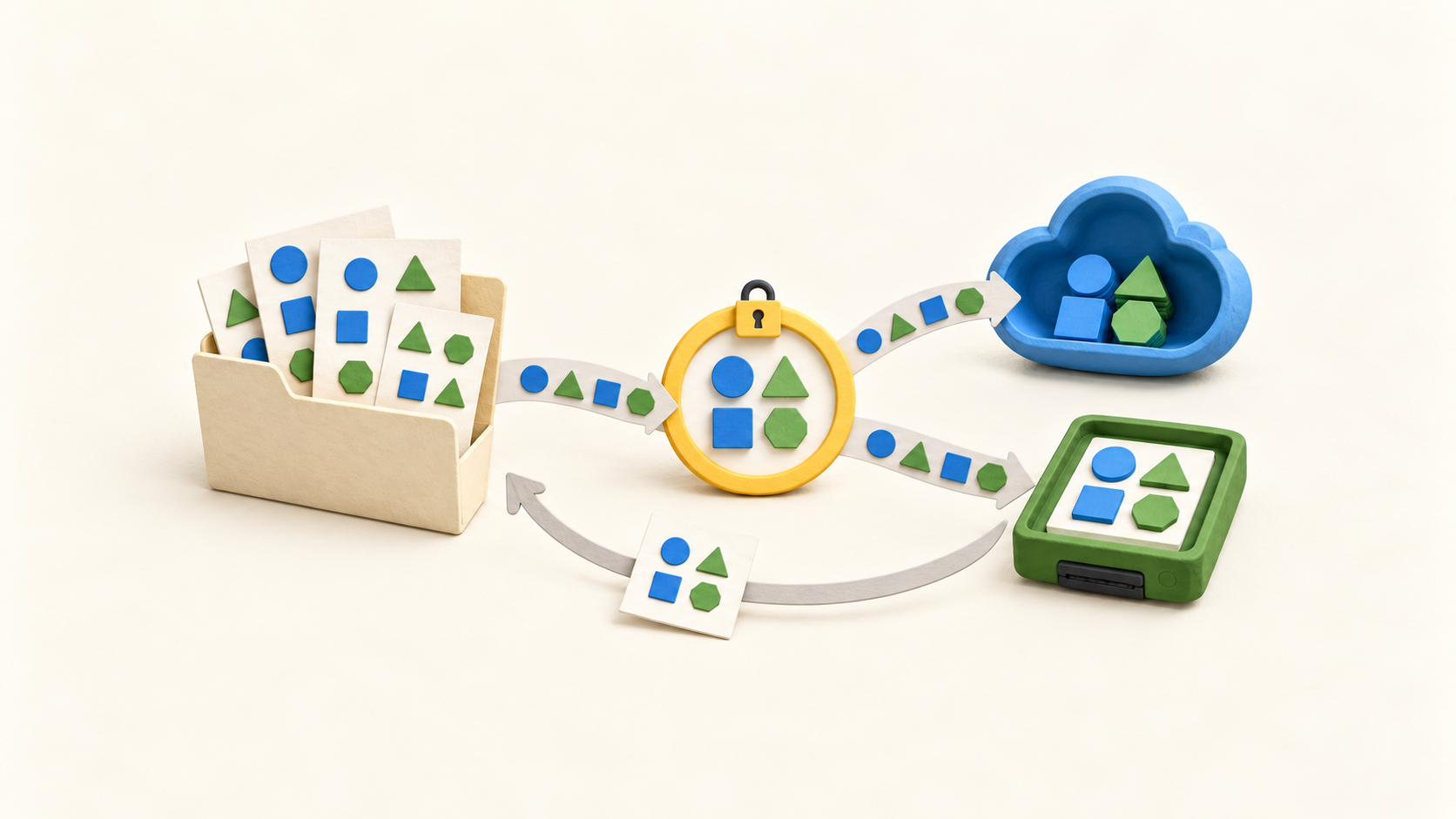
Choose backup storage. Duplicacy supports many cloud services, local disks and your own SFTP server. In Web Edition, add that storage before connecting a source folder; cloud or server space is a separate resource the operator must arrange.
Set up a backup. Select the source directory, destination storage and backup ID. The guide allows multiple machines to use one storage with distinct backup IDs, and include/exclude rules limit which files enter a backup.
Save repeated data efficiently. Duplicacy advertises lock-free deduplication, so matching chunks across backups need not be stored repeatedly. The practical amount saved depends on the data and backup history.
Protect credentials and backup data. Web Edition's master password protects stored storage credentials. A separate optional password encrypts a newly initialized storage; the guide strongly recommends it for cloud storage. Record how both will be retained for recovery.
Automate maintenance. Web Edition can schedule backup, check, copy and prune jobs by time and day, or start a backup manually. A copy job needs a destination configured as compatible with the source storage.
Restore a prior version. The Web guide describes selecting the storage, backup ID and revision, then choosing a file or folder and destination. Restore is performed manually through its own page rather than as a scheduled job.
Choose the interface. Web Edition covers the major operations and scheduling; the CLI can run directly or from a script. The older native GUI has fewer operations and is being deprecated.
Understand the offer
Pricing and getting started
The CLI can back up personal files for free. A Personal GUI license is restricted to a home computer and personal files unrelated to work or profit, with a stated school exception; a Commercial GUI license permits other files. A commercial CLI backup license covers one computer.
Web Edition lets users restore, check, copy and prune existing backups without a GUI license. Its backup operation has an automatically downloaded 30-day trial, after which a suitable license is needed. The CLI also permits existing-backup restore and management without a CLI license.
The buy page requires one GUI license per computer. Its captured first-year table displays $20 for the first Personal computer, $10 for each additional, and $50 per computer for Commercial GUI or CLI. The table does not specify a currency code, so confirm the checkout currency and current term before buying.
Duplicacy calls these term licenses subscriptions, but its FAQ says they do not renew automatically: the buyer pays for a chosen number and length of licenses and renews manually. The software license is separate from charges for any chosen cloud or server storage.
Look a little closer
Before you choose
Pilot one representative folder to the intended storage, confirm the backup ID and excluded files, then restore a specific older file into a separate destination. That checks the actual data path and the ability to unlock storage, not only whether a backup job finished.
Add a check job and, if needed, a copy job before setting retention. Test copy compatibility and schedule order on disposable data. Keep the master password, storage password and storage-provider credentials in a recovery plan.
Count each machine that will run Web or commercial CLI backups and compare it with the relevant license type. If a backup trial is near its end, verify that scheduled backup rights continue under the intended license; the exception for existing-backup operations does not grant free new Web backups.
4 distinct sources behind this profile. Research observed Oct 18, 2026. Features and offers can change.
View sources and research →
