Find your fit
Who it is for
It fits organizations preparing or maintaining programs such as SOC 2 or ISO 27001 and needing a shared place for control owners, security staff and auditors to work from. Buyers should identify their target frameworks, systems to connect and people responsible for gaps before planning a rollout.
A lean team can start with the guided setup and a narrow set of controls. More complex organizations may reuse evidence across multiple frameworks, but should review which frameworks are pre-mapped, which require custom mapping and which features or add-ons are in the chosen agreement.
The work it supports
Core capabilities
Quick Start guides an administrator through company setup, system connections, framework work, personnel and policies. The connection step matters because automated evidence is only as complete as the systems and permissions a team has actually configured.
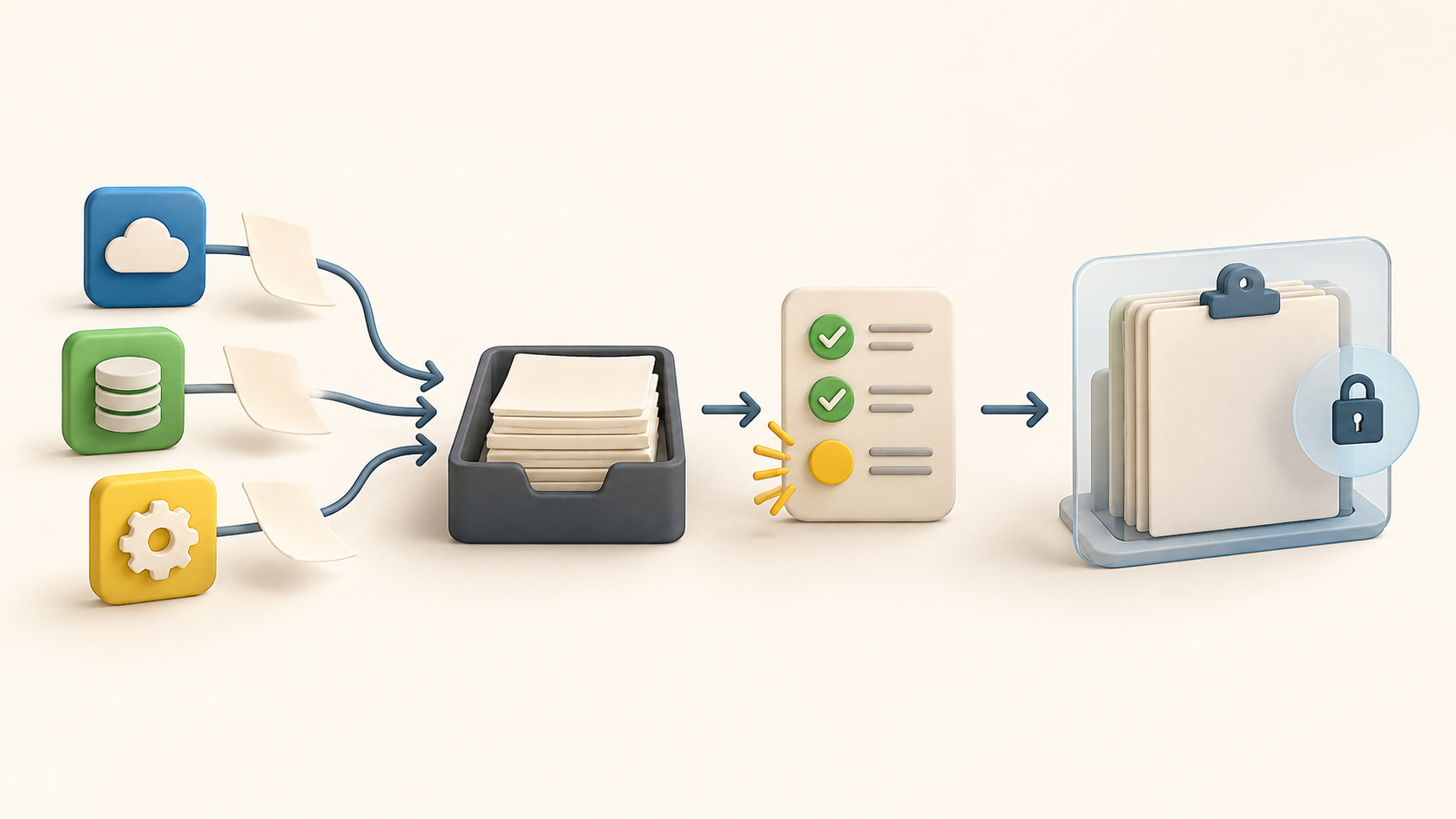
The Evidence Library holds artifacts used to support controls. Items can be linked to more than one control, updated over time and reused across frameworks. A team can also attach manual files or URLs when a control is not covered by an automated test.
Evidence status can flag a missing artifact, an overdue renewal, an upcoming renewal or an error. Use those states as prompts to inspect the actual artifact and its date, rather than assuming a green platform status alone will satisfy an auditor.
Monitoring shows test results for the workspace. A mapped test can affect its control and framework readiness; an unmapped result remains visible but does not change that readiness calculation. Check mappings before relying on a score or report.
Test details show current result, findings, history and related controls. On a failure or error, an owner can investigate and take corrective action; the resulting evidence and ticket handoff should be checked in a sample workflow.
Drata can support several frameworks in one environment, with some requirements pre-mapped and others needing manual mapping. Compare the chosen framework version and the buyer’s actual control language before reusing one evidence item across programs.
An invited external auditor gets a scoped Audit Portal rather than full access to the customer account. Depending on the audit configuration, the auditor can inspect evidence packages, set samples and manage requests. Test permissions and the exact shared scope with a harmless sample engagement.
Understand the offer
Pricing and getting started
The current Help Center references Foundation, Advanced and Enterprise plans. User Access Review is an add-on on Foundation and Advanced and included with Enterprise; the frameworks guide also labels ISO 27017 as an add-on to ISO 27001. These examples show why a buyer should ask for a feature-by-feature written proposal.
The reviewed official Help pages do not establish a reliable current subscription rate or full contract terms. Confirm the selected plan, frameworks, number of workspaces, integrations, auditor access, implementation help, renewal and any add-ons directly with Drata. For pre-mapped evidence, check the guide’s customer/framework eligibility condition and the buyer’s interface version.
Look a little closer
Before you choose
Pilot one target framework and a few controls that draw from both an integration and a manual source. Confirm the evidence appears under the right control, a failed mapped test changes readiness as expected, and an owner can trace what needs correcting.
Decide which artifacts and policies can be shared with an external auditor. Invite only the intended engagement, inspect the auditor view and verify that request messages and evidence packages show the right audit period and workspace.
Treat Drata’s readiness display as an internal workflow signal. An auditor may require additional context, and the vendor explicitly acknowledges manual evidence. Assign owners for renewals, framework mappings and failed tests so the platform does not become a collection of unattended status flags.
10 distinct sources behind this profile. Research observed Oct 18, 2026. Features and offers can change.
View sources and research →
