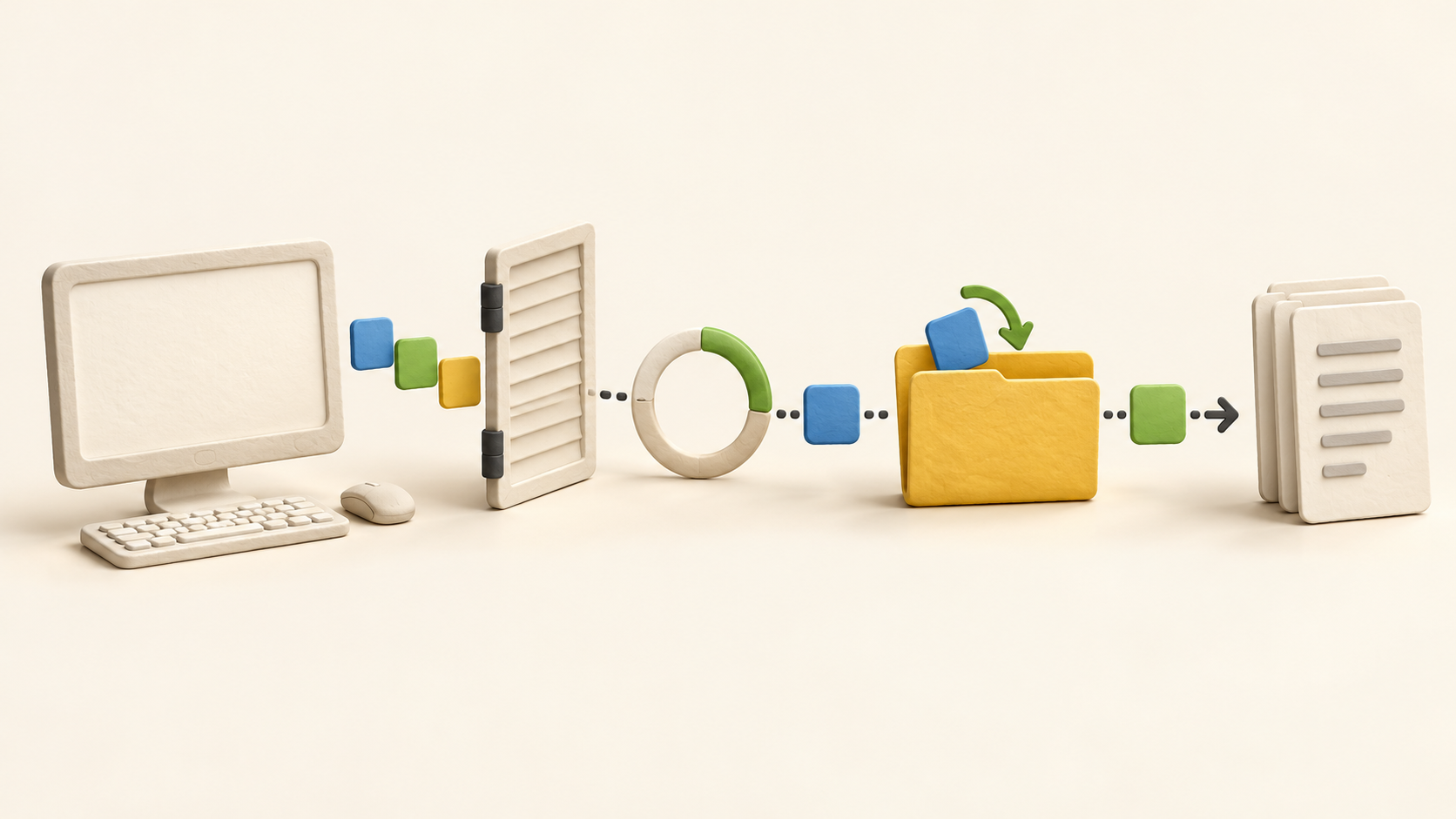
Find your fit
Who it is for
DeskTime fits teams whose work happens largely on computers and who need a view of app/website activity, workday gaps and project time. It is less complete as a standalone record of all labour when staff spend meaningful time away from the desktop; offline entries and a mobile manual timer need deliberate use.
A buyer should decide whether the goal is project costing, work-time review or activity monitoring. Project tasks require someone to select and start a timer, while the general desktop tracker runs automatically. Those measurements answer different questions and may need different review rules.
The work it supports
Core capabilities
Install the DeskTime desktop app on a supported computer. It records active app names, visited sites and URLs and detects idle periods; the vendor says basic app and URL tracking does not read the content inside those apps or pages. The default idle pause is three minutes, and tracking behavior can be configured.
Employees can review their own stats and managers can see team work-hour data. Private Time pauses tracking, with the app status indicating whether it is active, idle or private. A test should check who sees each detail and whether the pause is practical on shared or personal devices.
For client or internal projects, a person selects a project or task and starts its timer. DeskTime can use hourly rates to calculate project cost from tracked time. Project app integrations can bring in tasks from tools such as Jira or Asana and sync time back, subject to the paid tier and integration setup.
Work away from the tracked computer can be entered as offline time. An administrator can disable this, allow it or require approval. Calendar integration may also fill a meeting as offline productive time, which is useful only when the calendar event truly represents work.
DeskTime offers downloadable tracking exports, with six standard report types and a custom option. For phone use, the mobile app can display stats, accept offline time and run a manual timer; it does not automatically monitor phone apps or calls.
Optional screenshots can be enabled for selected staff or teams, taken at random intervals within five, ten, fifteen or thirty minutes, and blurred. The feature is off by default. Review the capture scope, blur, access and retention settings before any real employee rollout.
Understand the offer
Pricing and getting started
The captured USD page with annual billing selected displays Pro at $6.42 per user per month, billed annually, and Premium at $9.17 on the same basis. Prices exclude VAT and the page also offers EUR and monthly selectors. Confirm currency, taxes and the selected billing term in the actual quote.
Pro includes the central automatic time, app/URL, idle and project trackers, Private Time and reports. Premium adds screenshots, scheduling, absence calendar, project integrations and administrator approval of offline entries. Check each intended use against the current plan comparison rather than assuming every feature is included in Pro.
Enterprise is custom-priced for 200 or more users in the captured card and adds unlimited history/projects and custom API functions in the official plan guide. Discuss exact support and security terms directly with the vendor if those drive the selection.
Official help describes a 14-day trial. After it ends, continuing to track time requires a paid plan. Monthly and annual billing are available; the help page describes one month free on annual billing. Confirm seats and cancellation terms before introducing real employee records.
Look a little closer
Before you choose
Treat DeskTime’s automatic activity categories as context for review, not an approved payroll total. The app measures device activity, pauses on idle, and can add offline time through manual or calendar routes. Define who corrects missing work, who approves offline entries and how the final hour total reaches payroll.
A privacy pilot should use fictional or consenting internal data and confirm Private Time, app/URL visibility, administrator access and screenshot settings. Screenshots can contain screen content, even though blur is available, and the feature is optional and tiered.
For a small trial, compare one computer-based task, one meeting away from the keyboard and one project assignment against the exported data. That exposes the difference between automatic activity, offline additions and deliberately started project time before anyone uses it for billing or pay decisions.
11 distinct sources behind this profile. Research observed Oct 26, 2026. Features and offers can change.
View sources and research →
