Find your fit
Who it is for
Operations, sales or legal teams handling repeat agreements can use templates and shared review instead of sending new document versions around by email. Reviewers should agree on template ownership and approval authority before inviting colleagues.
A company with a large existing agreement archive can import older files, extract fields, search the repository and set renewal tasks. A small sample import is a sensible way to check extraction and access rules before bringing in confidential contracts.
The work it supports
Core capabilities
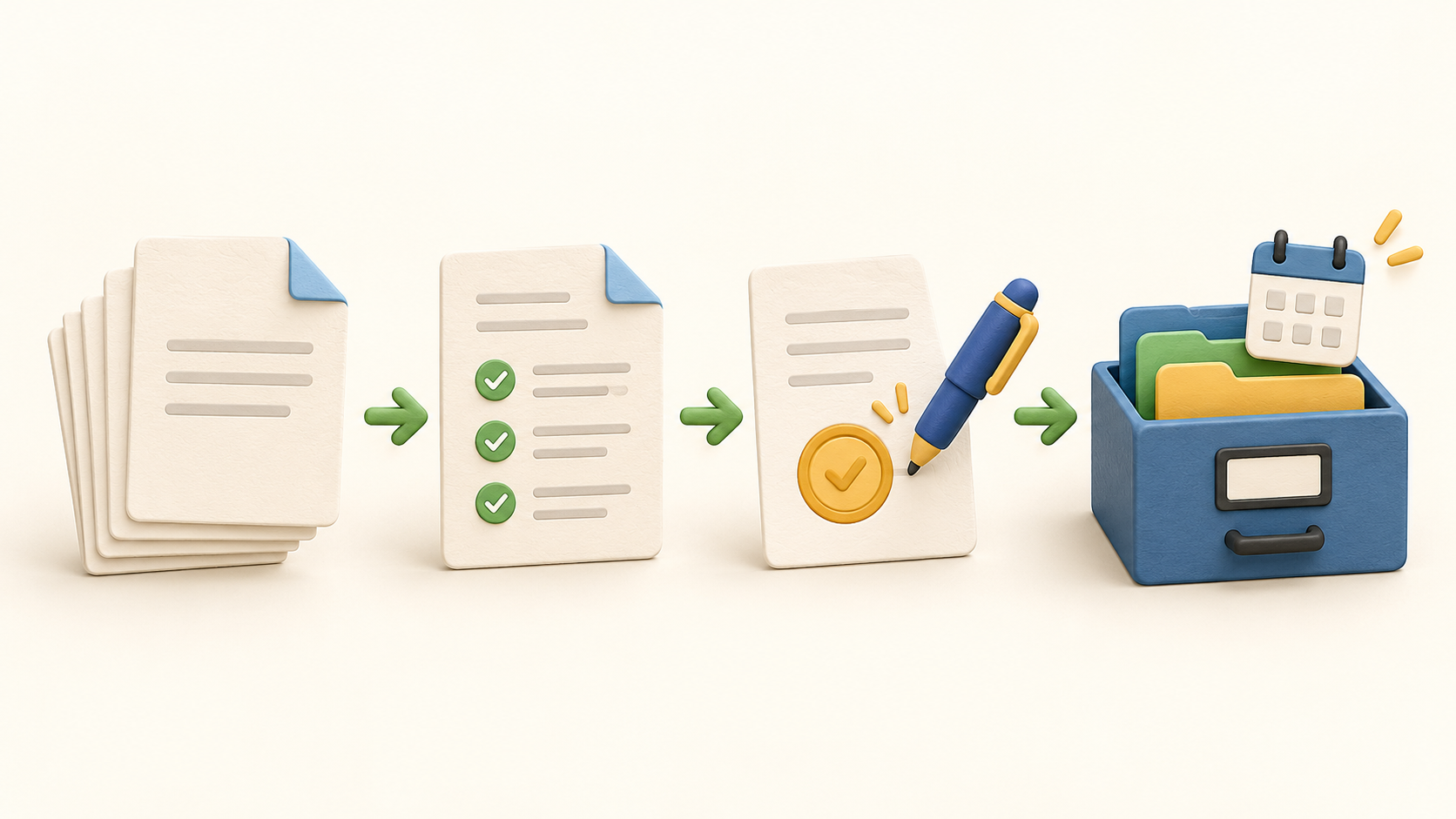
Start from a reusable template or an existing agreement, edit the content and prepare signature fields. The template process is useful for repeated agreements; check the selected plan separately for template and upload limits.
Keep draft comments, negotiation and version history in one contract workflow. Contractbook also describes automated approvals; an approval task can stop signing until assigned reviewers mark it complete.
Send the agreement to designated signees in a chosen order. The recipient help page says a signer does not need a pre-existing Contractbook account, though the sender still needs to choose an appropriate identity method for the agreement.
Bulk import older contracts into a central repository. Contractbook describes scanning and extracting key details from uploaded documents so they can become searchable records; verify a sample before relying on extracted dates or clauses.
Use filtered contract views and searchable data to find agreements by type, fields or scanned content. OCR and extracted metadata are useful navigation aids, but a person should confirm the underlying document for consequential decisions.
Create recurring reminders and tasks from contract fields to follow renewals, deadlines and obligations. Assign an owner and verify each date, especially if it came from an imported document.
Use conditional workflows to automate repeated steps such as filing a signed agreement or creating a reminder. The captured top-card pricing says automation is an add-on for Centralize and included in Accelerate.
Understand the offer
Pricing and getting started
Contractbook currently presents Essential, Centralize and Accelerate. The top cards show different included users, templates, uploads and annual signed-contract limits; Essential begins with one user and 100 signed contracts per year.
Centralize and Accelerate direct buyers to request a quote. Ask Contractbook to state users, uploads, signed-contract volume, template rights, automation and onboarding in the written offer.
The pricing page advertises 14 days without a credit card and says the account falls to a limited free plan afterward. The offer language also says trial availability may be limited.
The lower comparison section on the same page names a different Centralize/Growth grid and numeric prices. Treat those numbers as unresolved rather than a reliable current rate; get a current quote before budgeting.
Look a little closer
Before you choose
Trial with harmless sample agreements: create a template, route a review, send a test document to designated internal signees and inspect the final record. Avoid treating the public feature descriptions as proof of the exact workflow your team needs.
Before importing live contracts, test several file types and contract dates, then check search results, extraction corrections and who can see each record. Incorrect extracted dates can become misleading reminders.
Match plan limits to annual signing volume and current users, and confirm which automation and onboarding rights are included. Existing contracts, templates and recipient signatures are different units; ask for each one explicitly.
9 distinct sources behind this profile. Research observed Oct 26, 2026. Features and offers can change.
View sources and research →
