Find your fit
Who it is for
It suits teams that need centralized administration across many customer or internal devices and want to choose their storage location. A buyer should map each workload and recovery target before choosing a hosted or self-hosted console because the two routes have different operational responsibilities.
MSPs should also decide whether devices should share a user and vault. Comet's documentation says devices in one user account can restore or delete one another's backups, so shared accounts belong only in trusted contexts.
The work it supports
Core capabilities
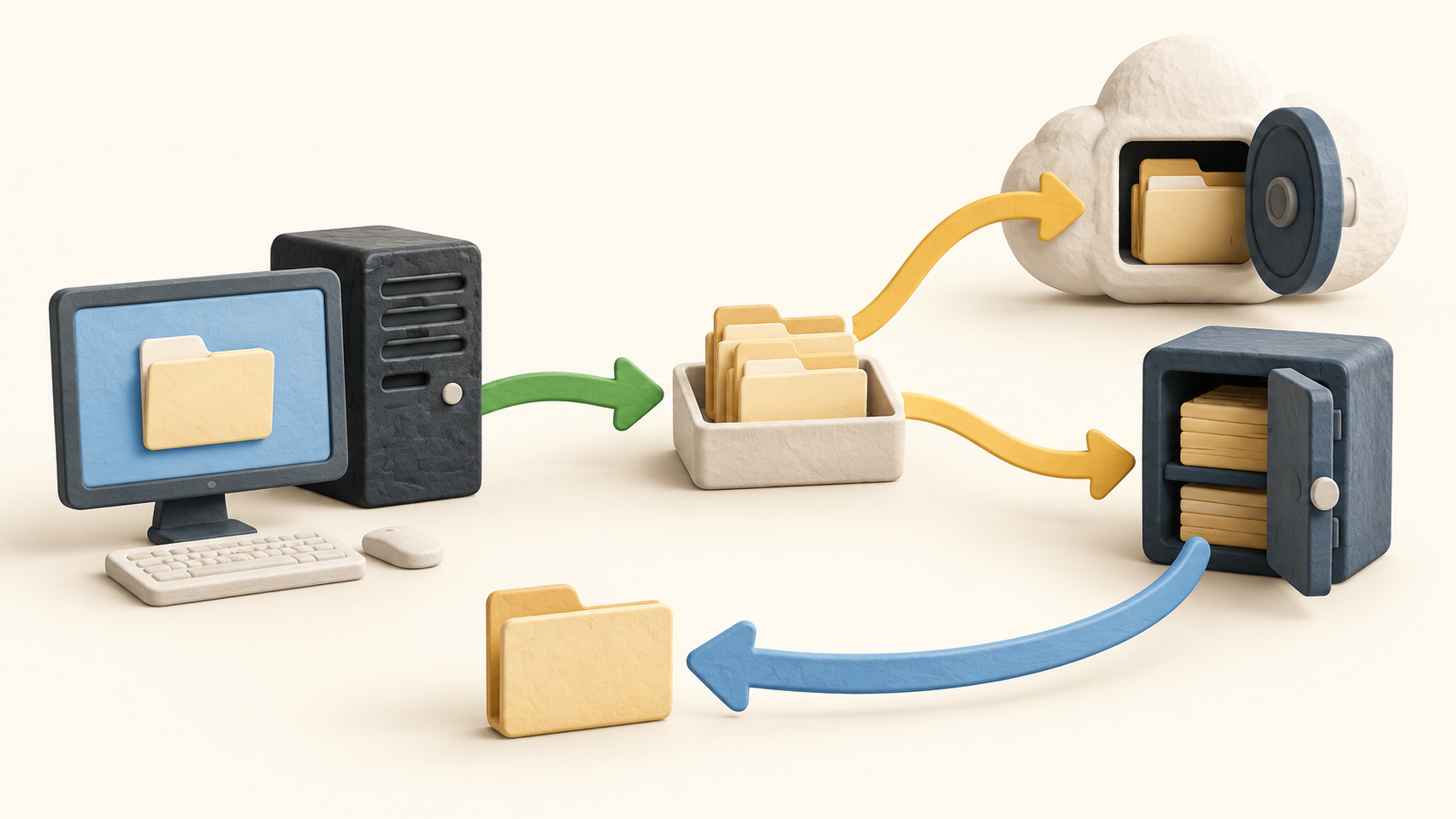
A Protected Item describes the files, application, system or virtual environment to protect. The Storage Vault identifies where the copy lives, such as S3-compatible cloud storage, local disk or a self-hosted gateway. This split lets an operator connect different backup jobs to the appropriate destination.
The client can run a job manually or on a schedule. A practical setup includes choosing the exact files or workload, exclusions, destination vault and job timing; then checking the completed job record and actual recovered data.
A restore can select the vault, Protected Item, snapshot, files and destination path. Test a small file restore and a representative larger recovery so operators know how to locate the right point in time and where the recovered data will be written.
Retention rules can be applied at the vault or item level, with an item rule overriding the vault setting. Check those rules before relying on a given recovery window or storage budget; a scheduled backup does not by itself prove that the needed old version is retained.
Comet says each vault's data is compressed, encrypted and deduplicated. Deduplication is scoped to the vault rather than all vaults, which matters when deciding whether multiple trusted devices should share one vault or remain separated for access control.
The feature comparison covers workstations, servers, NAS, virtual platforms, SaaS data and databases. Availability and charge can vary by platform and workload, so test the exact Protected Item type and restore path the customer needs rather than relying on the broad category label.
Cloud-hosted management reduces console infrastructure work through vendor-managed startup and maintenance. Self-hosted management gives the team its own console deployment, with the Growth plan including a second license for a replica or multi-site use. Either way, the operator still has to configure clients, vaults, retention and recovery.
Understand the offer
Pricing and getting started
The public calculator shows a self-hosted Starter console starting at $19 USD monthly. Professional starts at $49 USD monthly for one hosted console, while Growth starts at $49 USD monthly for two self-hosted licenses. These are console starting fees, not a complete backup bill.
Endpoints start at $2 each per month on the pricing page. The calculator adds separate selections for disk image, virtual machines, Microsoft 365, NAS and databases, and then asks for storage. Enter the actual mix and quantity; zero placeholders before choosing a platform are not a free-use promise.
Storage choices include Comet Storage, bring-your-own S3 and on-premises gateway storage. Provider capacity and transfer fees or operating your own storage can change the full cost. The calculator states a 30-day monthly cycle and advertises a free 30-day trial, but a buyer should confirm the trial's workload and storage scope.
Look a little closer
Before you choose
Build a small pilot around one representative device and one critical workload. Configure a Protected Item, vault and retention rule, then run a backup and restore from a chosen snapshot. Record how long the process takes and whether the restored files or application state are usable.
Choose account and vault boundaries deliberately. Shared-user devices can access and delete each other's backed-up data, while deduplication is confined to a single vault. Put access separation ahead of expected storage savings when those goals conflict.
Ask for a total estimate covering console plan, endpoint count, selected workload types and storage. Confirm hosted versus self-hosted operational duties, trial scope and the intended restore procedure before broad deployment.
8 distinct sources behind this profile. Research observed Oct 20, 2026. Features and offers can change.
View sources and research →
