Find your fit
Who it is for
It suits a small or medium-sized team that wants sales follow-up connected to the channels where inquiries arrive. A buyer should map one real sales cycle before selecting the module mix: who receives a lead, which fields identify a useful contact, what stages a deal passes through and which conversations need to remain visible to colleagues.
Teams mainly seeking a simple deal board can assess the Sales workflow first. Teams that also handle WhatsApp or marketing outreach should evaluate channel connection, shared-inbox seats and marketing-contact allowances together, because those costs and setup steps can change the value of an all-in-one subscription.
The work it supports
Core capabilities
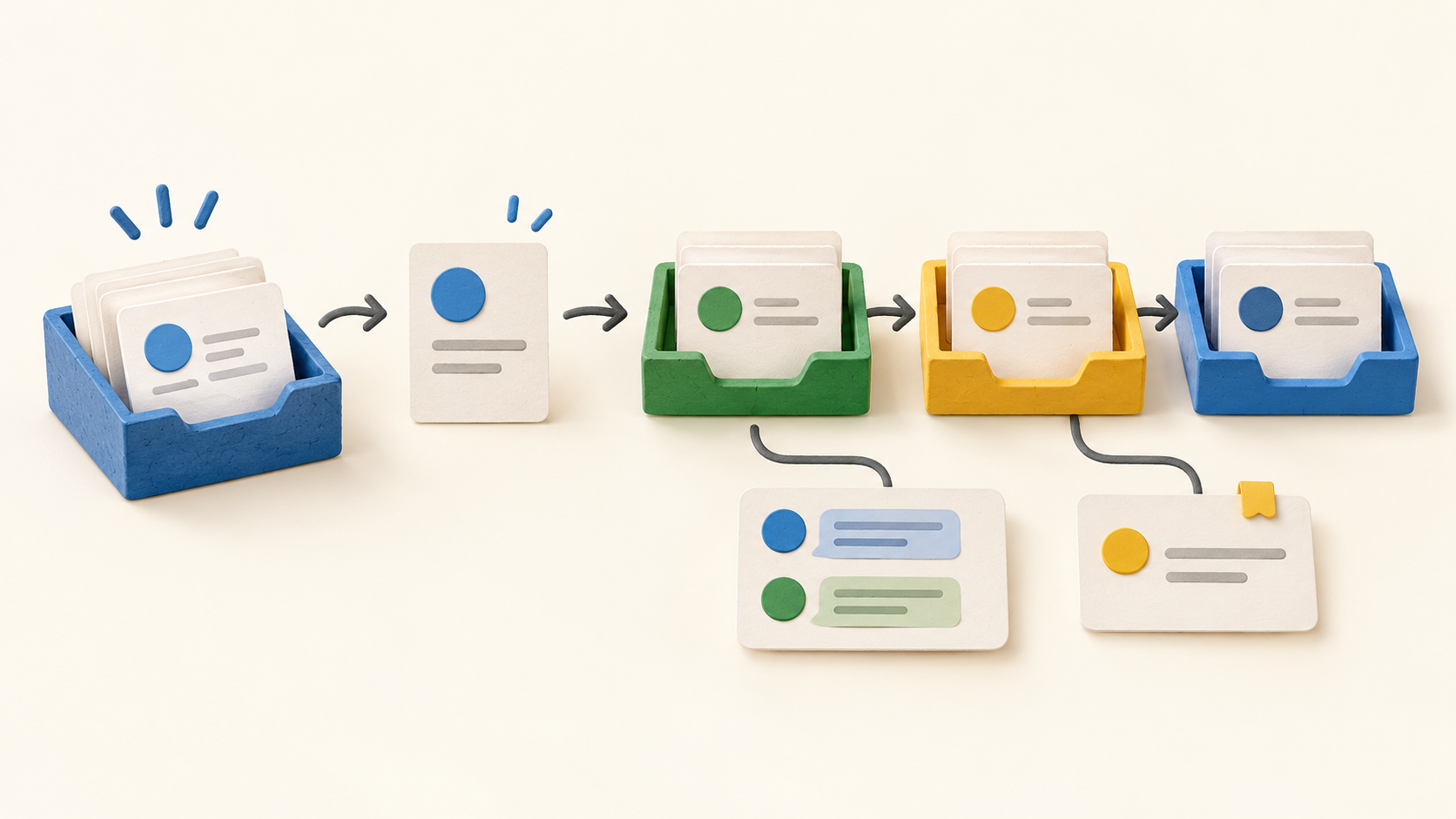
Bring leads in from the intended website form, email, social or messaging route, then check how each becomes a contact record. Contact cards can connect a person to a company and show email, tasks, opportunities and meetings, giving the sales team one place to inspect the relationship before replying.
Use filters, labels and custom fields to group contacts for different follow-up. This can separate, for example, prospects by interest or source before a targeted campaign. Test the segment on fictional records and confirm that the right contacts are marketing-enabled under the purchased allowance.
Configure a sales process and its stages before entering deals. The current help guide allows stages to be named and reordered; keep the first version short enough for the team to use consistently. An opportunity can then be attached to a contact or company with its owner, value, currency and expected close date.
An opportunity can carry notes, calls, emails and related tasks or meetings. Review it in the board, list or sheet view, and filter by owner, status or source when checking the pipeline. Moving a board card changes its stage; a deal can also be transferred to another defined sales process.
At the end of the sales cycle, mark an opportunity won or lost and capture the closure details. The lost-deal reason is useful for reviewing where a process needs work, provided the team agrees on consistent reason labels before building reports around them.
Clientify describes a shared inbox for supported conversations, including multi-user handling of a connected WhatsApp account. A team should connect only the channels it will actually staff, rehearse a handoff with a fictional inquiry and verify that the contact and opportunity context appears where expected.
The SME page describes contact segmentation and tailored outreach through email or WhatsApp. Before using a real list, check consent, channel connection and which records count as marketing contacts; the Spanish pricing FAQ says a stored CRM contact does not count toward that marketing limit until it is enabled for marketing.
Understand the offer
Pricing and getting started
The viewed English FAQ describes Communication, Sales and Marketing as selectable modules priced around needed users or contacts; the Spanish price page instead presents an all-in-one starting configuration with one user and 1,000 marketing contacts. Those presentations do not establish one universal package or fixed price. Ask for the exact regional quote and feature entitlement before comparing Clientify with another CRM.
The Spanish pricing page distinguishes marketing-enabled contacts from other CRM contacts. It says ordinary sales and communication contacts are unlimited in the shown configuration, while marketing contacts count toward the selected allowance. Estimate that allowance from the actual outreach list, then see what adding users or contacts does to the quote.
The displayed Spanish grid offers monthly and annual payment, EUR and USD choices, and country-dependent tax. Its FAQ permits cancellation in either term but says the unused part of the chosen period is not refunded. Record the checkout currency, tax, term and renewal amount instead of relying on a headline monthly equivalent.
The Spanish all-in-one FAQ includes five inbox channels and says additional channels cost extra. It also separates applicable Meta advertising or WhatsApp conversation charges from Clientify charges. A team with several WhatsApp numbers or inbox routes should price the complete channel mix and projected usage.
A free trial is advertised without a credit card or commitment, with access to the modules. Use that period to run a fictional contact through the exact sales and communication path being purchased; the viewed English trial copy does not by itself establish every regional feature entitlement or a lasting free plan.
Look a little closer
Before you choose
Pilot one inquiry from entry to closure: create a fictional contact, configure a short sales process, add an opportunity with owner and expected close date, record a task or call, move the stage and close it as won or lost. Have another team member check the record and shared inbox path before importing a real contact list.
Several functions appear in broader marketing copy while the current English navigation marks them “Coming soon.” Treat smart assignment, business goals, electronic invoicing, AI landing pages and lead scoring as vendor-demo questions rather than expected day-one features. Include the selected country, language, modules, channel connections and AI usage in that demo.
7 distinct sources behind this profile. Research observed Oct 21, 2026. Features and offers can change.
View sources and research →
