Find your fit
Who it is for
It fits a technical writing or product team that maintains a manual with many articles, reviewers and release cycles. Support and customer education teams can also use it for a knowledge base, but the workflow is centered on maintained documentation rather than an informal shared wiki.
A team should decide who authors, reviews and publishes each manual, and whether the intended audience is the public or authenticated customers. Those choices affect both the draft workflow and what readers can discover.
The work it supports
Core capabilities
Writers break a guide into topics, each representing an article or section, inside a project. Projects are contributor workspaces: readers do not see an unfinished project merely because an author has saved a topic.
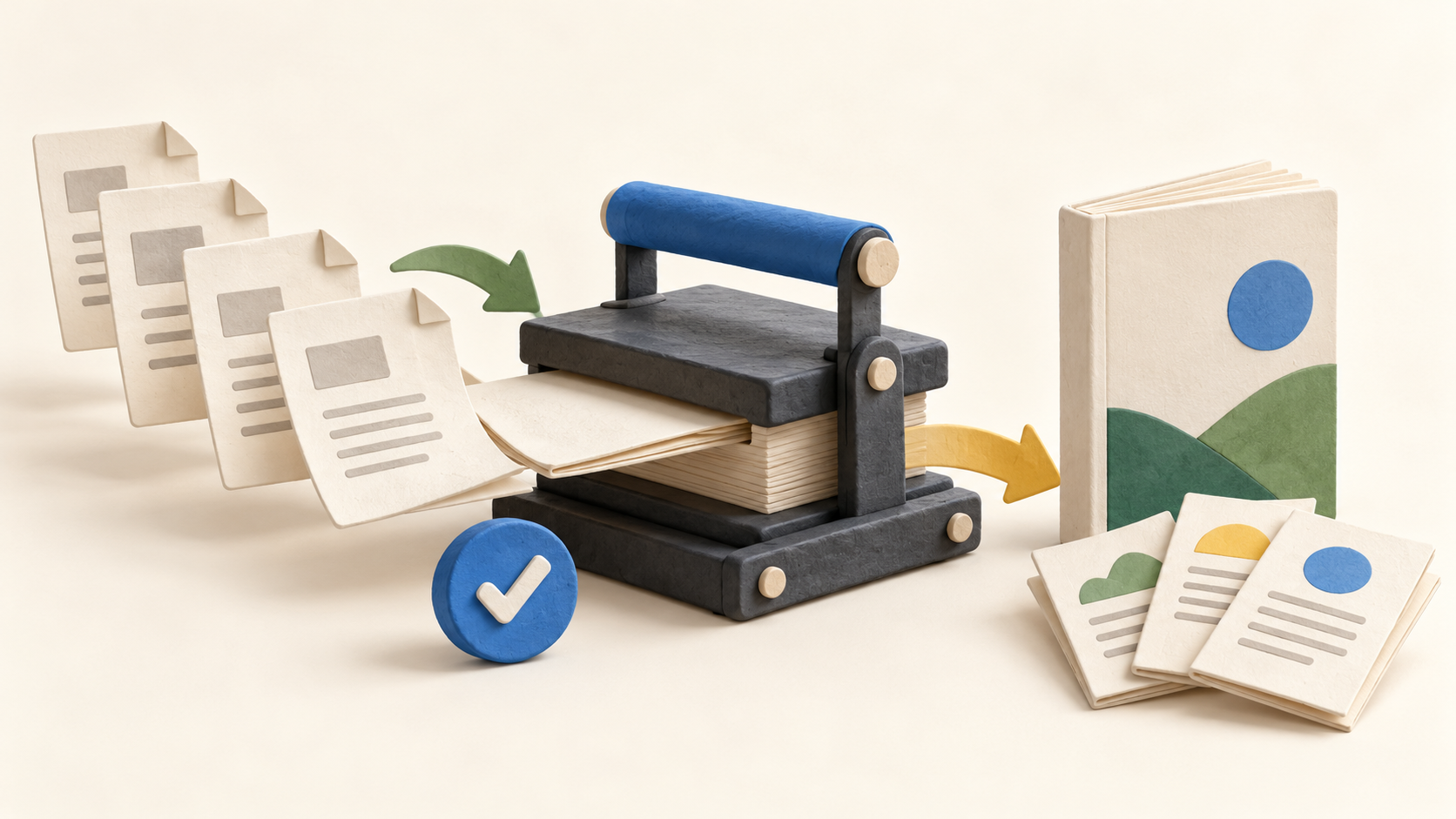
Publishing creates a separate snapshot for readers. Authors can continue editing the project without changing that publication; they use an Update publish action when the next version is ready. This gives a documentation release an explicit handoff point.
The publication can be Private, Restricted to logged-in contributors and Power Readers, or Public. Public topics may be indexed by search engines, so test visibility with a sample document before publishing confidential material.
ClickHelp also allows a quick edit directly on a publication. That fix must be repeated in the source project or the next publish could leave the two versions out of step. Establish a simple change rule for urgent corrections.
Topics have Draft, Under Review and Ready states as well as owner and assignee fields. A reviewer can receive an assigned topic, add comments and work through a dashboard of items needing review. Use a fictional manual to test the handoff between author and reviewer.
Version history lets contributors inspect, compare and roll back older topic versions. This helps a team trace a mistaken edit, although it should still decide who may approve a rollback and when to republish it.
For a reader-facing knowledge base, content hierarchy and full-text search help users navigate topics. Articles can be published individually or in bulk. Check a realistic set of search terms and the publication boundary before migrating a large collection.
Publications can be exported to PDF, EPUB or DOCX. A multilingual documentation team can use the built-in localization ecosystem and machine translation, subject to the selected Translation Module rights. Test a representative export and translated topic before relying on either path.
Understand the offer
Pricing and getting started
The public plans are Starter, Growth and Professional. In the viewed plan table, Starter lists one documentation site, 500 topics, two included contributors and 5 GB file storage; Growth lists unlimited topics, five contributors and 15 GB; Professional lists unlimited topics, ten contributors and 30 GB. Confirm the current plan table and final quote because the page’s dynamic amount and billing display is ambiguous in a static capture.
Contributors are the licensed authors, translators and reviewers. The pricing page lists unlimited free reader accounts across plans. Count the writing team and test a reader role separately before choosing a tier.
AI-friendly document output is described across plans, while the interactive AI Suite is an add-on for reader answers and author assistance. Its CAP allowance is metered monthly; when exhausted, the vendor says those AI features pause while ordinary full-text search continues. Check add-on pricing and usage against expected reader traffic.
The free trial provides Professional-level platform access with the Translation Module, which should not be mistaken for the paid Professional entitlement. The vendor says content remains for one additional week if a trial ends without subscription. Confirm the exact deadline before importing critical documents.
The displayed amounts are in USD before applicable taxes and fees; checkout may convert to another supported currency. Request the final regional total, contributor count, storage needs and add-ons rather than relying on a number from the public plan widget.
Look a little closer
Before you choose
Pilot one short manual with an author, a reviewer and a reader. Create and review topics in a project, publish a Restricted or Public snapshot as appropriate, then change a draft topic and confirm that readers only see the update after a new publish action.
Before replacing an existing help center, compare navigation and search results, test an export, and decide how urgent corrections move back from a publication into its project. For sensitive documentation, inspect the reader access setting before letting a public page be indexed.
Estimate costs from contributor seats, topic and storage limits, any translation rights and the optional AI Suite. The trial’s broader access can make features appear available that require a paid add-on or another entitlement afterward.
5 distinct sources behind this profile. Research observed Oct 26, 2026. Features and offers can change.
View sources and research →
