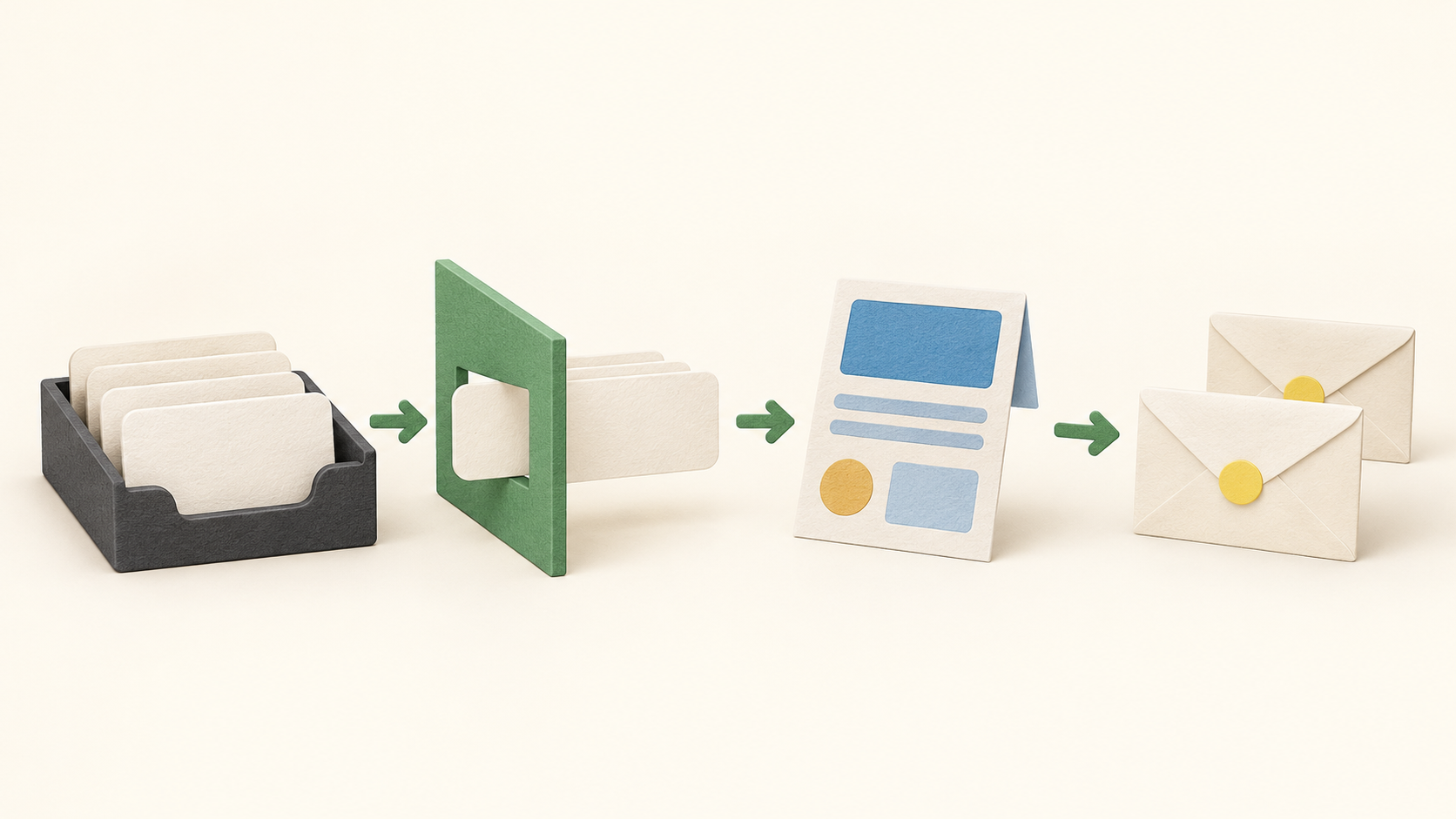
Find your fit
Who it is for
A small business can import an existing permission-based audience or collect new subscribers through forms, then use the newsletter editor to create a mailing. The editor offers drag-and-drop templates and an HTML source editor. Choose the editing path based on whether the team needs visual changes or has someone comfortable editing HTML.
Campaign setup asks for a recipient list or segment, subject line, preheader, sender name and sender address. A marketer can choose one full list, a segment or several lists. Before sending, inspect the recipients and sender details; a broad list selection changes who receives the message.
The vendor describes preview and test-mail options and a final check before sending or scheduling. Test the displayed message and links using a controlled internal list; this research did not send one.
For a more specific audience, define a segment using stored fields, tags or earlier mailing activity. The help guide shows conditions within a recipient list and an expert mode for combined AND/OR logic. Membership can change as recipient data changes, so inspect it close to send time.
Automation uses a visual workflow built from a trigger, an action such as sending email, and optional flow control. It can support a welcome or follow-up sequence. Current pricing allows one workflow on Lite and Basic, and unlimited workflows on Pro; confirm the selected plan before building a larger program.
The work it supports
Core capabilities
Email campaigns. Create a newsletter, select recipients, set sender and message details, and send or schedule according to the plan.
Audience segmentation. Filter recipient lists by fields, tags or activity to address a narrower audience. Lite has fewer data fields than Pro.
Email automation. Build a workflow around subscriber behavior or other triggers and email actions. Lite and Basic limit the number of workflows; Pro expands it.
Understand the offer
Pricing and getting started
The current pricing page offers a continuing Lite plan at €0 for up to 250 recipients and 1,000 emails per month. It lists one recipient list, one automation workflow, drag-and-drop editing and basic reporting. These are vendor-published allowances, not an account test.
Basic and Pro are paid plans. The page advertises starting prices of €15/month for Basic and €18/month for Pro, with price and entitlement depending on recipient count and billing choice; VAT is additional. Basic lists unlimited monthly sends, while Pro adds scheduled sending, A/B testing, unlimited recipient lists and automation. Confirm the account quote and tax before purchase.
The vendor offers monthly, annual and prepaid models with different renewal terms. Annual payment is collected in advance even when the page displays a monthly equivalent. The promotional Pro trial has a recipient cap and excludes US and agency customers. The offer is for entrepreneurs.
Look a little closer
Before you choose
Map the intended workflow to a plan: regular newsletters fit Lite’s modest recipient and send limits, while scheduled sends, A/B tests, larger recipient lists and multiple automations require higher tiers. If segmentation depends on many custom fields, compare Lite’s three fields with Pro’s larger allowance.
Before a live send, check subscriber permission and opt-out handling, list and segment membership, subject and preheader, sender domain, links and preview. No account, import, test email, real send, automation, deliverability or checkout was tested here.
8 distinct sources behind this profile. Research observed Oct 16, 2026. Features and offers can change.
View sources and research →
