Find your fit
Who it is for
A media equipment room, school lab or field team with gear moving between people can use reservations to plan demand and check-outs to record actual custody. The distinction matters when a booking changes or equipment is not collected.
An inventory coordinator can group items into kits, scan labels at handoff and use spotchecks to compare what is physically present. A manager can review overdue items, flagged condition and custody reports before promising gear for another job.
The work it supports
Core capabilities
Create a future reservation for equipment and a contact. Adding gear to a draft is not a confirmed hold: the guide says draft items can still be reserved or checked out by others, so finish and check availability before relying on it.
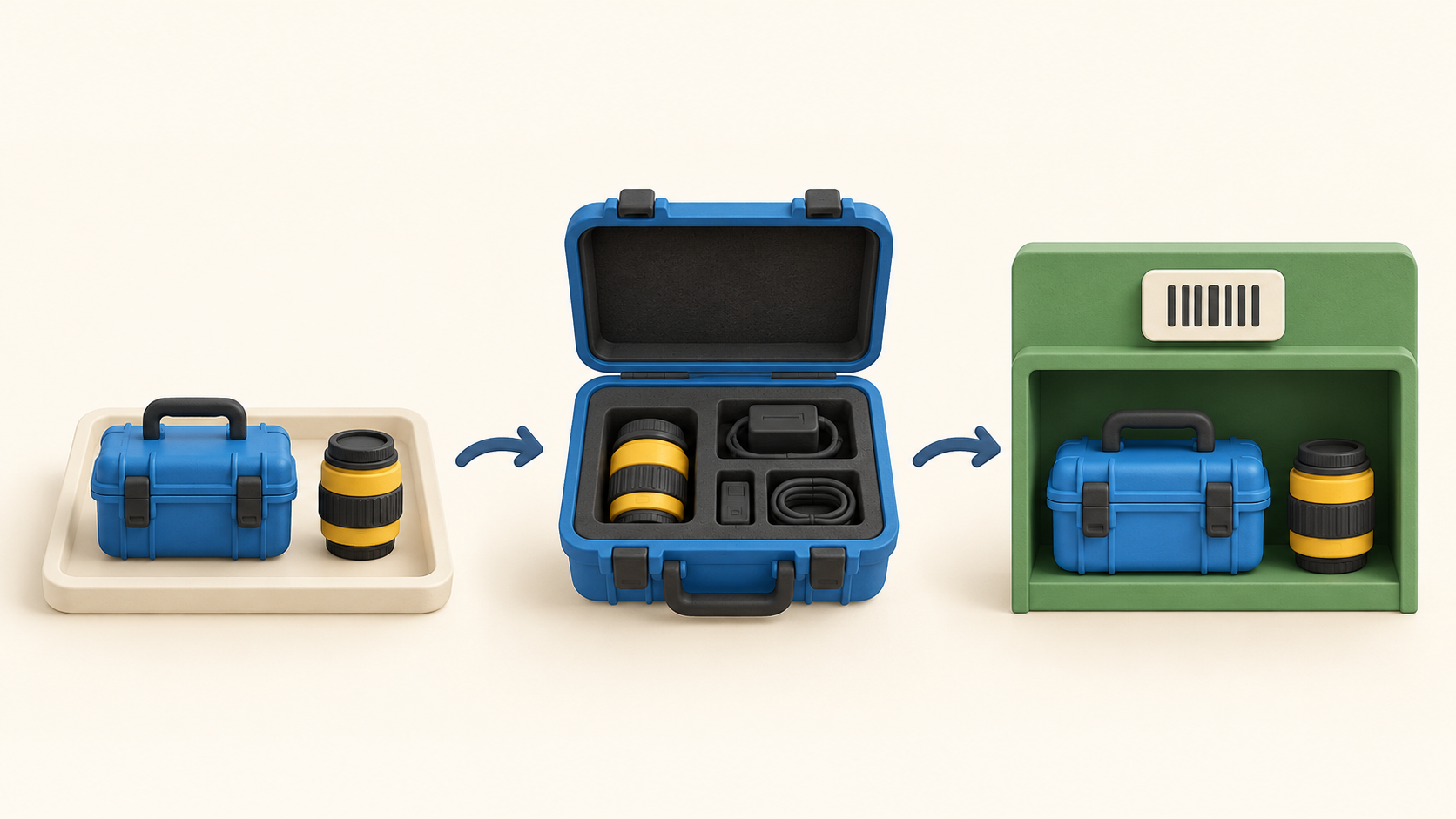
A reservation can lead into a check-out when gear physically leaves. Cheqroom converts an open reservation to a draft check-out during processing, allowing the handoff record to reflect what was actually issued.
Select or scan individual items and kits for a check-out. A phone camera or barcode scanner can also speed the reservation step, but teams should test labels and scanner behavior with a few sample assets first.
On return, check in the equipment so the items become available again. Partial return is supported: checked-in pieces become available while the remaining pieces keep the check-out open.
Watch overdue check-outs when a due time passes without a return. The check-out is the active custody record; a future reservation alone should not be treated as proof that someone took the equipment.
Use the custody workflow for a longer assignment without a known return date. Decide whether a timed check-out or custody better matches the organization’s loan policy, then verify rights in the chosen plan.
Group equipment that travels together into kits. Scan labels and run spotchecks against a kit, category or location to find missing pieces before a large handoff or an audit.
Flag an item that needs cleaning, service or repair and use reports to examine current equipment state or custody history. A flagged condition is an operational signal to review before the item is assigned again.
Set roles around who may configure inventory, create reservations, perform check-outs or run the booking portal. Test the rights with fictional gear and users before opening self-service requests.
Understand the offer
Pricing and getting started
Cheqroom’s current help distinguishes admin-based subscriptions from item-based agreements. On an admin-based account, standard users can do day-to-day equipment work without a paid admin seat; the bill follows users with configuration or governance permissions.
Check whether any role consumes an admin seat, especially bulk CSV import and other configuration rights. Operations templates can also introduce operator seats. These details can matter more than the total number of people who only borrow or book equipment.
The Booking Portal guide places that feature on Enterprise and ELA admin-based subscriptions. Confirm your specific agreement and whether ordinary reservation access is enough before buying the portal tier.
The official billing guide directs buyers to an account manager or support for current per-seat pricing because agreements vary. Ask for a quote showing admin and operator counts, plan features, billing term and any add-ons; do not assume a legacy item-based account follows the new model.
Look a little closer
Before you choose
Pilot with one fictional camera kit: reserve it, convert the booking to a check-out, scan the pieces, return only part of it, then check the remaining open record. This exposes the difference between planned availability and actual custody.
A draft reservation does not secure an item. Make sure staff understand the point when a booking becomes active, how conflicting requests are handled and who can approve or change a handoff.
Run a spotcheck and flag a damaged sample item, then see how those statuses appear in reports and booking decisions. This tests how accurately the digital list reflects the equipment room.
Price the actual permission model: identify who needs admin-level setup, who only handles gear, whether operations templates add operator seats, and whether the optional booking portal is included. Get the current terms for the exact workspace.
12 distinct sources behind this profile. Research observed Oct 27, 2026. Features and offers can change.
View sources and research →
