Find your fit
Who it is for
It suits a small business that wants sales or support conversations beside its website content and has someone responsible for responding. A simple team can start with incoming chats; a larger team may need transfers, assignment rules and shared handling. Those capabilities sit on different plan tiers, so map staffing before choosing a subscription.
Chaport also collects visitor information through a pre-chat form or email request. Decide which fields are actually needed, who can see them and how an operator will follow up. A buyer handling sensitive requests should review its own visitor notice and deletion process before enabling those fields.
The work it supports
Core capabilities
Install Chaport’s JavaScript chat widget on the website, then set its appearance and add operators. Preview the widget on the real desktop and mobile site and send a fictional question to check that the expected operator can receive and answer it.
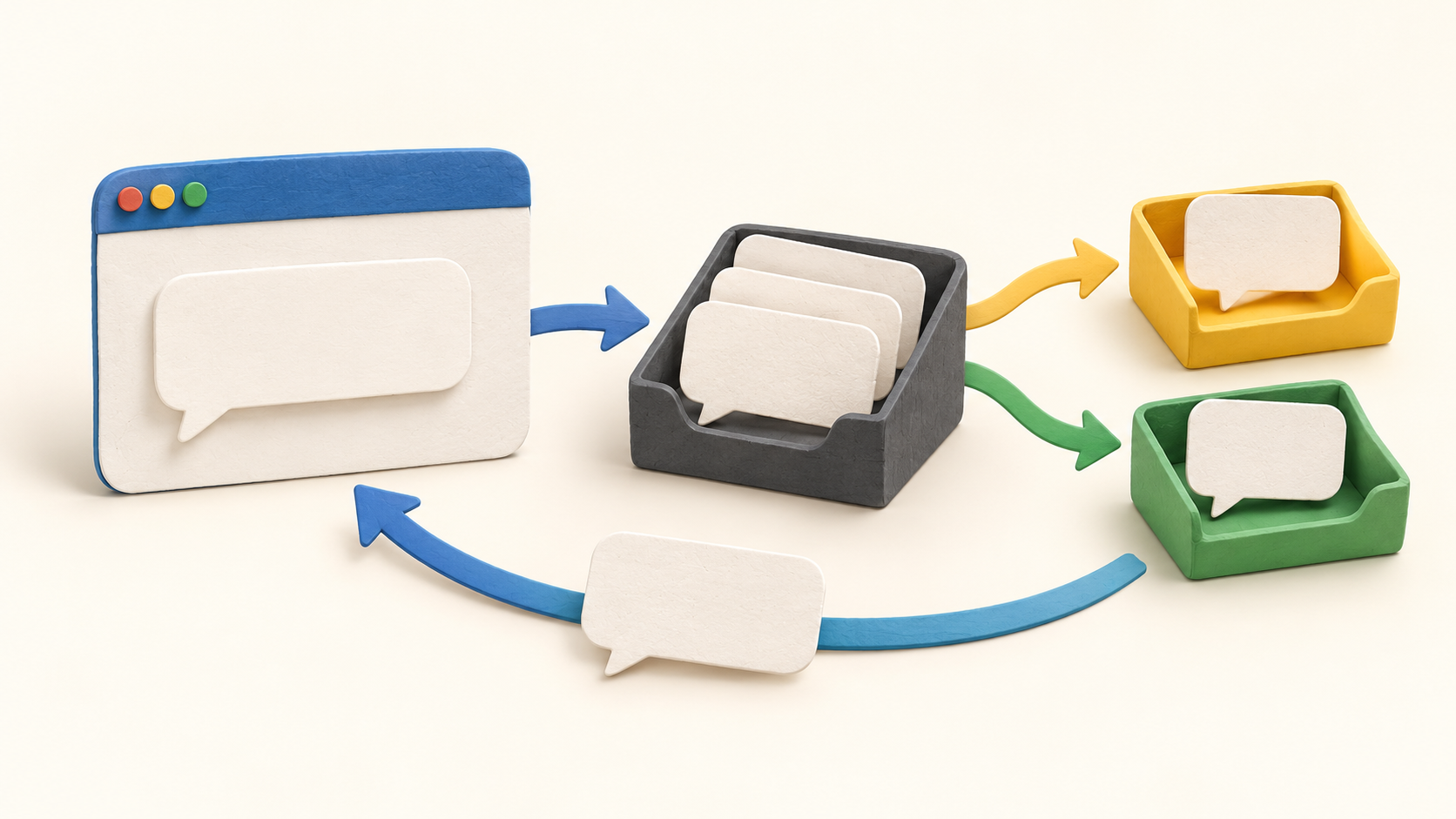
By default, new chats are distributed among operators who are online. When everyone is offline, chats become unassigned until an operator takes one. Operators can also transfer a conversation or join another operator’s chat, which helps when a question needs a different specialist.
Assignment rules can direct incoming chats by page, message content, visitor information or campaign parameters. Only one rule applies, with the highest matching priority winning. A team with sales and support queues should test overlapping rules with fictional messages so the routing order is clear.
A pre-chat form can ask for contact details and custom fields can add context. Separately, the automatic email-request bot asks after the first visitor message; its default is to ask when operators are offline. Choose the few details that help the response and check the widget’s visitor-facing wording.
Visitors can leave a message when the team is offline; an operator can answer later, with an email notification to the visitor. Automatic invitations can start a conversation under configured rules, while saved replies help with recurring questions. Test an offline message before relying on this as a follow-up path.
On an eligible plan, a chatbot can answer common questions and hand a more complex chat to an operator. The bot builder can control whether it runs during online hours, offline hours or both and which conditions trigger it. Use a small factual scenario first, then inspect the handoff and unassigned-chat behavior.
Chaport can bring a connected Facebook Business Page’s Messenger questions into the operator workspace. Operators can also work in a browser or desktop and mobile apps. Confirm the actual channel connections and staff notification setup for the selected plan before promising one shared inbox to customers.
The Help Center documents deleting a chat along with associated visitor information. That gives an administrator a concrete privacy-control path, but the business still needs its own policy for who may collect and retain contact details and when deletion should occur.
Understand the offer
Pricing and getting started
The current comparison has Free, Pro and Unlimited plans, plus monthly and annual views. Free lists two operators, unlimited chats and websites, and a 60-day chat history. Pro adds four included operators, unlimited history, saved replies, a pre-chat form and email/messenger integration.
Unlimited lists unlimited operators and adds chatbots, teams and assignment rules beyond Pro. These distinctions matter if the deployment needs bot-to-person handoff or automatic distribution to specialists. Confirm the selected billing view and any operator or channel limits in the live checkout rather than relying on a single displayed price.
The official page offers 14 days of Unlimited functionality without a credit card; the FAQ says the account automatically drops to Free at the end unless a paid plan is chosen. The same FAQ says prices exclude VAT, which may affect the final bill. Plan a short pilot before the trial ends so paid-only behavior is not mistaken for the permanent Free plan.
Look a little closer
Before you choose
Test three fictional visitor paths: an online operator replies, an offline message waits for follow-up, and a specialist receives a transfer or matching assignment. Check which operator sees each chat and what the visitor sees during the handoff. Repeat on the actual website at phone width.
Before collecting emails or other fields, inspect the pre-chat and automatic request wording and decide whether each field is necessary. Verify the documented delete-chat process with your retention policy. If a chatbot or Messenger connection is planned, confirm its plan entitlement, trigger, human handoff and connected-channel account.
12 distinct sources behind this profile. Research observed Oct 21, 2026. Features and offers can change.
View sources and research →
