Find your fit
Who it is for
A PMO coordinating several proposed projects can compare strategic fit, cost and available capacity before approving work. Celoxis has request forms and portfolio scoring for that process, but intake management is shown from Professional upward in the current plan comparison.
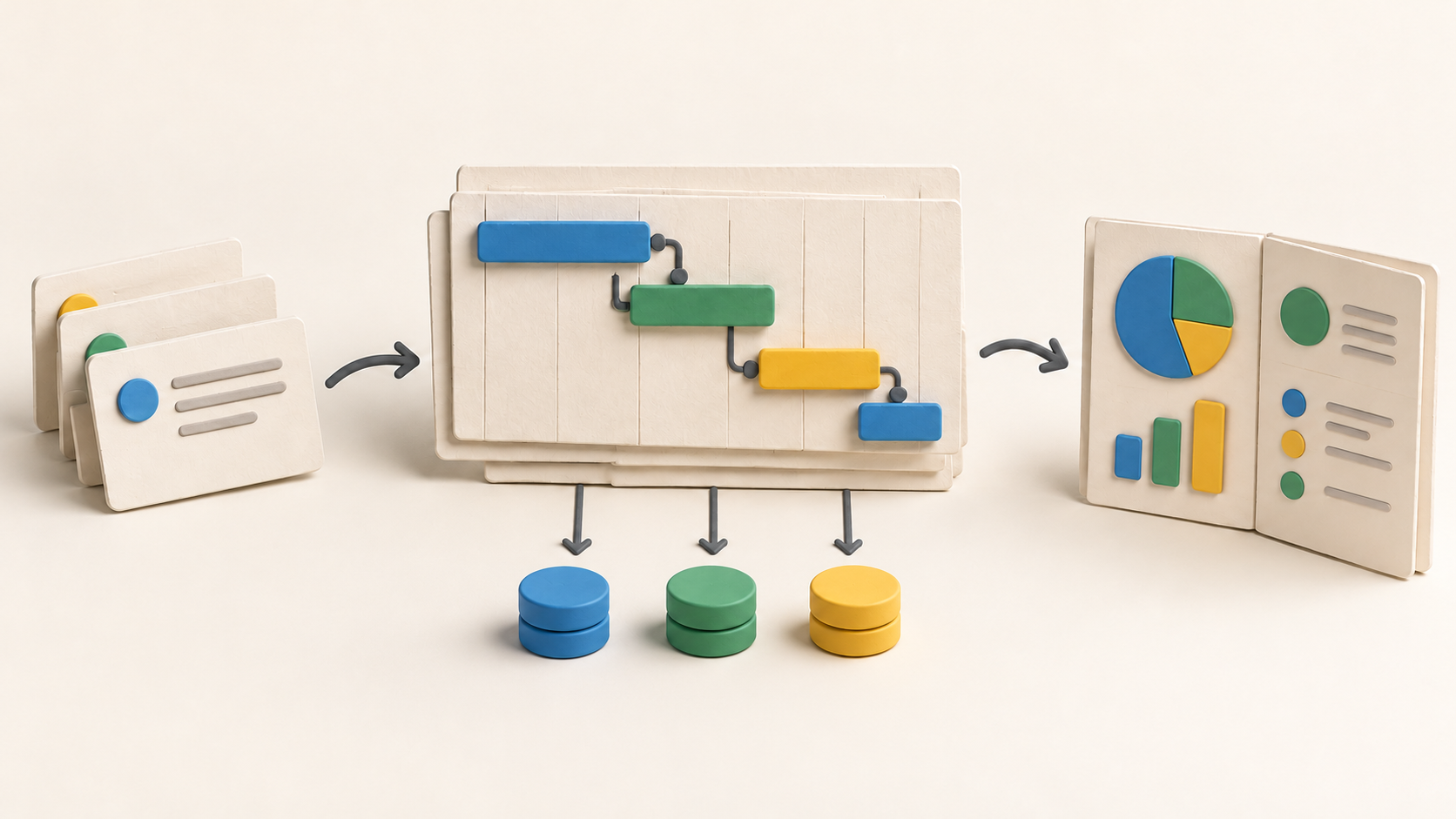
A project manager with shared people across several schedules can use Gantt dependencies and review cross-project workload. Essentials is the first listed tier with resource capacity planning; Core is more suitable when schedules and project reporting matter without that capacity layer.
The work it supports
Core capabilities
Task management. Create project tasks.
Project planning. Set task dependencies in a project plan.
Project reporting. Create dashboards for project monitoring.
Understand the offer
Pricing and getting started
The current pricing page offers a fourteen-day trial without a credit card. It opens on a sample portfolio with Business features, so check the plan comparison before assuming a tested feature belongs to a lower paid tier.
Core lists project planning, task work and dashboards. Essentials adds capacity and timesheets; Professional adds intake, risk and costing; Business adds billing and the client portal. Enterprise is custom priced. The account requires at least five full-access users, while included read-only users vary by tier.
The public plan cards show a per-user monthly equivalent billed annually, but the captured dollar amounts have no explicit currency label, so confirm currency and the full quote before budgeting. The FAQ also describes a monthly subscription, a one-month hosted minimum, no refund for unused time, and downgrades after the current plan expires.
Look a little closer
Before you choose
Scheduling behavior depends on the task mode. Automatically scheduled tasks respond to predecessors, calendars and constraints, while manually scheduled tasks keep their set dates. Test both modes with a representative dependency chain before relying on portfolio dates.
The vendor describes cross-project capacity by role, availability and skills. Check how your team models working calendars, leave and partial allocations before using overload signals for staffing decisions.
Dashboards can aggregate project information with drill-down; reports can be exported to PDF or delivered by email. Decide which fields stakeholders should see and validate the actual dashboard permissions in the selected plan.
The vendor presents the product as a single platform, but its plan table assigns capacity, financial and client features to different tiers. Confirm every required feature, user type and hosting option in the specific quote.
No project import, task change, dashboard share, resource booking, trial conversion or checkout was tested for this listing. Pilot one realistic project before moving an entire portfolio.
7 distinct sources behind this profile. Research observed Oct 15, 2026. Features and offers can change.
View sources and research →
