Find your fit
Who it is for
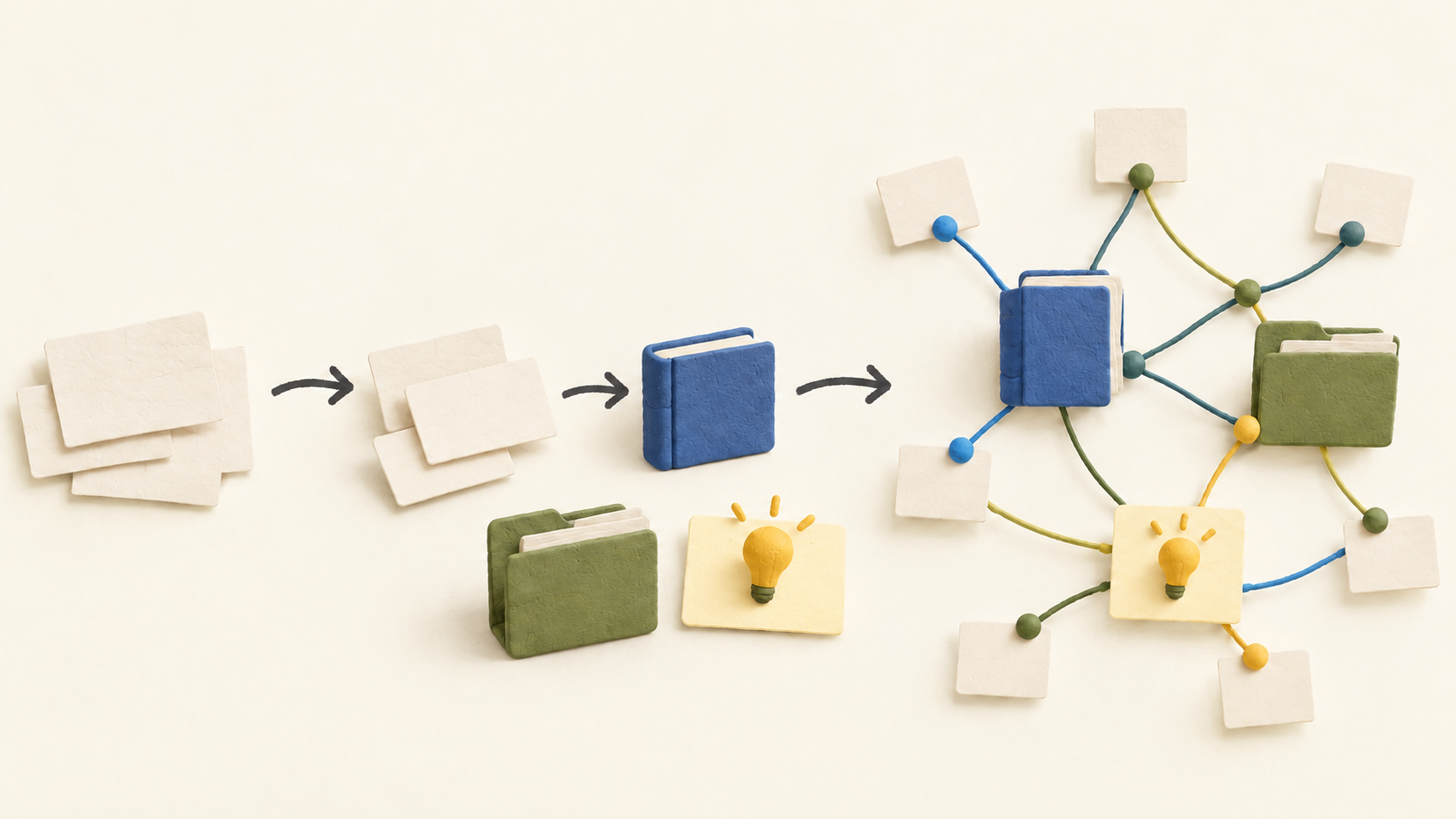
A writer, student, researcher or solo project manager can capture ideas in a daily note and then turn recurring subjects into structured objects. Book notes, project references and meeting notes can connect across topics without deciding on a permanent folder hierarchy first.
People who work on multiple devices can use the web or desktop/mobile apps and continue core note work offline once content has downloaded. A team that needs shared editing should use Capacities as a personal thinking space and move shared deliverables to a collaboration tool.
The work it supports
Core capabilities
Start with a daily note or create an object of a chosen type. Custom types can have dates, ratings, tags, links and a starting template, so a project note can carry different fields from a book note. Each new object is associated with the day it was made.
Mention a person or project inside another note to form a two-way link. Backlinks show where an object is referenced, while graph view provides another path through related material. This is useful when a topic spans several projects or readings.
WhatsApp, Telegram and email can feed thoughts into the daily note. The integrations depend on external services and internet access, so check the specific capture route and what arrives before making it a central inbox.
Offline editing is supported after notes download locally, with synchronization when connectivity returns. Check Offline & Sync before travel; media may be absent if only required files were downloaded. AI and some task actions or settings need a connection.
If offline and cloud versions conflict, Capacities asks which one to keep and discards the other. Preview or copy important text before deciding. Offline-first here means app-managed local data, not a folder of ordinary Markdown files.
You can share an individual object for view-only access without requiring the viewer to sign in. Linked objects may be included by default, so inspect the share preview and deselect any private references before sending the link. Shared editing is not supported.
Full export converts properties into front matter, collections into CSV and object links into local links. Scheduled exports can run daily, weekly or monthly when Capacities is open. Download all media to the device first if it must appear in an export.
The integration catalog includes built-in and community options. Google/Microsoft calendar connections and Readwise import are marked Pro, while WhatsApp, Telegram and email are shown as capture channels. Third-party community integrations have separate maintainers and support.
Understand the offer
Pricing and getting started
Basic is free and lists unlimited spaces, objects and blocks, sync across devices, custom object types, import/export, search and offline support. The media allowance is advertised as up to 5 GB total with 100 MB per month afterwards, so media-heavy use deserves a closer check.
Pro adds task management, smart queries, calendar connections, version history, AI tools, API access and expanded media rights. Its standard monthly AI budget is described as suitable for trying features or light use; optional Plus raises that budget and is required for top-ups.
On October 20, 2026 the pricing page displayed Pro at USD $9.99 per month under yearly billing, and the current facts page listed USD $11.99 month-to-month or $119.88 per year. Check the billing selector, tax, promotion and checkout total before buying; a no-card Pro trial is offered in the app.
Believer is a supporter tier that includes Pro plus beta access to major new features. It does not add team collaboration. Pro+ or Believer+ are optional AI-budget upgrades, not a requirement for ordinary notes.
Look a little closer
Before you choose
Try one sample set of book, person and project objects, link them and inspect the backlinks and graph. This reveals whether object-based organization fits your way of finding information before importing a large archive.
Test an offline round trip on the device you will use, including notes and media, then inspect sync status and a deliberately harmless conflict. Do not assume a local Markdown vault or fully offline AI/integrations.
Export a representative space and inspect its links, CSV collections and media. For sensitive material, note that Capacities is not end-to-end encrypted, and review what a shared object exposes through its references before distributing a public link.
7 distinct sources behind this profile. Research observed Oct 20, 2026. Features and offers can change.
View sources and research →
