Find your fit
Who it is for
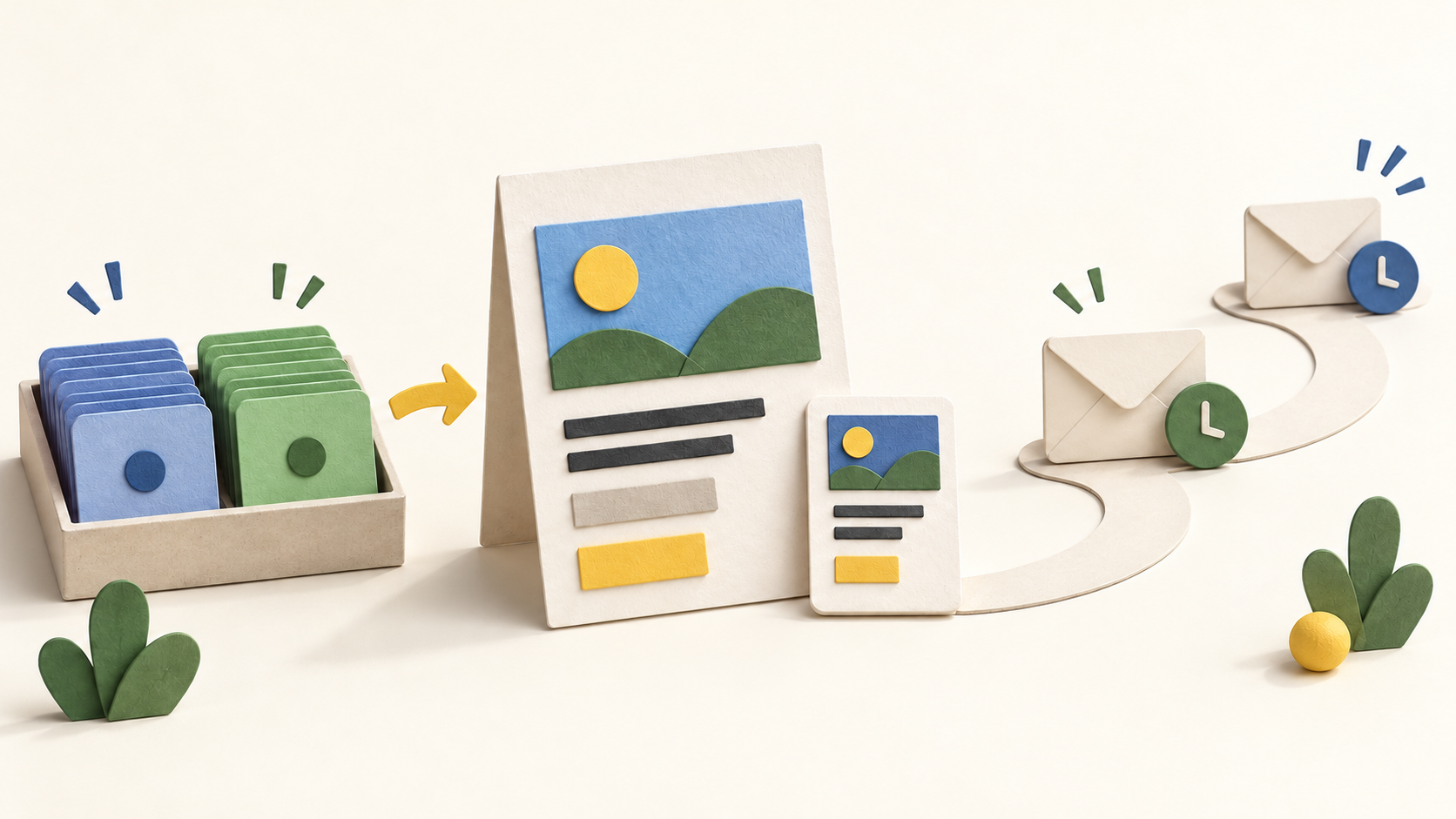
A small marketing team sending newsletters can use the campaign checklist to keep audience, subject, sender and design decisions together. Teams with different customer groups can use subscriber rules to send more relevant campaigns, while teams planning follow-ups can evaluate automated journeys.
The builder suits teams that want to adapt templates without coding; teams with their own email design can import HTML. Plan availability and sending limits should be checked before migrating an established subscriber list.
The work it supports
Core capabilities
Email campaigns. Create and send one-time email campaigns.
Audience segmentation. Create audience segments from campaign reports.
Email automation. Send automated emails.
Understand the offer
Pricing and getting started
The current plan table describes a 30-day free trial limited to 500 contacts and 500 emails. The official pages do not establish an ongoing free plan, so check what happens after the trial and confirm the selected plan before importing an audience.
Campaign Monitor lists Lite, Essentials and Premier monthly plans, an annual purchase option advertised at 10% off, and a pay-per-campaign billing path for infrequent sends. The static pricing capture did not show reliable numerical subscription amounts; check the contact tier, currency, billing term and checkout total.
The campaign help guide says sends to more than five people may require a payment step depending on the plan. Test that threshold against the intended audience and trial account before scheduling a launch.
Look a little closer
Before you choose
Use the campaign checklist to choose recipients, subject, sender and content. Preview across devices and email providers, send a proof to colleagues, then confirm the final audience and scheduled time.
Segments can group subscribers by custom field and campaign behavior; their value depends on the quality of your subscriber data. Check a sample segment and any exclusions before sending.
Prebuilt journeys cover common touchpoints such as welcome, anniversary and thank-you messages, while custom paths can depend on timing and conditions. Draft a small test journey before enabling it for a real list; confirm plan access for the specific triggers you need.
Research scope. Official pages were checked October 15, 2026. No account, subscriber import, campaign send, journey execution, trial signup or checkout was tested.
9 distinct sources behind this profile. Research observed Oct 15, 2026. Features and offers can change.
View sources and research →
