
Find your fit
Who it is for
Free can suit a small sender testing contact management and campaigns within 300 email sends per day. Starter raises monthly volume, Standard adds broader automation and testing, and Professional targets high-volume teams and adds AI segmentation. Compare the actual monthly sending volume, contact storage, user seats and extra channels before choosing.
Teams with more than one audience or language should map list consent, attributes, templates and ownership first. The published automation guidance uses separate templates and workflows for each language, whereas a multilingual campaign can have language variants in one campaign; test the intended route rather than equating the two.
The work it supports
Core capabilities
Email campaigns can be created and sent from the marketing campaign area, with recipient selection, design and results reporting. Test sender validation, templates, suppression and a representative audience before a production campaign.
Automation can trigger follow-up actions from contact behavior or other supported triggers. The current global fact retains a language qualification: automated emails in multiple languages require separately prepared email templates and automations for each language.
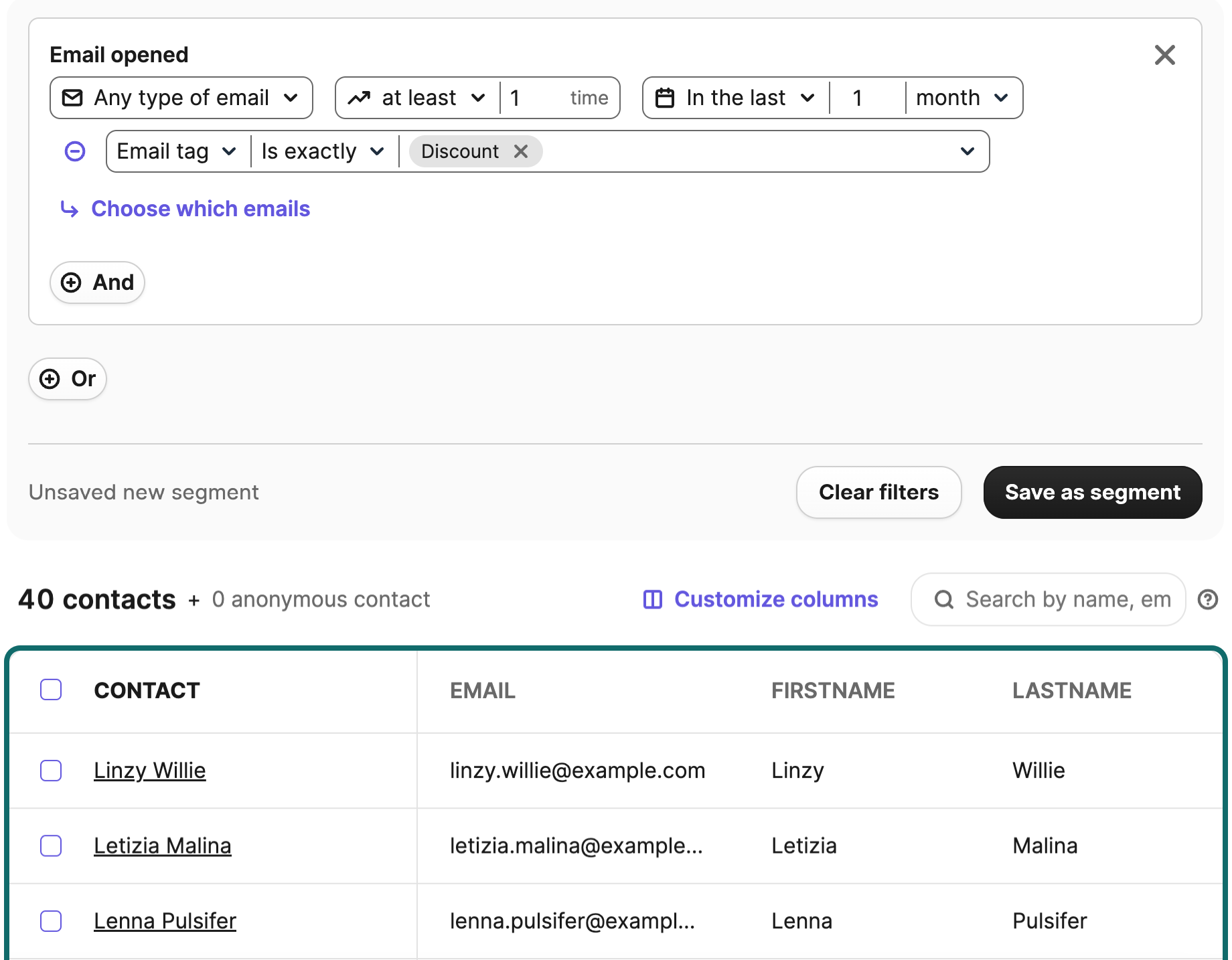
Professional includes Aura-generated audience segments, with Enterprise also eligible. Brevo's help page says Aura currently generates filters from contact details, email, SMS and e-commerce data; human review remains important before sending to a generated segment. Ordinary manual segmentation and AI-generated segments have different plan boundaries.
Understand the offer
Pricing and getting started
Brevo advertises a continuing Free plan with up to 300 email sends per day and no card required. The daily allowance resets rather than rolling forward. A large campaign may reach only the first 300 recipients that day, so check delivery scheduling and transactional traffic before treating the free limit as an audience-size allowance.
Paid pricing depends on monthly email volume, contact storage and selected features. Confirm the actual market currency, billing period, sender and contact limits, add-ons for SMS or other channels, onboarding support and renewal terms in checkout or a written quote.
Look a little closer
Before you choose
Run a small consented pilot: import sample contacts, configure sender authentication, send a test campaign, check bounces and unsubscribes, and verify the dashboard against the actual recipient list. A public product page establishes available tools but does not prove inbox placement or a particular result for your audience.
For automation, test one normal path and one exception, including a contact whose language or attributes are missing. For Aura-generated segments, inspect the saved filters and recipient count before sending.
Brevo's current quota page applies its automation limits only to workflows made in the new editor: on Free and Starter, it lists 2,000 unique entrants into active automations, even though Free can store up to 100,000 contacts. Its troubleshooting guide says new contacts stop entering after that 2,000-contact cap until an eligible upgrade. Verify the editor and expected entrants for your own journey before choosing a plan.
Brevo's final contact-import step deserves a small, authorized rehearsal. Its Update existing contacts switch can overwrite existing attributes, and Import empty fields can erase populated ones. The same step sets email, SMS and WhatsApp blocklisting, while the preceding step assigns imported contacts to lists. Check field mapping, both update switches, list choice, blocklisting and consent before confirming a larger file. The import report then separates new, updated and unchanged contacts and shows list/blocklist results; compare it with the sample. No import or message was tested for this profile.
Before relying on Brevo for transactional email, decide how long delivery-event logs should be kept and whether full sent-email previews should be stored. Brevo's Help Center says a new log-retention rule applies to existing and future logs, while a preview setting change affects only future emails. Its CSV export includes only entries within the current retention period, and deleted events cannot be recovered. Export evidence you need before shortening retention, then confirm the account's settings and export responsibility before live use.
Before sending, set a sender on a domain your organization controls and check its authentication status. Brevo documents a provider-assisted route and a manual DNS route using its domain code, DKIM and DMARC records; the assisted route may offer to replace an existing DMARC record. Have the domain owner review that choice and verify the resulting signature before a real campaign. Free Gmail or Yahoo domains cannot be authenticated, and Brevo is rolling out a newer setup flow, so confirm the steps shown in the account.
For a campaign pilot, preview the message as a specific contact to check personalization and each required language, then send to a small test list for a real inbox view. Brevo's separate View in inbox comparison across email clients is available on paid Starter and higher plans. On Free, links in a test email expire about 30 minutes after receipt, so check them promptly. A preview or test send still does not establish delivery to the eventual campaign audience.
Plan for contact storage as well as email sends. Brevo's current pricing guide ties paid Starter and Standard tiers to both monthly email volume and stored-contact limits. For their first three tiers, it describes warnings near 500, 1,500 or 2,500 contacts and an automatic move to the next tier, with a higher subscription cost, when the limit is met or exceeded. Check the selected tier and count before a large import; do not assume sending less prevents an upgrade.
Before inviting staff, decide who needs account access and review the included seats for the chosen plan. Brevo says only an owner or a user manager can invite people, seat counts and costs vary by plan and Sales package, and an invitation or permission change may show an immediate prorated charge. Review the actual checkout summary before adding a user; accounts created before October 1, 2025 follow a different setup process.
Before using Brevo for both marketing and transactional email, map what each opt-out should stop. Campaign and transactional blocklist settings are separate, and transactional permission can vary by sender. Brevo describes an optional new-editor automation that mirrors an unsubscribe from one email type to the other; trigger filters and the chosen blocklist action determine its reach. Rehearse both paths with a synthetic opted-out contact and inspect the resulting preferences before live sends.
Brevo lists A/B email campaigns with Standard. Its guide says recipients must already have received a Brevo campaign, so a first send to a new list cannot be the A/B test. The chosen sample gets either subject or content variant; after the open- or click-rate test period, Brevo automatically sends the winner to the rest of the selected recipients. Best-time and batch scheduling do not apply. Before a launch, confirm plan rights, recipient history, sample size, winner criterion and send timing with a consented pilot. Brevo recommends at least 5,000 recipients for statistically relevant results; a test does not stop after the sample.
Before cleaning up Brevo contacts, distinguish four actions. Deleting a list removes only the list; its contacts remain on the Contacts page. Removing contacts from one or all lists likewise leaves their records. Delete permanently removes a contact's attributes and history without a restore path, whereas blocklisting can be reversed and keeps the data; Brevo advises retaining blocklisted contacts so a later re-import does not accidentally lead to a campaign send to an opted-out or invalid address. Use fictional contacts to rehearse list cleanup and suppression checks, and agree who may authorize permanent deletion before touching a real audience.
In Brevo's automation editor, enabling re-entry after exit lets a contact run the journey again if they match its trigger; an optional wait can delay that return. Exit conditions can remove a contact when an event occurs at any step, while restart conditions send them back to the first step after the trigger. Compare a fictional one-time welcome journey with a repeatable abandoned-cart journey, including exit on purchase and restart after a new cart event, without sending messages. Confirm that the chosen editor and plan expose the needed controls, and check the separate new-editor automation entrant quota before a live rollout.
25 distinct sources behind this profile. Research observed Oct 26, 2026. Features and offers can change.
View sources and research →
