Find your fit
Who it is for
A server operator who prefers declarative configuration can keep the same backup policy for source paths, repositories, retention and checks rather than assembling a long Borg command by hand.
A small business protecting files and a database can configure dumps to join the archive. Plan a separate database restore test: extracting archive files is not the database restore action, and the destination database must exist.
Teams needing a second copy can configure multiple repositories, including a remote destination, and monitor the scheduled job. Each repository is processed in sequence and may involve separate storage costs.
The work it supports
Core capabilities
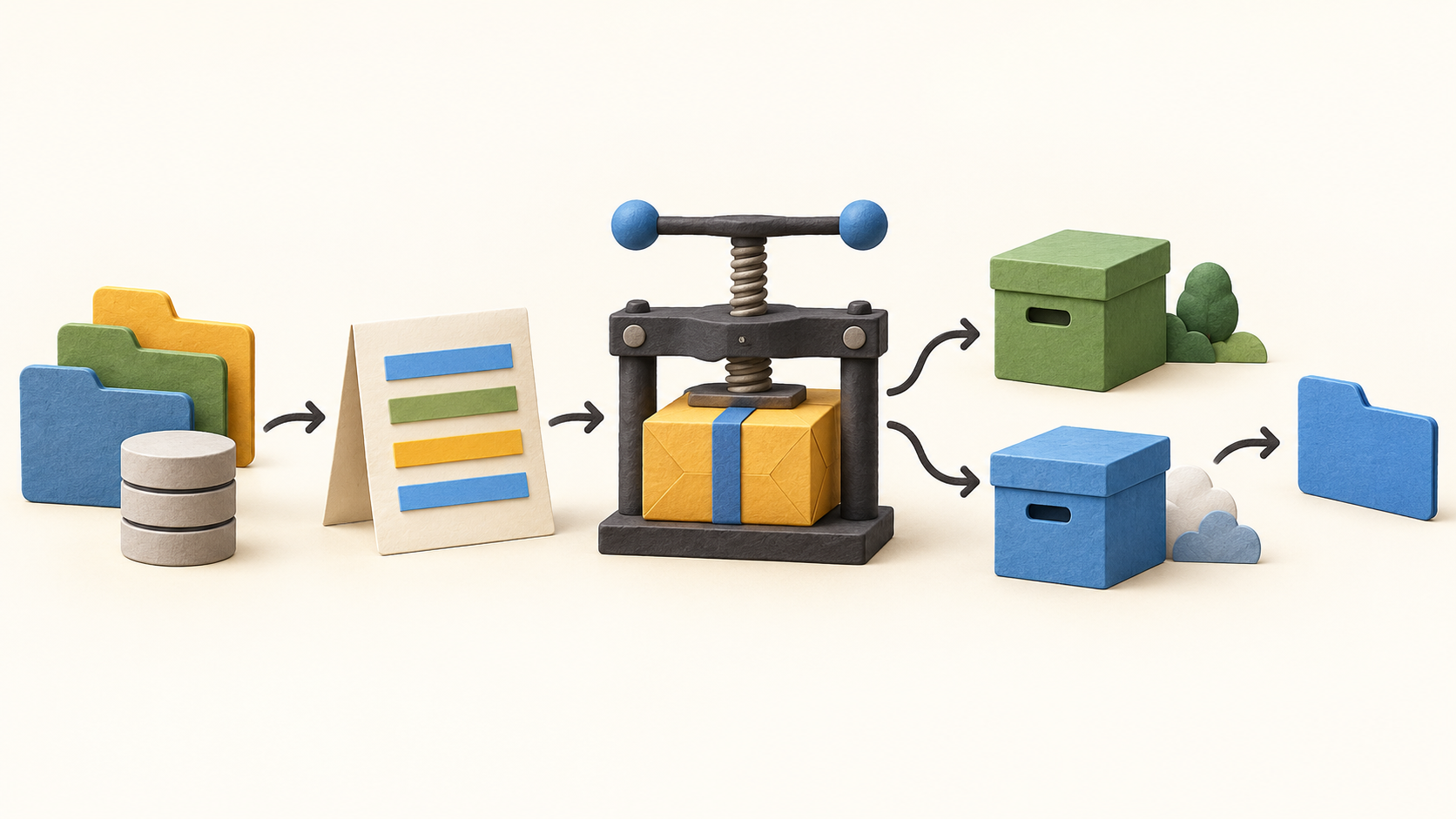
Generate and edit a YAML configuration that names directories, excludes and repository paths. Create an encrypted Borg repository or point to an existing one, and keep its passphrase or key material available for recovery.
Invoke borgmatic manually for an initial test, then schedule it with cron or systemd. Because the scheduler lives outside borgmatic, verify both the backup result and the job runner’s actual invocation.
Choose retention counts and checks for the repository. Repository and archive metadata checks are lighter than full data or extract checks; their coverage and run time differ.
Include configured database dumps with file backups. Supported dump modes can stream into Borg, while some formats use temporary storage; the database guide is the right place to confirm each engine’s behavior.
Extract a whole archive or selected files to a chosen destination. Use a separate test directory first, since extracting into the current location can overwrite files if done carelessly.
Restore a database through the separate restore action, with the target database already created. A successful file extraction alone does not prove database recovery.
Send each run to more than one repository, local or remote. Borg is invoked sequentially for those repositories, so allow enough time and monitor each destination.
Use a third-party monitoring integration, JSON output or job-runner alerts to detect failures and missed runs. Custom preparation or error commands can support surrounding workflows, but they must be tested and maintained.
Understand the offer
Pricing and getting started
borgmatic publishes its source under GPL version 3 or later and documents self-managed installation. No hosted backup storage is bundled with this listing.
A local server or separate Borg-compatible hosting provider supplies repository capacity. Check that provider’s access, storage and transfer terms rather than assuming one fixed borgmatic subscription price.
Look a little closer
Before you choose
Start with a non-sensitive directory and a disposable repository. Confirm one manual backup, the scheduled invocation, the retained archive and extraction to a separate location before relying on the configuration.
Protect the Borg encryption passphrase or key outside the backed-up host. If databases are included, rehearse the distinct restore action against a test database that already exists.
Set retention and check coverage for the actual recovery window, then watch for both failed jobs and jobs that never ran. If using two repositories, verify an archive and sample restore from each one.
8 distinct sources behind this profile. Research observed Oct 27, 2026. Features and offers can change.
View sources and research →
