Find your fit
Who it is for
A team replacing scattered instructions with an internal handbook can start with one book per topic and add chapters only when pages grow. Bookshelves offer another way to collect books without copying their pages.
BookStack also fits an organization that wants to host its documentation itself and administer identities and visibility. Its public-view setting, roles and authentication options need deliberate configuration before sensitive material is added.
The work it supports
Core capabilities
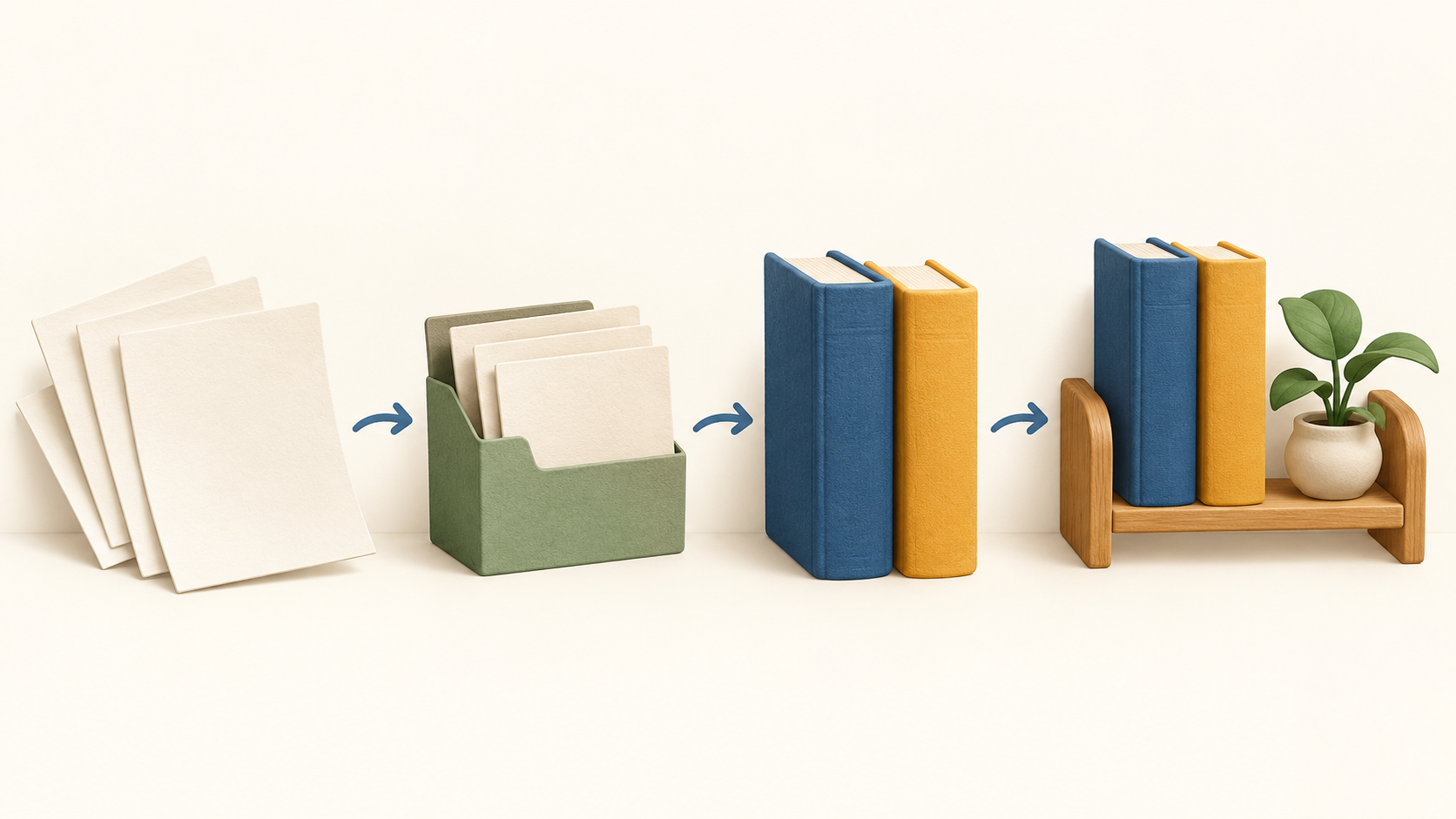
Books, chapters, pages and shelves. Pages hold the written knowledge; books are the top-level topic containers and chapters are optional groups. Shelves can contain multiple books, and a book can appear on multiple shelves. Sketch a few recurring topics before importing a large document set.
Writing pages. The default WYSIWYG editor is designed for familiar word-processor-style editing. Writers who prefer markup can use the optional Markdown editor with live preview, subject to the instance's permissions and settings.
Finding and connecting knowledge. Global search looks across books, chapters and pages. Page revisions, image management and cross-book sorting help maintain an evolving handbook; test a representative search and navigation path with actual documents.
Access control. Roles determine what a user can do, and permissions from multiple assigned roles stack. Administrators can also choose whether the whole instance is publicly viewable. Check effective permissions with a low-privilege test account before treating a book as private.
Sign-in choices. Alongside email/password, BookStack documents OIDC, SAML2 and LDAP options. Plan the identity migration and role mapping before replacing an existing knowledge base.
Moving content. Authorized users can export books, chapters or pages to several human-readable formats and a portable ZIP, then import a portable ZIP into another BookStack instance. Test formatting, images and access on a sample; these functions are explicitly separate from backup and restore.
Understand the offer
Pricing and getting started
The BookStack application is free, open source and MIT licensed; its own download and installation do not carry a software charge. This refers to the self-hosted core, not a vendor-managed subscription.
Budget for hosting, operations and maintenance. The official installation guide expects PHP web application and database knowledge, with current requirements including PHP 8.2+ and MySQL 8.0+ or MariaDB 10.6+. Check the current guide against the chosen host before committing to migration.
Backups are an operator responsibility. BookStack has a bundled System CLI that can create a compressed installation backup with a database dump and current .env file, then restore a compatible ZIP into an existing installation. The CLI remains alpha, so test recovery periodically. Its backup does not include remote storage such as S3 uploads; protect those separately.
Look a little closer
Before you choose
Start with one representative handbook book: create pages, decide whether chapters are useful, and test how users find an answer through search and navigation. That pilot can reveal whether the fixed book hierarchy matches the team's material.
Audit access before publishing. Because multiple roles add permissions, an account's effective access may be broader than a single role suggests. Test a public visitor and a restricted account against both ordinary and sensitive books.
Plan operational recovery before launch. Try the System CLI backup and restore on a disposable installation, verify the database and configuration came across, and include any remote uploads in a separate plan. The CLI is still labelled alpha by the project; a portable content export alone is not a complete restore plan.
Try a small export and import when moving from or between systems. Check page formatting, images and permissions in the destination instead of assuming every output format preserves the same result.
8 distinct sources behind this profile. Research observed Oct 18, 2026. Features and offers can change.
View sources and research →
