Find your fit
Who it is for
A small support or sales team can start with the website widget and one person watching the inbox, then add more agents or channels as inquiry volume grows. This suits a business willing to review which questions the AI can answer safely.
Teams already handling WhatsApp or email alongside website chat can bring those contacts into the same inbox. They should count external inbox connections separately from ordinary contact buttons before choosing a plan.
The work it supports
Core capabilities
Install the widget with a site script or supported WordPress/Shopify route, then select the pages or documents the chatbot may use. Start with public FAQs and test answers before exposing it to visitors.
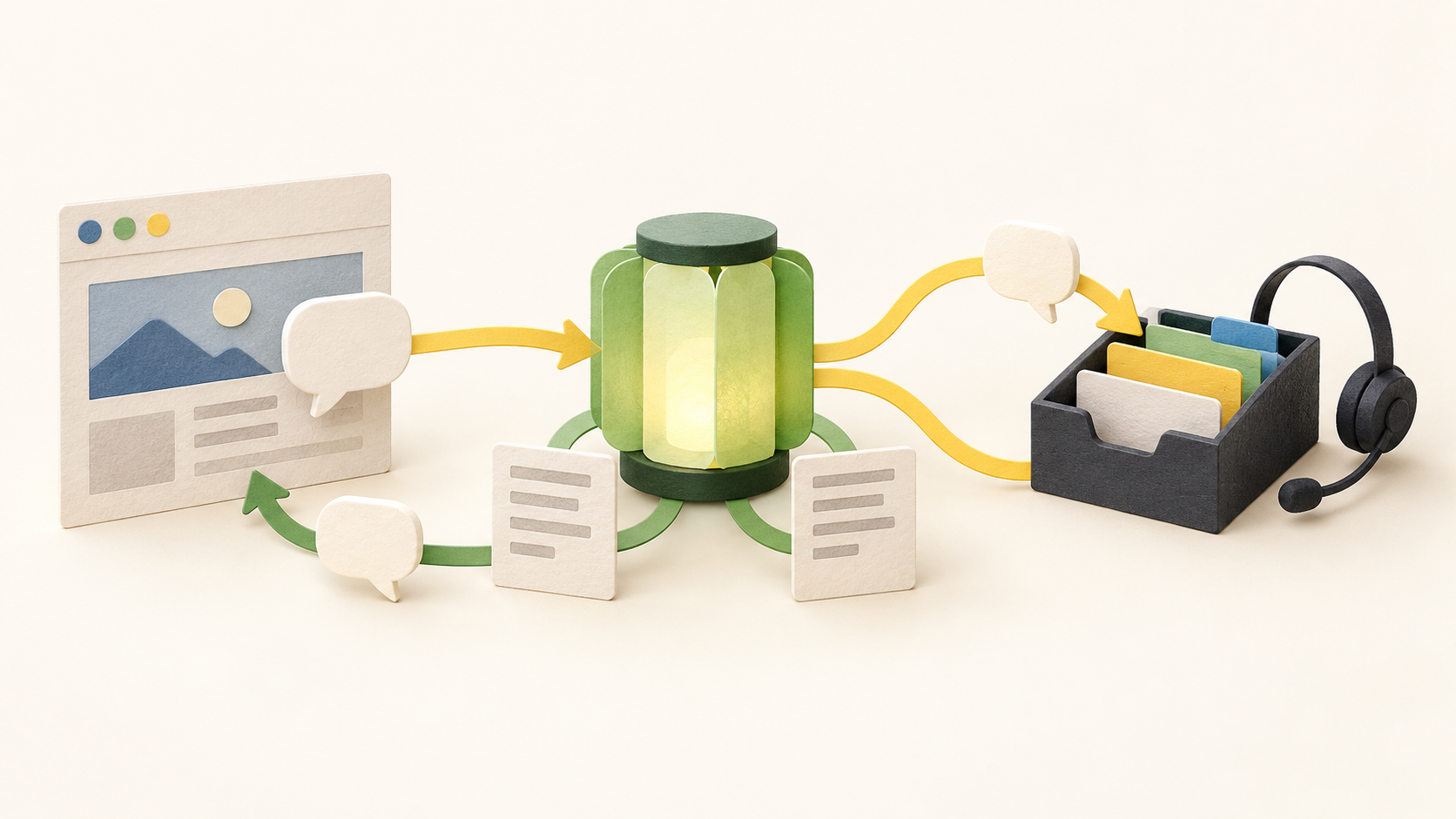
A visitor can ask a question in the website chat. The AI may answer from its configured sources or collect a lead; an agent can watch the conversation and reply manually when a human answer is better.
When the AI escalates a conversation, the agent can see the transcript and a written handoff summary. Review the underlying message before acting on the summary, especially for support or sales details that affect the customer.
The shared inbox combines website chat with connected WhatsApp, email, SMS and Telegram conversations. Agents can filter and answer from one place, while staffing can be routed around shifts and concurrent chat limits.
For AI actions, Boei can be set to act automatically, pause for human approval, or hand the work to a person. Put consequential actions behind approval and check the proposed parameters before allowing them to run.
A human agent can take over and type a reply in the same thread. That path remains relevant even for teams that use AI first response, since visitors can ask for a person or present a question outside the configured training.
Understand the offer
Pricing and getting started
The viewed USD pricing selector shows Starter, Growth, Business and Scale at $25, $69, $179 and $309 per month on monthly billing. The displayed annual equivalents are $19, $49, $129 and $229 per month billed yearly. Prices exclude VAT; verify the selected currency, annual total, tax and checkout terms.
Starter is sized for one domain/chatbot and one external inbox connection, with 2,000 AI credits and 1,000 training pages per month. Growth expands to three domains/chatbots, 7,000 credits, multiple inbox connections and active AI actions/workflows. Business and Scale raise domain, credit and agent limits.
Each tier includes human agent seats: one on Starter, three on Growth, five on Business and seven on Scale; the page advertises extra seats at $9 per month each. Count the agents who need to reply before buying, and confirm add-on and currency terms at checkout.
AI credits depend on the selected model and are not a fixed number of chats. Human live-chat replies use no AI credits. When the monthly AI budget is exhausted, automatic chatbot replies pause but the widget and human chat keep working, so plan for coverage at that point.
The seven-day trial advertises all features without a credit card. If there is no upgrade, the account remains read-only afterward. Current plan limits apply to new subscriptions, while some older Starter accounts retain earlier allowances.
Look a little closer
Before you choose
Use a staging page to test a fictional visitor question, a request for a human, the handoff summary and a manual reply. Check that staffing alerts, agent availability and the selected inbox connections behave as expected.
Feed the chatbot only content it should use, then test questions the source pages do and do not answer. Require human approval for any action that could change an order, booking or customer record.
Estimate monthly AI usage separately from human conversations. Compare the domain, inbox, active-action and agent-seat limits for the selected tier, then confirm the current currency, billing term, VAT and what happens after the trial.
5 distinct sources behind this profile. Research observed Oct 27, 2026. Features and offers can change.
View sources and research →
