Find your fit
Who it is for
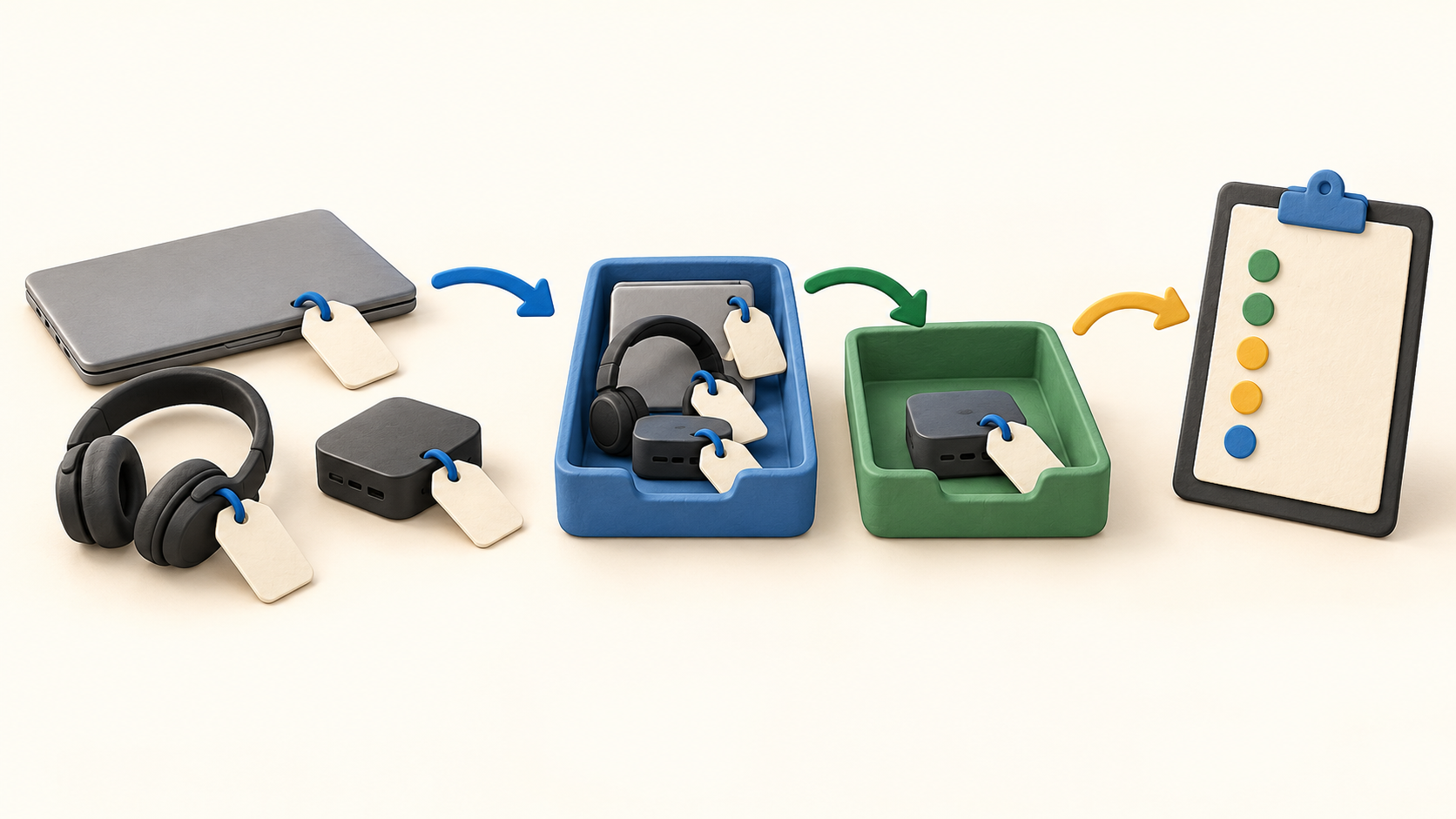
An IT team replacing a spreadsheet can tag laptops and peripherals, import a small sample, assign equipment to people or locations, and inspect the history after a return.
A manager tracking loaned devices can use a digital checkout record and expected return reminder, then conduct an audit to confirm the item still exists and is with the expected person.
An organization with Intune, Jamf or an identity provider can consider device or employee synchronization. Test one fictional reassignment because an integration is only useful when the asset and personnel records agree.
Teams managing accessories and license seats can count issued supplies, set low-stock thresholds and watch renewals. BlueTally is oriented to IT asset custody rather than customer orders or retail stock sales.
The work it supports
Core capabilities
Create asset records and use scannable tags to retrieve or verify details during a checkout, audit or maintenance visit. Try the intended label printer or sticker format with a few sample devices.
Assign each asset to an employee or location and retain its history. Digital signature checkout can document acceptance; verify the exact evidence and permissions your team needs.
Record an expected return date and use reminders for items due back. Confirm physical receipt and condition separately instead of treating a reminder as proof of return.
Run asset audits to confirm possession and record exceptions. Employee self-audits are listed under Corporate in current pricing, so lower-tier buyers should check their audit process before deciding.
Keep maintenance records with the asset and watch warranty or end-of-life dates. Automated warranty sync depends on supported manufacturers and the plan.
Track software license seats, accessories, consumables and components alongside hardware. Set stock thresholds for deployable items and test how an issued item changes the available count.
Use reports for asset activity and inventory review, with scheduled delivery where entitled. Test the report fields and access needed by IT and finance before relying on a recurring export.
Start from Excel import templates or connect supported MDM and identity systems. Reconcile sample records and duplicate identifiers before automating the full fleet.
Understand the offer
Pricing and getting started
The free entry currently covers the first 50 assets with unlimited users. Core raises the allowance to 250 and lists device, employee and warranty sync; verify which capabilities remain available at the free limit.
Business removes the listed asset ceiling and adds SSO, API, Jira and custom permission rights. Corporate adds employee portal, self-audits, internal multi-tenancy and webhooks. License Intelligence is a separate add-on.
Paid tiers advertise a 14-day no-card trial and monthly or annual flat team billing. The captured page shows a dollar sign without a clear currency label, so confirm currency, taxes, renewal and feature scope at checkout.
Look a little closer
Before you choose
Before migration, import a few harmless assets, issue one to a fictional employee, return it and inspect the history and activity report. This exposes field-mapping and custody gaps early.
Test the intended asset audit and overdue reminder flow with sample records. If employees must attest to possession themselves, confirm the Corporate entitlement or a suitable alternative in the chosen plan.
For automated inventory, compare one MDM device and one identity-provider user with BlueTally’s resulting records. Confirm connector and add-on costs, access permissions, and the actual billing currency before rolling out.
10 distinct sources behind this profile. Research observed Oct 27, 2026. Features and offers can change.
View sources and research →
