Find your fit
Who it is for
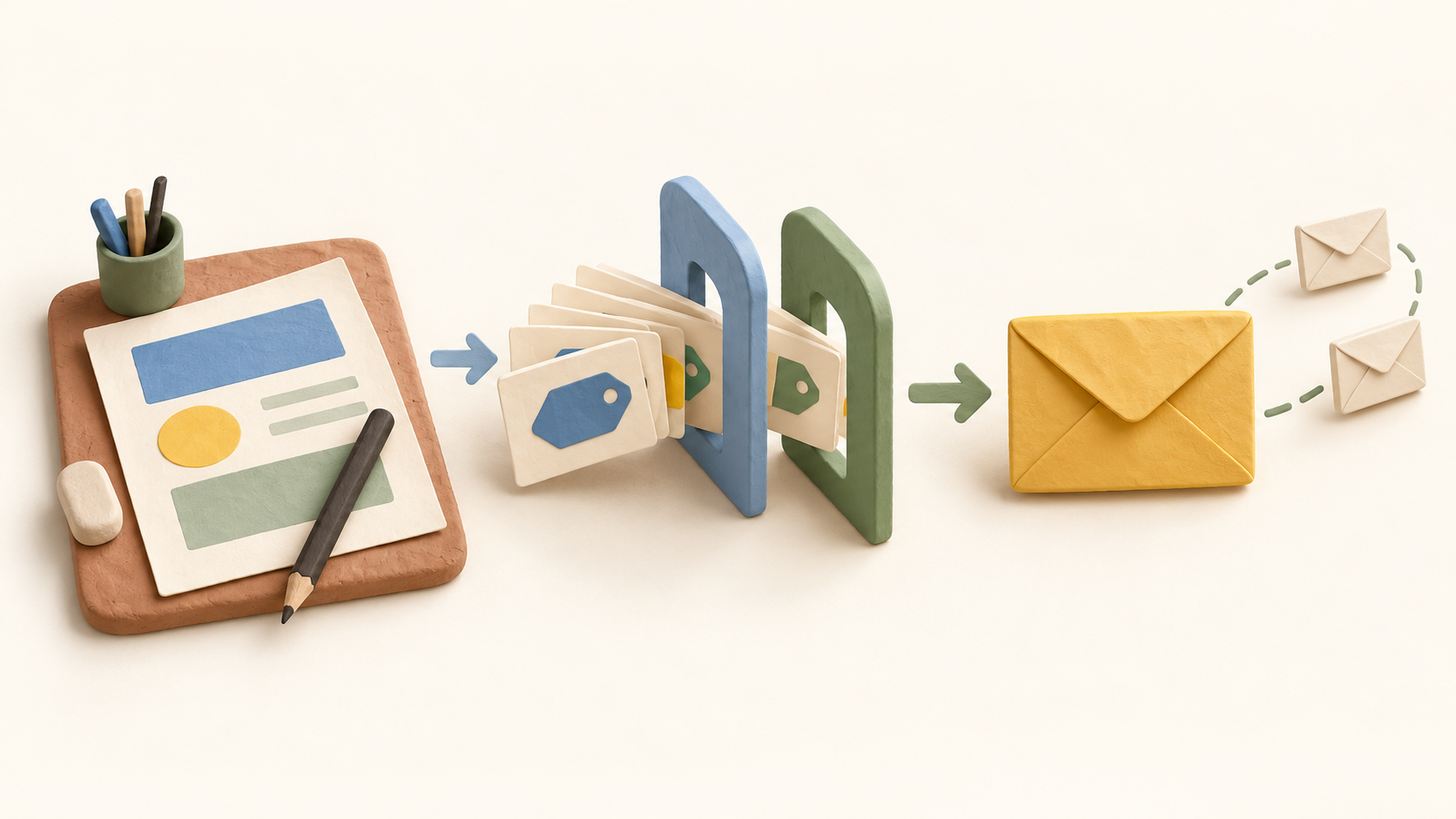
A marketer can build an email in the drag-and-drop editor and send it immediately or schedule it after completing the email checklist. That fits recurring newsletters, announcements and other planned campaigns where someone needs to control the recipient group and timing.
Contacts can be tagged and segmented into dynamic lists. The knowledge base explains that segments can group people using contact-list fields, so a team can target a subset rather than repeatedly sending to an entire list. Check the underlying fields and permission to email those people before a live send.
For follow-up, Benchmark describes automated email series triggered by website and email engagement. Its Automation Pro help article also describes series based on website or email activity. Test the precise trigger and plan entitlement in an account before relying on it for a customer journey.
The work it supports
Core capabilities
Email campaigns. Create and send a marketing email.
Audience segmentation. Use tags to build targeted, updating lists.
Email automation. Send triggered follow-up email series based on website or email engagement.
Understand the offer
Pricing and getting started
The current pricing page lists a Free plan covering up to 500 contacts and 2,500 emails per month, with one user and one domain. A separate Benchmark help article lists 3,500 monthly emails for its Starter Plan; use the live pricing page as the current reference and confirm the actual account allowance before planning a send.
The public Pro price builder asks buyers to choose a region and contact tier, with monthly and annual billing choices. The final quote depends on those selections. Paid plans can send up to ten times their contact limit each month; verify the checkout quote and current limits.
Benchmark’s pricing page says every feature is on every plan, including Free, while an older Automation Pro knowledge-base article says Free users can explore but must upgrade to activate Automation Pro. Confirm the specific automation you intend to use in the account before treating it as available on Free.
Look a little closer
Before you choose
Before sending, check list membership, segment criteria, sender setup and the schedule. The product documentation confirms a final send-or-schedule step; the account workflow and deliverability were not tested in this research.
If automation is central to the purchase, verify the trigger you need and the Free-versus-paid entitlement. Current pricing and older help content do not fully agree about what Free can activate.
Research scope: direct official public pages checked October 15, 2026. No account, contact import, campaign send, automation activation, delivery result or checkout was tested.
8 distinct sources behind this profile. Research observed Oct 16, 2026. Features and offers can change.
View sources and research →
