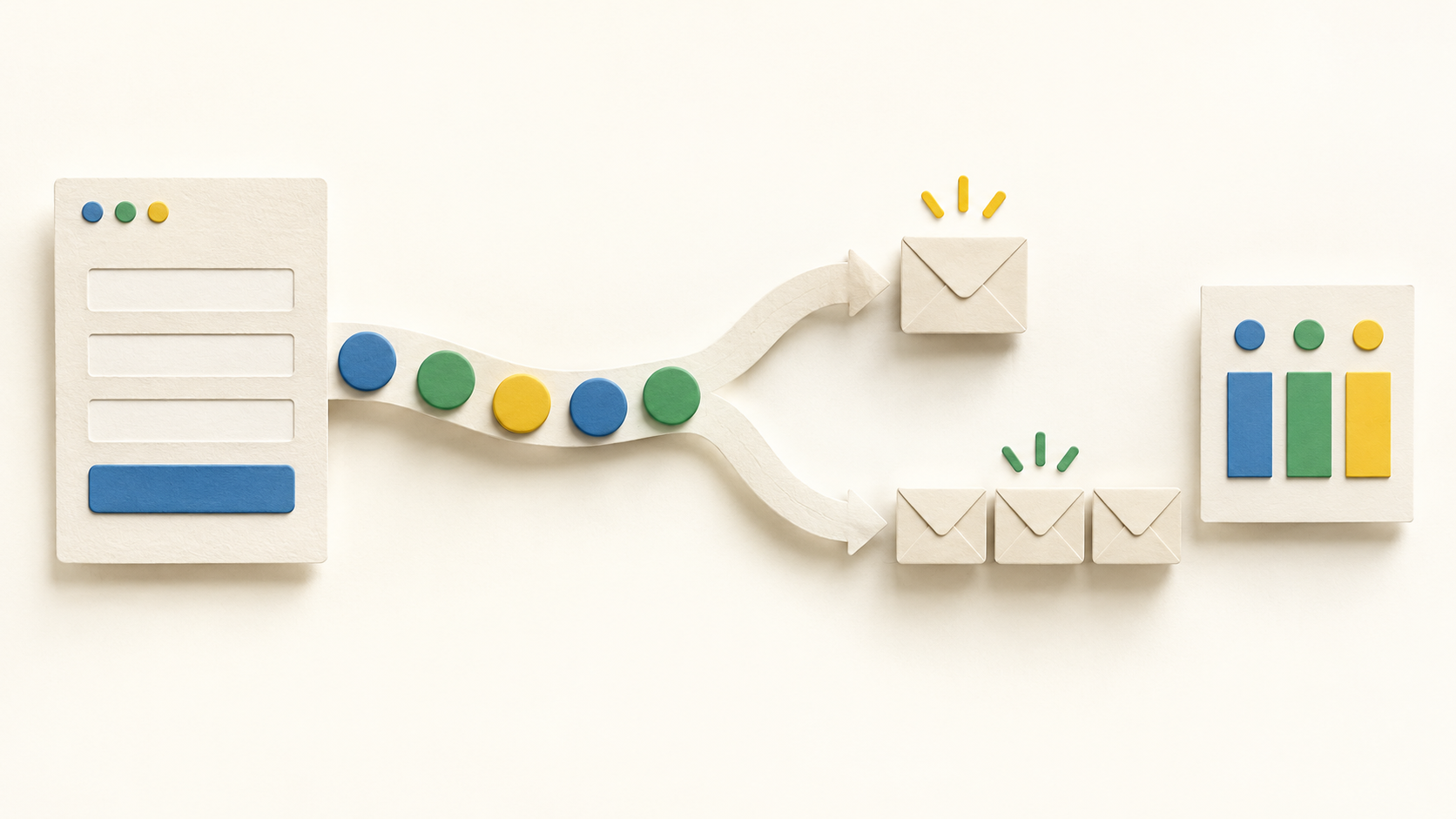
Find your fit
Who it is for
A creator or small business sending regular updates can use the email editor to prepare a newsletter and a broadcast to send now or schedule. Start with a consented list and check the message on a real device before sending to everyone.
A team running different offers can tag contacts by signup source, use a segment for a particular audience and start a workflow from a tag. Choose a naming convention before importing contacts so segment membership stays understandable.
The work it supports
Core capabilities
Email campaigns. Create and send newsletters with the editor, then use a one-time broadcast when an announcement needs to go to the list or a selected segment. Broadcasts can be immediate or scheduled.
Email automation. Build a sequence around subscriber activity and tags. Documented steps include email messages, waits, tag changes, feed checks and split paths; test one path before enabling a more complex workflow.
Audience segmentation. Create a group within a list from shared tags or engagement criteria and target a broadcast to that group. Review the filter and count before the send.
Understand the offer
Pricing and getting started
Current paid display. With the pricing page set to 0–500 subscribers, Lite shows $12.49 per month billed annually and Plus $19.99 per month billed annually. Lite shows one list, three landing pages, three automations, three users and one custom segment; Plus lists unlimited quantities for these items. Select your own subscriber tier and billing term for the applicable total.
Free access is described differently across official pages. The current pricing page invites a 14-day trial for paid tiers, while AWeber help and features pages describe an ongoing Free plan for up to 500 subscribers and 3,000 monthly sends. Confirm which path and limits are offered at signup before assuming the trial becomes a free plan.
Sending and larger lists. The displayed Lite allowance is ten times its subscriber maximum per month; Plus lists twelve times. AWeber directs lists of 100,000 or more subscribers to contact it. Its help article says a Lite account moves to the next tier when it exhausts monthly sends, so check the current billing rules for your chosen plan.
Look a little closer
Before you choose
Collection and targeting. AWeber describes landing pages and signup forms, with tags attached to a particular source. Make the promised content and permission clear in each signup path, then confirm the intended tag appears on a test subscriber.
Automation depth. A workflow can contain messages, waits, tags, RSS feed checks and split paths. The help page documents a maximum of 500 steps per workflow. Keep an initial sequence short and test each condition with sample contacts.
RSS content can trigger an emailed update when a blog, video, product or podcast is published. Check feed formatting and timing with a test post rather than assuming every new item should send automatically.
Reports. AWeber documents broadcast send, open and click statistics. Detailed QuickStats is marked unavailable on Free, and open/click data should be treated as activity measures rather than proof of sales or inbox placement.
The public pages establish the named functions and plan descriptions, but hands-on delivery, integration behavior and regional signup terms were not tested. Confirm the offer shown to your account and run one signup-to-report workflow before moving an established list.
7 distinct sources behind this profile. Research observed Oct 15, 2026. Features and offers can change.
View sources and research →
