Find your fit
Who it is for
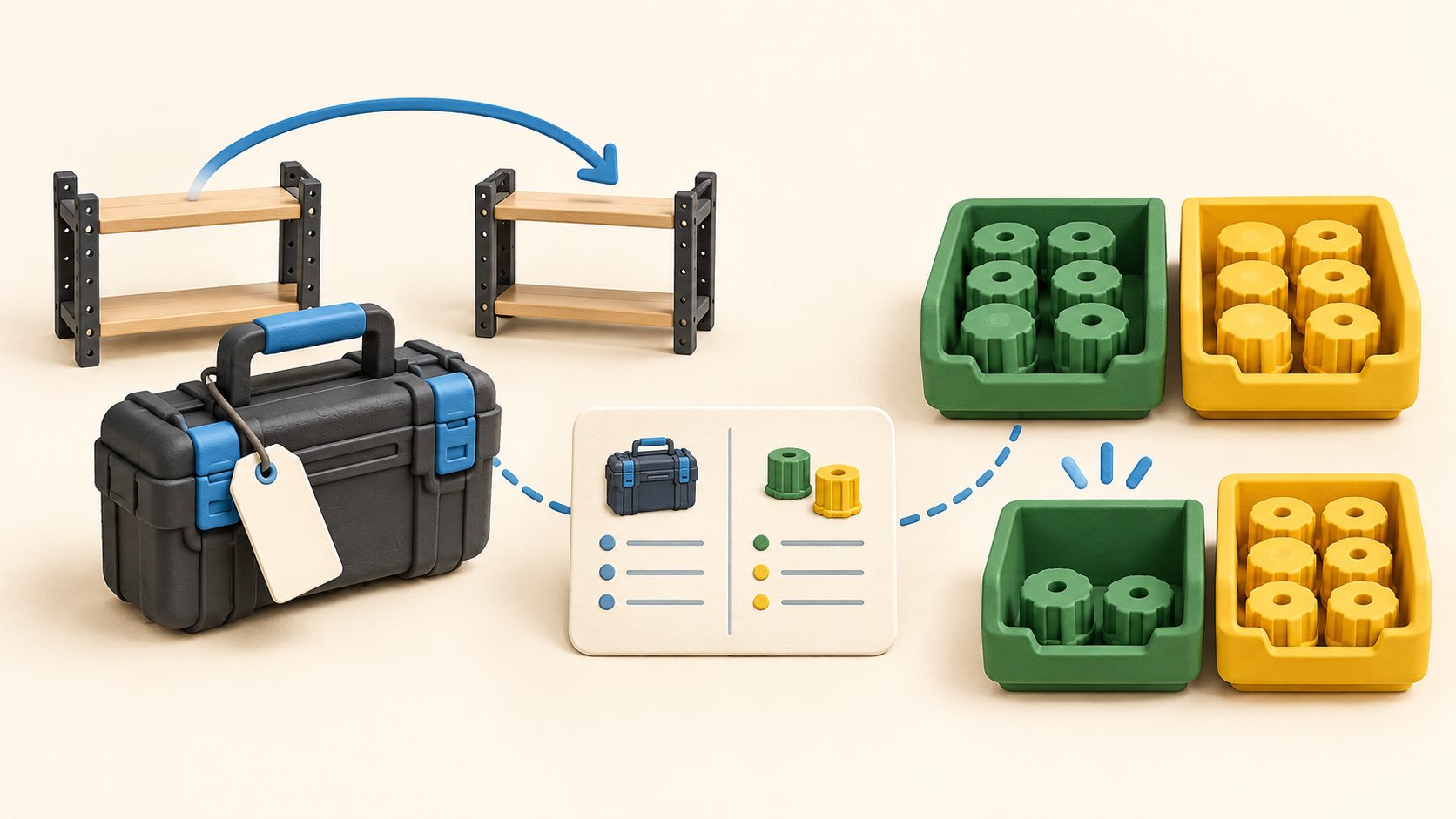
It fits operations, facilities and IT teams responsible for physical equipment, spare parts or supplies across locations. A buyer should decide which items need a unique tag and custody history, and which are better managed as a count of interchangeable units.
The distinction matters financially as well as operationally: asset plan capacity counts tagged records, while inventory uses a separate plan. A mixed equipment-and-stock team should map both record types before comparing subscription options.
The work it supports
Core capabilities
A tagged asset record can carry category fields, location and history from acquisition through disposal. AssetTiger supports CSV/Excel import and printable barcode or QR labels, then scanning from its iOS or Android app. Test a small import and label batch so identifiers and existing serial numbers stay aligned.
Assets can move between sites or be checked out to a person, department or location with a due date. Check-in and movement history help answer who has an item and where it was last recorded, but teams still need a consistent handoff practice for the register to remain accurate.
For a physical audit, a staff member can scan tags and compare found, missing or moved items. Pilot the process in one room or site and reconcile exceptions before importing an entire estate.
Maintenance schedules, service history and linked warranty or contract expiries help plan service work for equipment. A buyer should check how the relevant due dates and alerts fit existing repair and warranty procedures.
Quantity-based inventory records support receiving, consumption, count adjustments and transfers between locations. Reorder points can trigger low-stock alerts, and summaries show on-hand counts by location. This flow suits interchangeable supplies rather than a uniquely assigned laptop or tool.
Reports cover asset audits, depreciation, maintenance costs, checkout history and expiry dates, with CSV/PDF export. Try a sample report and export before assuming it has the fields, date ranges or accounting treatment a specific team needs.
Paid plans describe unlimited users and role-based permissions. A REST API is advertised for paid accounts with a sandbox, but the API page says some inventory, contract and insurance endpoints can also be gated by subscription feature flags. Verify any required endpoint before designing a system integration.
Understand the offer
Pricing and getting started
The current tagged-asset pricing display starts at $20 per month for 500 assets and rises by capacity: $40 for 2,500, $75 for 10,000, $140 for 50,000 and $275 for 250,000. Every paid tier lists unlimited users. The displayed dollar sign lacks a currency code, so verify the checkout currency, tax and selected capacity.
A no-card 30-day asset trial allows up to 250 tagged assets and the comparison table lists two trial users. Monthly and yearly billing are offered, with a stated one-month-free yearly option. Confirm the actual invoice total because the page mixes monthly and yearly labels around annual figures.
Stock inventory is described as a separate plan or add-on. AssetTiger's pricing page and inventory landing page disagree on its free/trial allowance and paid amounts, so this profile does not quote an inventory price or item limit. Ask the vendor to confirm the stock allowance for the intended subscription before importing many items.
The pricing FAQ says monthly plans can be cancelled and data remains exportable before and after cancellation; annual plans run for their contracted year. Test a sample export early, especially if records or audit history need to be retained elsewhere.
Look a little closer
Before you choose
List a representative set of equipment and consumables first. Give uniquely tracked devices an asset record, and keep interchangeable stock as quantity-based items. Then test one check-out, stock adjustment and transfer to confirm each team's recording responsibilities.
Use the trial to import a small asset sample, print or scan labels, and perform a physical audit. Check role access, alert timing and report exports before paying for a larger asset capacity.
Confirm inventory add-on availability and allowance directly with AssetTiger: its current pages disagree. For integrations, confirm the required paid API endpoint and any inventory-specific feature gate in a sample account before committing engineering time.
5 distinct sources behind this profile. Research observed Oct 20, 2026. Features and offers can change.
View sources and research →
