

Find your fit
Who it is for
A small team collecting requests or coordinating handoffs may benefit from Starter's forms, custom fields and rules. Compare the full process, from an incoming request to an assigned task, with the team's current method.
For several related projects, Advanced adds portfolios, goals and resource management. It is the tier to compare when leaders need project health and capacity across initiatives rather than only a single project board.
The work it supports
Core capabilities
Each task has one assignee for accountability and may have several collaborators for comments and updates. Files, due dates and subtasks can keep the work and its smaller handoffs together; give separate contributors their own subtasks when they need distinct owners.
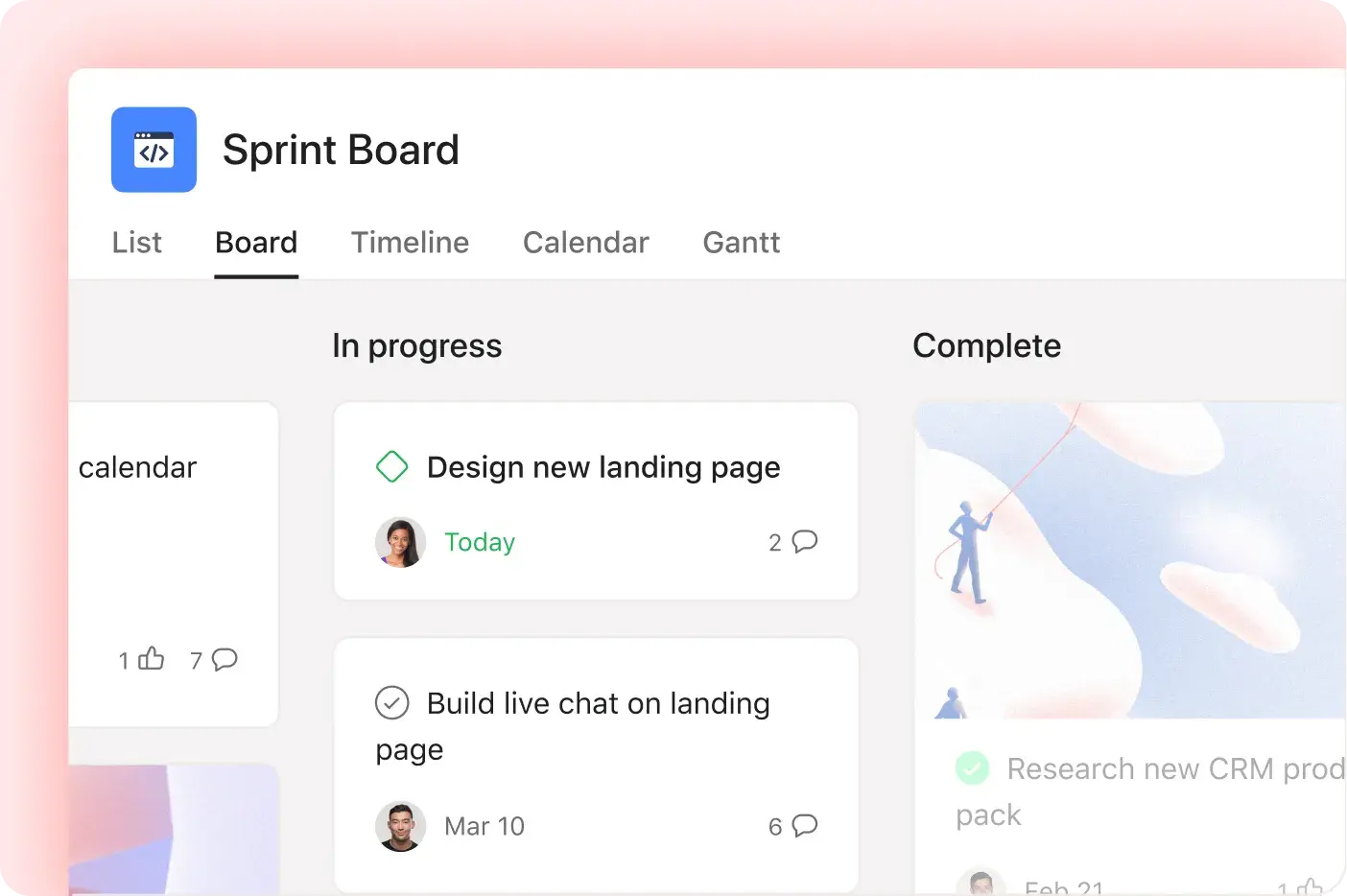
Projects can use sections for workflow stages and templates for repeatable setups. A team can switch among list, board and calendar views on any plan; Timeline and Gantt schedule views require Starter or higher.
For schedule work, Timeline and Gantt can show when tasks overlap and where dependencies affect a handoff. Try a representative project to judge whether visual date changes fit the team's planning process.
Starter and higher tiers offer custom fields for details such as priority or status. A field can stay in one project or join an organization library for reuse; agree on field names and who may edit shared fields before relying on them for reports.
Starter and higher tiers include forms that turn submissions into tasks in a connected project. A form can be limited to company users or opened to outsiders; Advanced adds branching questions. Check the intended audience and form content before sharing its link.
Starter and higher tiers include rules built from a trigger and an action, such as assigning a task after a request arrives or moving it when its state changes. Pilot the rule on a sample request so its owner and notifications are clear.
Starter adds reporting dashboards and universal reporting for project work. Advanced adds portfolios and goals with reporting on those objects. Define the measure and scope the team needs before treating every chart as interchangeable.
A portfolio brings related projects together so managers can see ownership, health and progress and share status updates. This higher-level view is available on Advanced and above, with individual projects still holding the underlying tasks.
Understand the offer
Pricing and getting started
Personal is free for two users. Asana displays Starter and Advanced as per-user subscriptions with annual and monthly billing options, while Enterprise asks buyers to contact sales. Confirm the displayed currency, seat count and billing interval on the actual quote before budgeting.
Asana advertises a free Advanced trial without a credit card. Use the trial to test the paid schedule, intake and reporting features your team would depend on, then confirm the offered plan and billing terms before purchasing.
Look a little closer
Before you choose
Project access can be set at different levels, including admin, editor, commenter and viewer, while form links can be limited to the company or exposed on the web. Before putting sensitive requests or external guests into a project, test a sample account's actual visibility and check the plan's sharing controls.
Asana guests see only work explicitly shared with them: a shared task exposes that task, while a shared project exposes its tasks. Organization guests can invite other guests by sharing work they can access, so test a client or contractor's visibility and who can extend it. Division super admins can set guest invite controls on Enterprise, Enterprise+, and Legacy Enterprise plans.
If an Asana project needs to be archived or moved, compare its JSON and CSV exports using a small project that includes tasks, comments and attachments. Asana describes these as per-project text exports; its separate full organization Domain export is available to organization admins or super admins on Enterprise+ or Legacy Enterprise and returns JSON. Check which details and original files actually survive the chosen route, who can request it, and how the team would restore or import the result before treating either export as a complete backup.
Before clearing an Asana project, test Archive and Delete with a fictional project. An archived project stays accessible and can be unarchived; deleting a project removes it for everyone, although assigned tasks and tasks linked to other projects are not deleted. Asana's Deleted view offers a 30-day recovery window for tasks and projects, but only the item's creator or the person who deleted it can see and restore it there. Permanent deletion cannot be recovered, so confirm who will handle recovery and what work remains visible elsewhere.
Before deactivating an Asana user who is the only member of a project, portfolio or dashboard, verify who can still access and own each item. Asana says deactivation does not transfer ownership of those existing items when no other members are present. It separately creates a project for the user's assigned tasks and gives super admins access to that task project; check that handoff independently from the original items before the user leaves.
Before relying on Asana subtasks to track a project handoff, try a small sample with two owners. Subtasks do not inherit the parent's assignee, so assign each one. Add a subtask to the project and give it a due date if it must appear alongside other tasks in the project list, calendar or timeline. Completing the parent does not complete its subtasks; review unfinished child work before reporting the deliverable done.
Before adding sensitive Asana work to another project, check who can see and edit it. A task created privately in My tasks becomes visible to members of a project when multi-homed there. If a person can access the task through multiple projects, Asana applies their highest permission, such as Editor over Viewer. Test a fictional task with representative members under the team’s actual project privacy, roles and plan, then confirm the intended access before moving real work.
Before relying on an Asana automation during an access change, inspect its owner, destination and enabled state. Asana says an existing automation can keep adding tasks to a destination project even after its owner loses access there; removing that access alone may not stop the action. Saving an edit to a cross-project automation requires the editor to have permission in the destination. A duplicated project or template may disable its automation when the new owner lacks required access, and a project with no other users interacting can also disable it. Asana describes automatic ownership transfer after deprovisioning only for automations without external actions or triggers. Test a fictional cross-project action under representative roles before changing a real workflow.
Converting an Asana task into a project changes the handoff record. The task assignee becomes project owner, collaborators become project members, and subtasks become parent tasks. The original task stays linked, but its comments do not move; attachments can be added as key resources. Asana says a public task yields team-only project privacy, while a private task yields a members-only project with an option to exclude collaborators. Before using conversion for a client handoff, try a fictional task with a comment, file, collaborator and subtask, then inspect both records, the new project's members and its privacy under the intended team.
An Asana recurring parent task duplicates when completed. Its guide says the next copy includes subtasks but not task comments, and warns that making both the parent and its subtasks recur can multiply the subtasks exponentially. For a repeating checklist, use a fictional two-cycle task to compare the new due date, copied subtasks and missing comments before choosing which level repeats. Periodically recurring due dates follow the last completion date, while the calendar shows only the next due occurrence; check the resulting schedule and keep needed discussion history separately.
25 distinct sources behind this profile. Research observed Oct 26, 2026. Features and offers can change.
View sources and research →
