

Find your fit
Who it is for
The product fits service businesses that want clients to choose from offered appointment times. Teams with multiple staff or locations should compare calendar allowances and availability controls before moving a live schedule.
Acuity advertises a seven-day direct trial without a credit card. Evaluate the calendar, booking page and reminder flow during the trial; the trial is separate from a continuing free plan.
The work it supports
Core capabilities
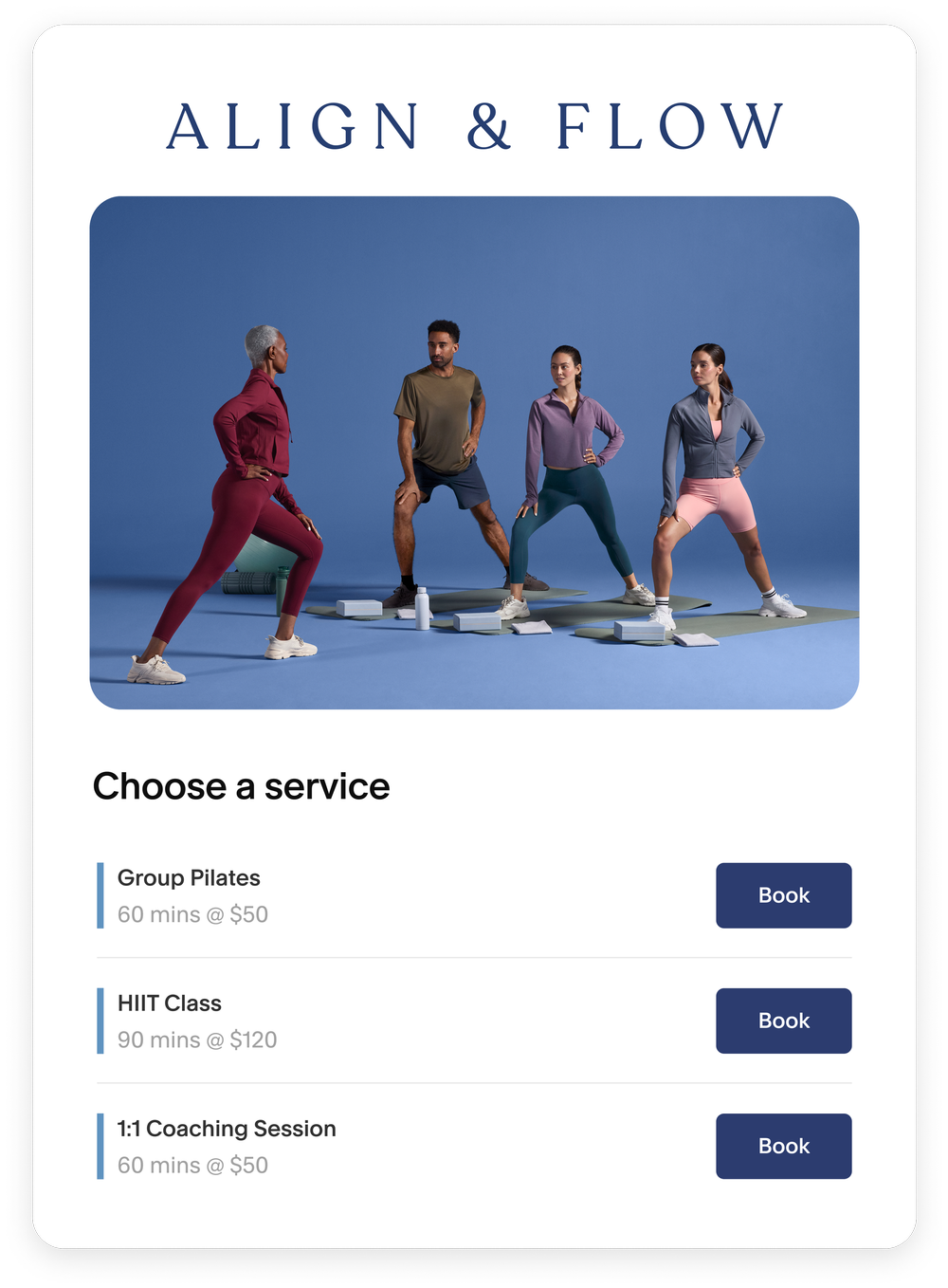
Clients can self-book appointments through a scheduling page. Check appointment types, buffer times and the client-facing schedule with representative bookings.
Set availability for offered hours and adjust it for staff or location needs. Inspect how time zones and excluded dates appear to clients before opening bookings.
Acuity can send automated email reminders before appointments. Confirm timing, content and actual delivery with a test booking; SMS availability and plan scope need separate checking.
Understand the offer
Pricing and getting started
The current pricing page offers a seven-day trial of each plan without a credit card. The direct pricing page lists paid Starter, Standard and Premium tiers; verify current prices, tax, calendar allowance and renewal terms at checkout.
Look a little closer
Before you choose
Pilot the booking path with different services and staff. Verify offered slots and changes to availability before sharing the page widely.
If payment is part of booking, test a representative deposit and cancellation using the processor you plan to connect. Acuity says it supports fixed or percentage deposits and connections to Stripe, Square or PayPal; compare processor fees and your exact cancellation settings before opening prepaid appointments.
Schedule a test appointment far enough ahead to check reminder timing and the recipient inbox. An enabled reminder is not proof that a client received it.
Choose the intended sign-up path before starting the trial. Current vendor pages refer to seven days for direct Acuity sign-up and a separate 14-day Squarespace path; confirm the offer in the account being created.
When exporting Acuity appointments, choose the date range and whether to include canceled bookings deliberately. Selecting an intake form adds its answers to the CSV but also limits the file to appointments with that form attached. For a move or records check, compare a sample export with and without the form selection so other appointments are not silently omitted; no client export was run for this profile.
Acuity can place intake answers in client emails in two ways. A booking-confirmation template can attach a time-stamped PDF of the original form responses, including appointments staff book for clients; later edits in the appointment do not change that emailed PDF. Tags in confirmation or follow-up templates instead use the answers current when each future email is sent, while earlier emails stay as sent. The PDF option is unavailable on HIPAA-enabled accounts. If forms may contain sensitive answers, check templates and recipients with synthetic data before enabling either route.
For paid appointments canceled in Acuity, assign who will issue any refund in the payment processor and reconcile its receipt separately. Acuity says it cannot issue the refund itself, sends an email link to the payment on cancellation, and does not reflect processor refunds in Acuity reports. Review a past authorized case against the processor record and Acuity report before relying on report totals.
For no-show and cancellation messaging, set a follow-up delay that leaves staff time to mark the appointment outcome before an email is due. Acuity says canceled or no-show appointments do not receive follow-up emails, but an email already sent will not be recalled or erased by a later status change. Check the configured timing and template with a synthetic appointment, then assign who records late cancellations and no-shows before enabling messages for clients.
Treat Acuity as the place to change appointments when syncing an outside calendar. Acuity says outside events block bookable time only if that sync option is enabled, while underlying availability remains set in Acuity. An edit, cancellation or reschedule made on the outside calendar does not update the Acuity appointment and will be replaced at the next sync. Rehearse an invented appointment and outside busy event before relying on the calendar to block bookings.
If filling canceled slots depends on Acuity's waitlist, check that the plan includes it and rehearse a canceled synthetic appointment with a test recipient who agreed to receive texts. Acuity's current guide lists waitlists for Standard/Growing and Premium/Powerhouse plans. When a matching time opens, the client receives a text with a booking link and must finish booking while the time is still available. Joining the waitlist does not reserve the slot. Confirm the text, link, completed appointment and calendar result before promising a slot to a real client.
If clients often book close to appointment time, test Acuity's reminder timing with synthetic appointments. An enabled reminder can still go out after its usual send time during a grace period of about one-third of its lead time: Acuity's example sends a 24-hour reminder for a booking made at least 16 hours ahead. Appointments booked less than an hour before start receive no reminder. Check the selected template, booking time and recipient inbox before promising late-booking reminders.
Before promising self-service booking changes, check Acuity's global Reschedule and Cancel switches and the cutoff hours on each calendar or appointment group. Calendar-specific timing limits can override the global window, while the global switches can turn client changes off. Clients reach the change options from their original confirmation email; self-rescheduling changes the date and time, not the appointment type or calendar. Rehearse a synthetic booking inside and outside the cutoff, then decide who handles blocked changes.
If a group class needs a new date, time or calendar, edit the existing class to keep its attendees enrolled. Acuity says deleting the class instead cancels every attendee's appointment and cannot be undone; canceled appointments remain in client profiles and reports, and a replacement class requires manual rebooking. Deleting an upcoming class or one less than 24 hours in the past also notifies affected clients. Rehearse the edit and cancellation routes with a synthetic class before changing a real class schedule.
If you sell packages, gift certificates or subscriptions, decide who marks a canceled appointment as a no-show before relying on booking-code balances. Acuity says an ordinary cancellation adds the appointment value back to the client's code, but a canceled appointment marked no-show does not. Rehearse both outcomes with a synthetic booking, check the remaining code balance, and explain the no-show policy before taking prepaid bookings.
If you sell repeating appointments, check the series length and who creates it. Acuity says clients can self-book up to 24 recurring appointments, while staff can schedule up to 52 for a client. In self-booking, selected times that conflict with availability or another appointment are left out when booking completes; a staff-booked series can keep conflicting times unless staff remove them. Rehearse a synthetic series on both paths and confirm the final appointment count and calendar before promising a fixed run of visits.
Before retiring a staff or location calendar, account for its booked appointments. Acuity says deletion removes the calendar's availability and settings but leaves linked appointments off every calendar, with no reminder emails for those appointments. Move bookings you need to keep onto another calendar, cancel those you do not, and export a record first if you need the original calendar name; the Calendar column in later exports is blank. Direct restore is unavailable, though support may be able to help. Reconcile the appointment list and reminder coverage before deletion.
Before deleting an Acuity intake form or question, decide how its past answers will be retained for reporting. Acuity says the form or question disappears from future bookings, while answers already collected remain in the relevant appointment details. Answers to deleted questions are excluded from appointment exports and reports, so continued on-screen access does not mean a later CSV will contain them. Review the fields you need and keep an appropriate record before cleaning up forms; use a synthetic appointment to compare its details, export and report before and after a trial change.
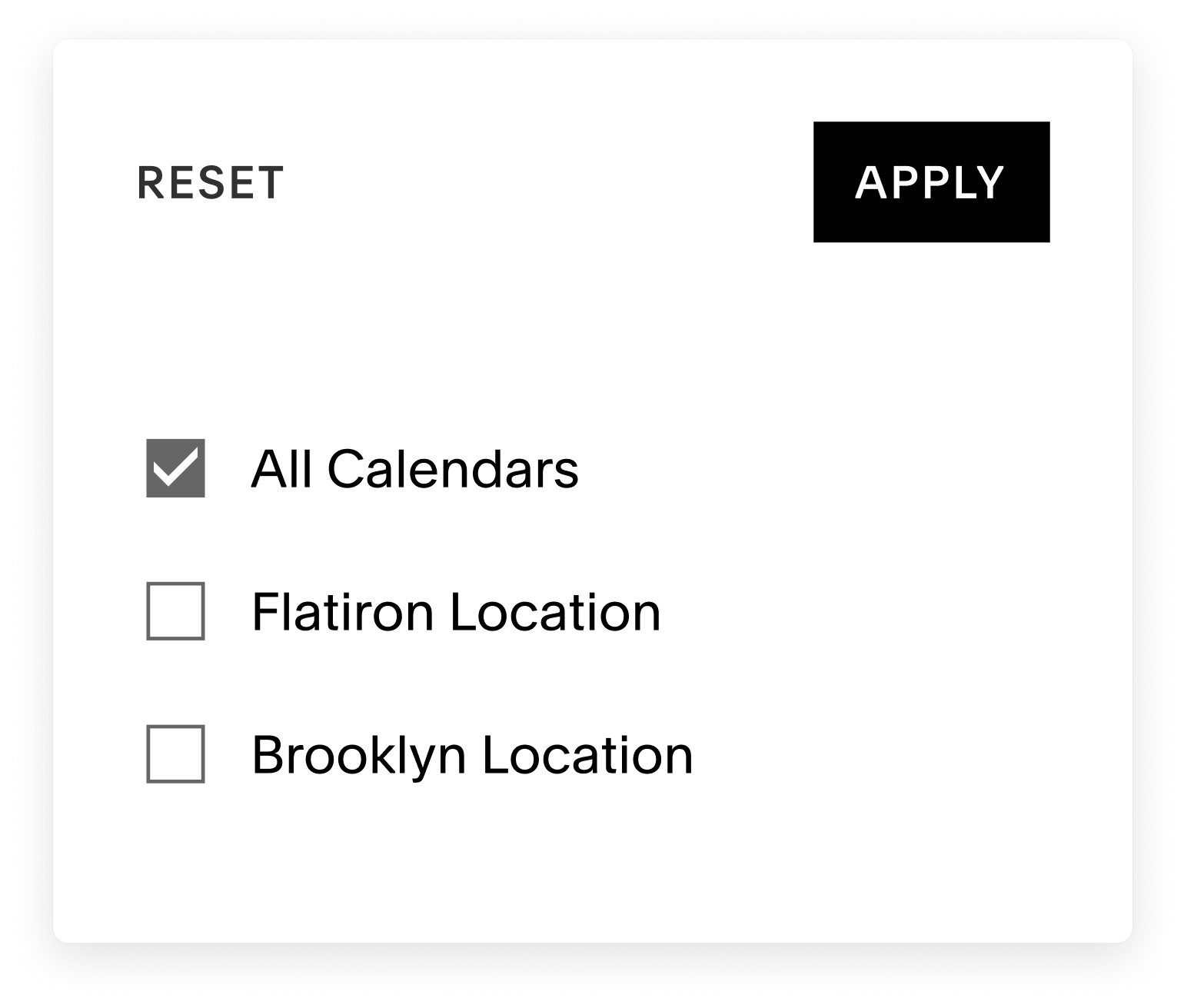
Before relying on Acuity's calendar-specific staff email copies, choose recipients for each calendar and switch on the intended booking or reminder notifications. Acuity says a calendar with no recipients sends no notices even when toggles are on. The internal copy depends on the matching client notice: no client email address or a staff choice not to send means no copy. Account owners can also get duplicate booking emails if account-wide alerts and calendar-specific notices are both enabled. Check recipient and role settings with a fictional booking, then compare the staff inbox and appointment changelog before relying on delivery.
Before promising manual approval in Acuity Scheduling, check how a requested time is held and communicated. Acuity's guide uses a public Request appointment type and a private Confirmed type of the same duration, with different booking email text. The Request booking occupies the Acuity calendar and its initial email says the request was received. Staff accept by changing the appointment type and using Resend Confirmation Email; declining means canceling the appointment and sending a cancellation notice. Disable other automated emails for the Request type as the guide advises. Rehearse both paths with a fictional client to check the calendar, email wording and actual delivery before promising a manual approval process.
When staff schedule or reschedule in Acuity and choose 'Schedule, but don't send confirmation notifications,' Acuity suppresses that confirmation and records the choice in the appointment changelog. Reminders and follow-ups can still send if otherwise enabled; cancellation has a separate 'Send email to client' choice. Before promising a quiet staff-booked appointment, check each notification template and use a fictional booking in a paid account to compare the changelog with later messages. Acuity says trial accounts cannot send emails, so a trial cannot verify delivery.
When two Acuity staff calendars share a room or piece of equipment, a per-calendar booking limit does not by itself reserve that shared capacity. Acuity says a quantity-limited resource assigned to each relevant appointment type can limit concurrent bookings across calendars, but it does not work across calendars in different time zones. A scheduled group class uses one resource even before anyone enrolls, yet resources do not prevent multiple classes being offered at once. Rehearse a fictional two-staff, one-room schedule and class, then check appointment-type assignments, offered slots and time zones before promising capacity.
Before offering Acuity appointments across time zones, choose whether the scheduler starts in the business zone or a browser-detected client zone and whether clients may change it. When clients use their own zone, Acuity shows available times and automated notifications in that zone. Acuity says a client's zone cannot be edited after booking; correcting a wrong zone means canceling and booking again. It automatically adjusts for daylight saving time, even if only one side changes clocks. Rehearse a harmless booking across a clock change and compare the business and client views before sharing a live scheduler.
An Acuity client profile is separate from the client-created account a customer uses to view bookings. An appointment made while logged out is not automatically attached to that account even if the email matches, so it will be missing from the account's appointment list; a package, gift certificate or subscription bought with that email is attached even when logged out. Staff can manually assign an appointment only after the client has made at least one booking while logged in; the bulk assignment control can disappear when the same email spans multiple accounts. With a fictional client, compare a signed-in booking, a signed-out booking and a code purchase in the business profile and client account before relying on account history.
Before using an Acuity private appointment type for selected clients, distinguish where it appears from who can use its link. The general scheduling page link lists public appointment types; a direct link to one private type, or to a category or calendar containing only private types, displays the private choices. A direct link that mixes public and private types displays only the public options. Acuity says links cannot be limited to selected clients and advises asking recipients not to forward a private-type link. Have authorized staff sketch fictional general-page, private-only and mixed-link journeys and decide whether a forwardable link meets the intended access rule before distributing a real link.
33 distinct sources behind this profile. Research observed Oct 27, 2026. Features and offers can change.
View sources and research →
