Find your fit
Who it is for
IT and security teams responsible for Windows and macOS devices can use Action1 to connect CVEs with the endpoints and software they affect, then stage updates across a controlled group. It suits organizations that want patch decisions, distribution and evidence in one process rather than transferring findings between a scanner and a separate deployment tool.
The first 200 managed endpoints may make the platform practical for a smaller fleet or pilot. Larger fleets need to distinguish the one-time unlimited initial assessment from paid ongoing work beyond 200 endpoints. Buyers with Linux endpoints should verify their exact requirement: the vulnerability-assessment documentation says Linux assessment is unsupported, even though a broader product page mentions Linux in other endpoint-management wording.
The work it supports
Core capabilities
Action1's agent connects a device to its cloud service, and the Endpoints view then shows connection, patching and reboot status. A managed-device pilot should include an offline endpoint and a device awaiting reboot, because an installed agent alone does not prove the scan or patch result is current.
On Windows and macOS, vulnerability assessment covers the operating system and installed software. The issue record can carry a CVE identifier, severity context and affected devices, while reports show unresolved items and deadlines. Use those fields to choose a specific update and target group; the vendor's current documentation says Linux vulnerability assessment is not supported.
For a selected CVE, an authorized administrator can choose to install an update, uninstall the affected application, or record a compensating control. The last route documents action taken outside Action1 and leaves the issue visible as Control Applied; it should not be mistaken for a patch the platform executed.
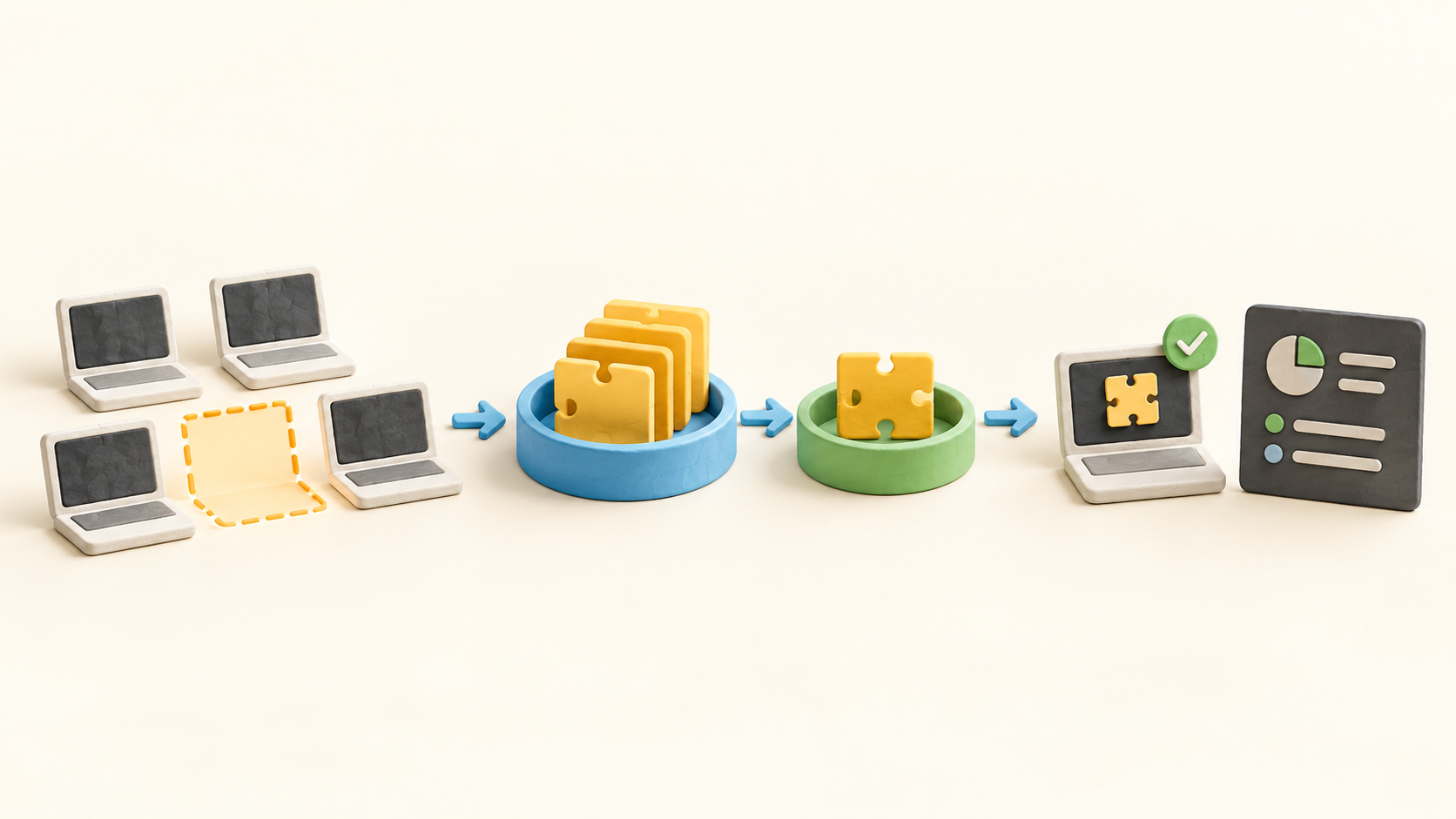
A remediation policy specifies the target endpoints and execution schedule. The Update Approval view helps identify missing Windows and supported third-party updates, with severity, version and affected-device counts. Approval and deployment are distinct: approving a patch does not distribute it until an automation is configured.
Update rings let an administrator start with a smaller set of devices and advance a patch when configured success measures are met. An update may also be excluded. In a pilot, confirm the first-ring membership, success rule and failure handling before allowing broad rollout.
Built-in patch reports cover installed and missing updates, endpoints that require a reboot, and Windows update history with successes and errors. Compare the deployment result with the actual endpoint and any pending restart before closing a remediation task; a scheduled action and a finished update are different states.
The Software Repository supplies curated packages for centralized application deployment. Automations can install missing software and avoid reinstalling the same or a newer version. Repository packages are documented for Windows and Mac; Linux package installation follows a separate script and native package-manager route.
Understand the offer
Pricing and getting started
Action1's free subscription covers the first 200 managed endpoints with ongoing functionality and no expiry. The public pricing page directs larger environments to request a quote. Do not treat the free initial assessment across unlimited endpoints as an unlimited ongoing free management allowance; continued patching and assessment beyond the first 200 require a paid subscription.
The licensing documentation offers a separate 15-day trial to evaluate a larger deployment, with technical support during that period. The ordinary free subscription uses community support unless paid support is purchased. Confirm endpoint count, support level, trial end state and quoted expansion terms before depending on vendor help for production patch windows.
No standard paid per-endpoint amount is published on the captured pricing page; it asks for a quote above 200 endpoints. Request the billed endpoint count, term, support coverage and any future growth rule in writing, then compare that with the fleet rather than extrapolating a price from the free tier.
Look a little closer
Before you choose
A safe evaluation can use a few nonproduction Windows or macOS devices: install the agent, confirm each one appears connected, inspect one detected issue and its affected endpoints, then review an update without deploying it. This tests whether the inventory and CVE context are useful before any patch changes a device.
For a later controlled rollout, choose a harmless update, a narrow test ring and a maintenance window. Confirm who can approve and deploy, which action is scheduled, and where failures and reboot requirements appear. If the chosen remediation is a compensating control, verify the manual work separately because Action1 only records that route.
Check the platform boundaries against the device mix and contract: Windows/macOS assessment is documented, Linux vulnerability assessment is expressly excluded, and Linux software packages follow a separate script path. Count only the first 200 as ongoing free management; a larger one-time scan and trial do not substitute for the quoted paid allowance.
10 distinct sources behind this profile. Research observed Oct 26, 2026. Features and offers can change.
View sources and research →
