Find your fit
Who it is for
It fits teams that want a visual account of what is waiting, underway and finished. A project can hold several boards, while each board can show a Kanban flow or a more linear list. Assignments, due dates, labels and filters help make the next action visible.
A small team can start with one board and a few stages; a larger group can divide related work into projects and boards. People evaluating a self-hosted setup should also plan for server operation, backups and updates, because the site lists vendor-managed conveniences separately in paid plans.
The work it supports
Core capabilities
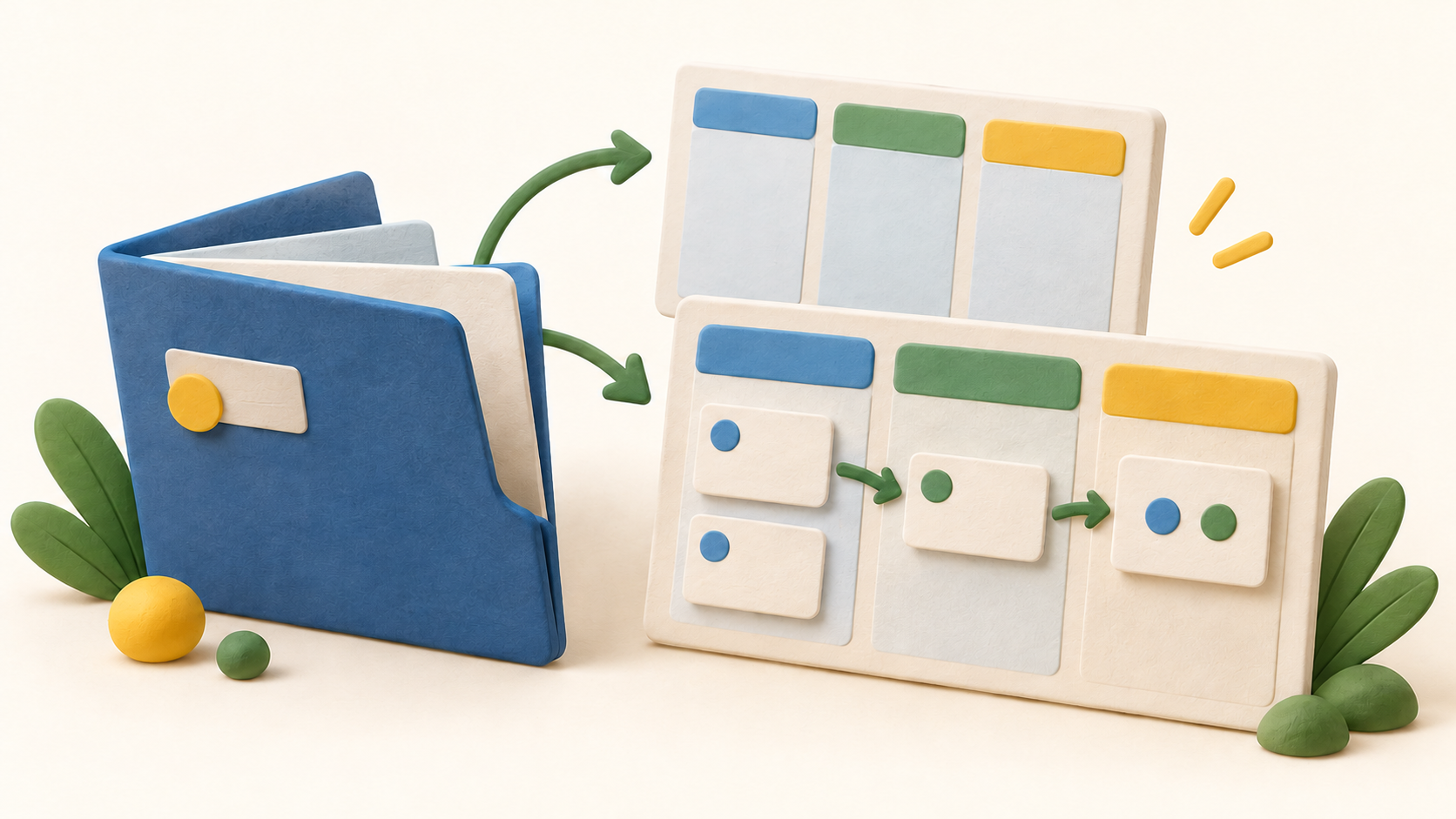
The basic structure is project, board, list and card. A project holds boards; lists represent stages or categories; and a card represents a task that can move between lists. Boards can show that work as columns or in a list view.
A new board can use a simple or Kanban template. The board guide also describes importing a 4ga Boards CSV or Trello JSON when creating a board, and exporting a board as CSV. Check a sample import and export before relying on those formats for a larger migration.
Cards and tasks can have multiple assignees and due dates. A card can also hold a checklist, making a larger item easier to break into smaller steps while keeping it on the same board.
Labels categorize cards, attachments keep related files near the work, and comments keep discussion with the task. Teams can choose a small label set and one comment convention so the board stays easy to scan.
Board filters can narrow cards by member, label or due date. That is useful for a personal work queue, a tagged workstream or an upcoming deadline check without changing the underlying board.
The feature page describes updates appearing across users without refreshing the page and private or invite-only boards. Test simultaneous edits and invitation boundaries with the exact deployment and plan you choose.
Understand the offer
Pricing and getting started
The FAQ says the MIT-licensed software can be hosted on your own server free of charge. That route still calls for your own infrastructure and operational work. The site separately presents a paid Pro subscription; a free self-hosted installation is not the same offer as the Pro trial.
The homepage displays Pro as a per-user monthly subscription and offers Enterprise and Enterprise On-Premise arrangements. Its currency selector and plan-specific service details make the final price and terms a buyer check; this profile does not quote a numeric rate.
The features page labels automatic updates and backups as Pro/Enterprise benefits and VPN access as Enterprise. Confirm who performs updates and backups, what support covers and whether a managed or on-premise instance fits your security requirements.
A Pro trial is advertised. The FAQ says subscription data can be exported as CSV before the term ends. Run a sample export during evaluation and check the contract for retention and assistance after expiry.
Look a little closer
Before you choose
Build one real-sized sample board with stages that match the team’s actual process. Add cards with checklists, assignees and due dates; switch between board and list views to see which gives the clearer daily queue.
Try the filters on a board with enough cards to matter, then have two team members edit it at the same time. Also check that a private board is visible only to the people intended to use it.
If moving from Trello or another board, import a small representative file and review cards, attachments, members and dates. Export a board to CSV and inspect what comes back before making migration or exit plans.
Choose between free self-hosting, Pro, Enterprise and Enterprise On-Premise based on operating responsibility as well as price. Check backups, updates, access arrangements, support and the final currency and billing term for the selected plan.
6 distinct sources behind this profile. Research observed Oct 18, 2026. Features and offers can change.
View sources and research →
